Repository navigation
Notifications - Logos does not appear correctly in the notification #13444

Description

If you haven’t already, check out our contributing guidelines for onboarding and email contributors@expensify.com to request to join our Slack channel!
Issue found when executing #13330
Action Performed:
Perform the following steps both in Desktop and Web:
- Go to Account A (Logged in web Chrome)
- Send a message from B (Logged in Desktop app)
- Observe the notification in account A (Chrome)
- Send message from Account A to B
- Observe the notification in account B (Desktop App)
Expected Result:
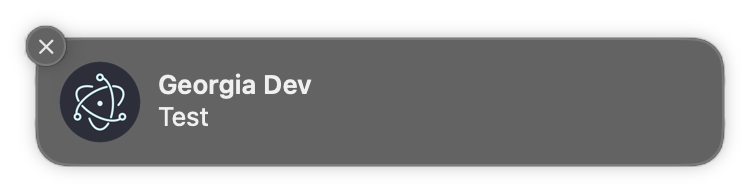
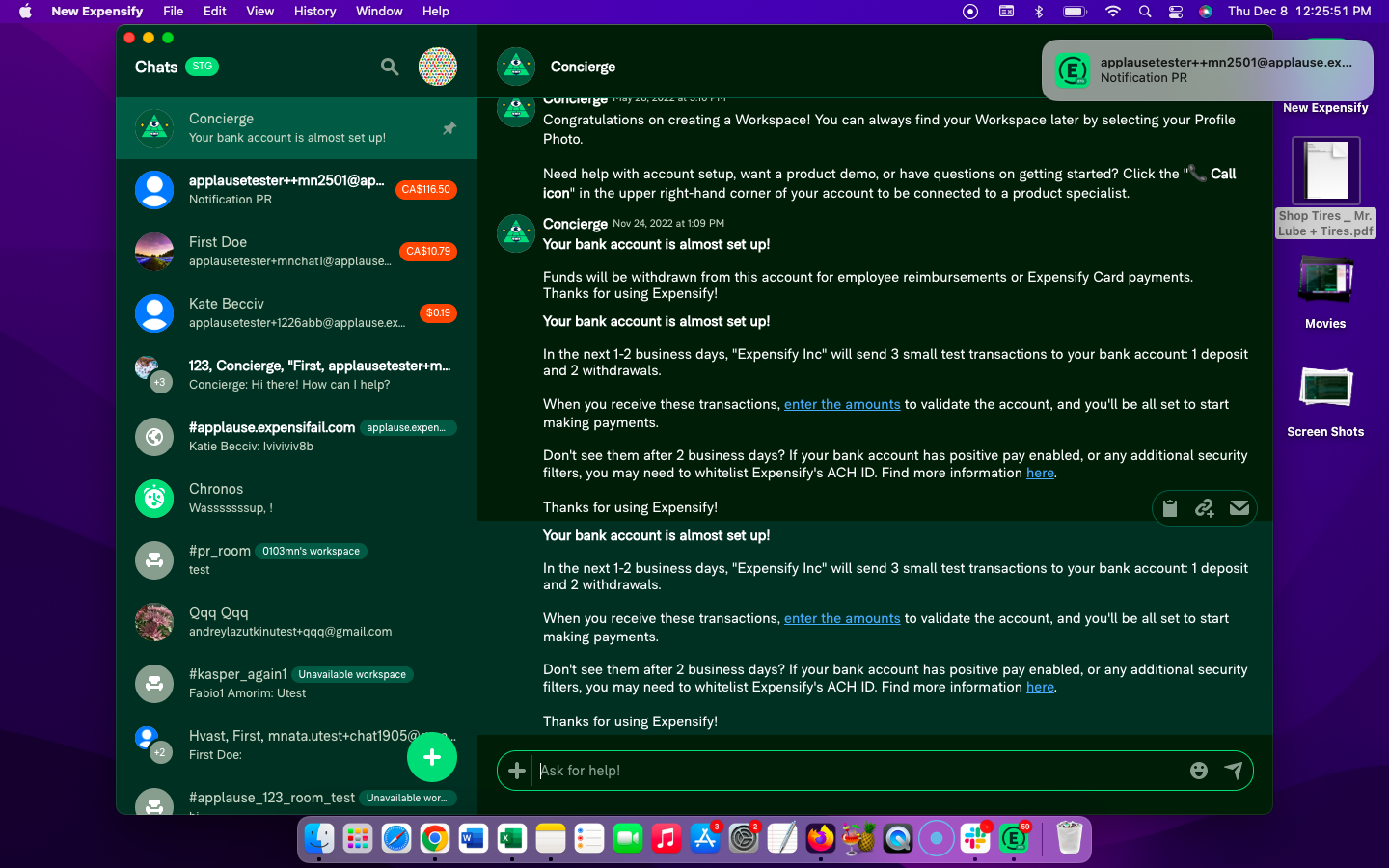
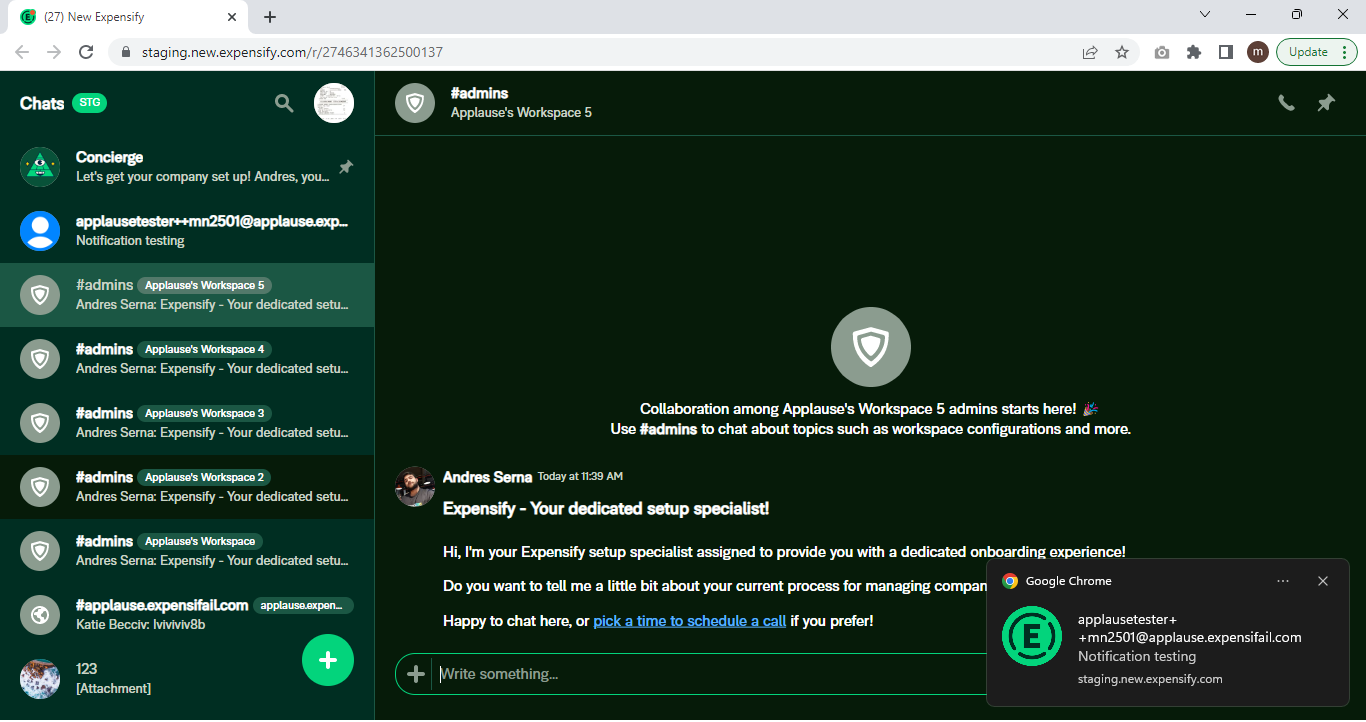
Chrome icon AND the right circular Expensify icon is present. and Logo matches for the Desktop app
Actual Result:
Incorrectly logo is appearing in both
Workaround:
unknown
Platform:
Where is this issue occurring?
- Web
- Desktop App
Version Number: 1.2.37-0
Reproducible in staging?: y
Reproducible in production?: y
Email or phone of affected tester (no customers):
Logs: https://stackoverflow.com/c/expensify/questions/4856
Notes/Photos/Videos:
Expensify/Expensify Issue URL:
Issue reported by: Applause internal team
Slack conversation:
Activity
melvin-bot commentedon Dec 8, 2022
Triggered auto assignment to @arielgreen (
Bug), see https://stackoverflow.com/c/expensify/questions/14418 for more details.grgia commentedon Dec 8, 2022
Your screenshots look correct, the Chrome notifications should have the circular icon, and the desktop notification should have only the square icon (only one icon per notification). Closing this out