Repository navigation
mWeb - Safari / Chrome - Profile - Not able to add space and brackets for phone number #6525

Description

If you haven’t already, check out our contributing guidelines for onboarding and email contributors@expensify.com to request to join our Slack channel!
Issue was found when executing the PR #6433
Action Performed:
- Navigate to NewDot and login
2.Go to settings > profile
3.Tap add phone number
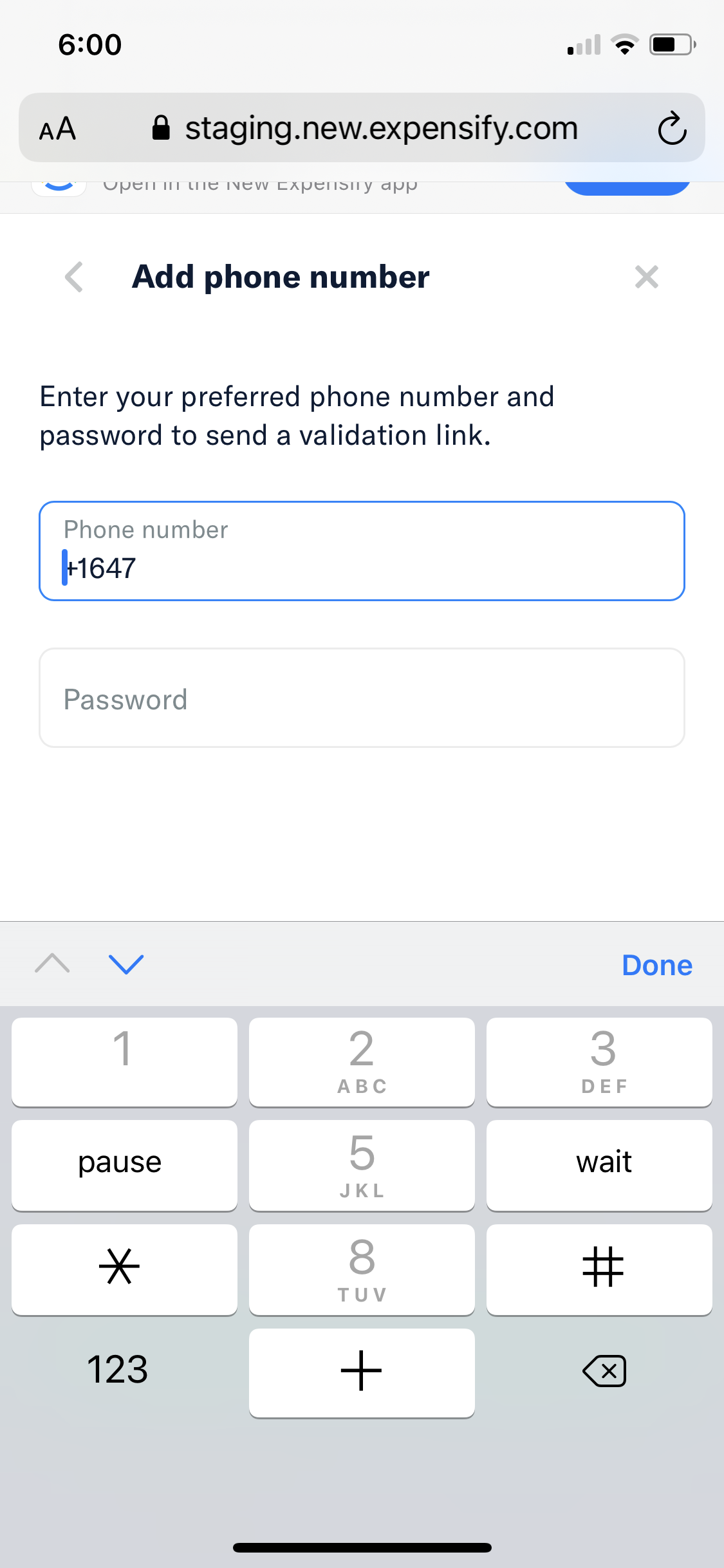
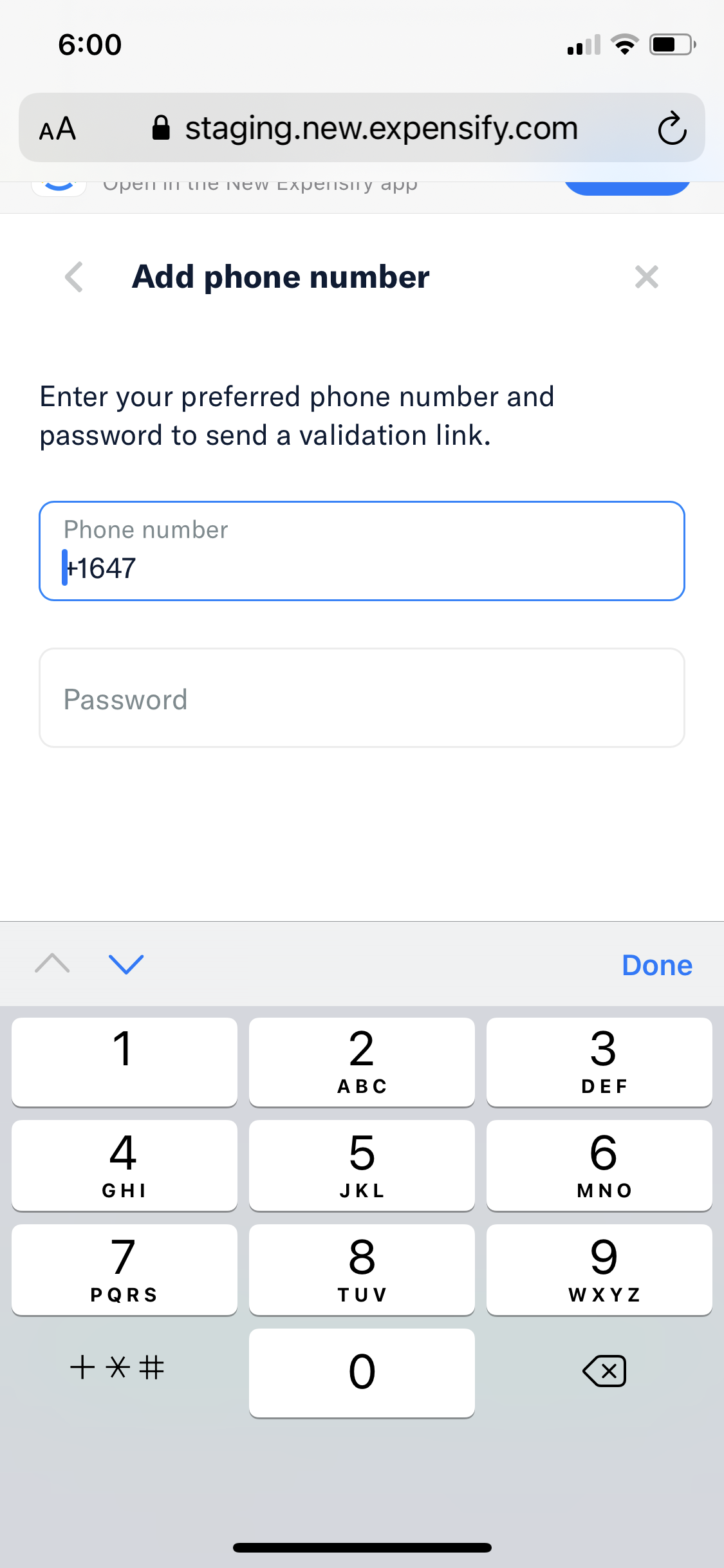
4.Input a phone number using any of symbols -, (, ) or spaces (e.g. +1 (222) 222 2222)
Expected Result:
Option in keyboard to add space and brackets for phone number
Actual Result:
No option displayed to add spaces and brackets
Workaround:
Unknown
Platform:
Where is this issue occurring?
- Mobile Web : Safari / Chrome in iPhone
Version Number: 1.1.17-1
Reproducible in staging?: Yes
Reproducible in production?:
Logs: https://stackoverflow.com/c/expensify/questions/4856
Notes/Photos/Videos:
Issue was found when executing the PR #6433
Expensify/Expensify Issue URL:
Issue reported by: Applause
Slack conversation:
Activity
OSBotify commentedon Nov 30, 2021
👋 Friendly reminder that deploy blockers are time-sensitive ⏱ issues! Check out the open
StagingDeployCashdeploy checklist to see the list of PRs included in this release, then work quickly to do one of the following:MelvinBot commentedon Nov 30, 2021
Triggered auto assignment to @Beamanator (
Engineering), see https://stackoverflow.com/c/expensify/questions/4319 for more details.parasharrajat commentedon Nov 30, 2021
This is expected behavior. #6414 (comment)
the only a phone pad is used for adding inputs on native so It is clear the App is asking to add numbers, not brackets. It does not affect UX.
Beamanator commentedon Nov 30, 2021
Thanks for pointing this out @parasharrajat !! Looks like we're good to close this, as mentioned in the link above ^ this is not an issue