Skip to content

Read the Concierge chat on press instead of subscribing to it in render - #104242

Merged
mountiny merged 24 commits into
Expensify:mainfrom
callstack-internal:LukasMod/investigate-concierge-report-subscriptions-perf
Nov 3, 2026
Merged

mountiny merged 24 commits into
Expensify:mainfrom
callstack-internal:LukasMod/investigate-concierge-report-subscriptions-perf

Conversation

@LukasMod

@LukasMod LukasMod commented Oct 16, 2026 •

Copy link
Copy Markdown
Contributor

Explanation of Change

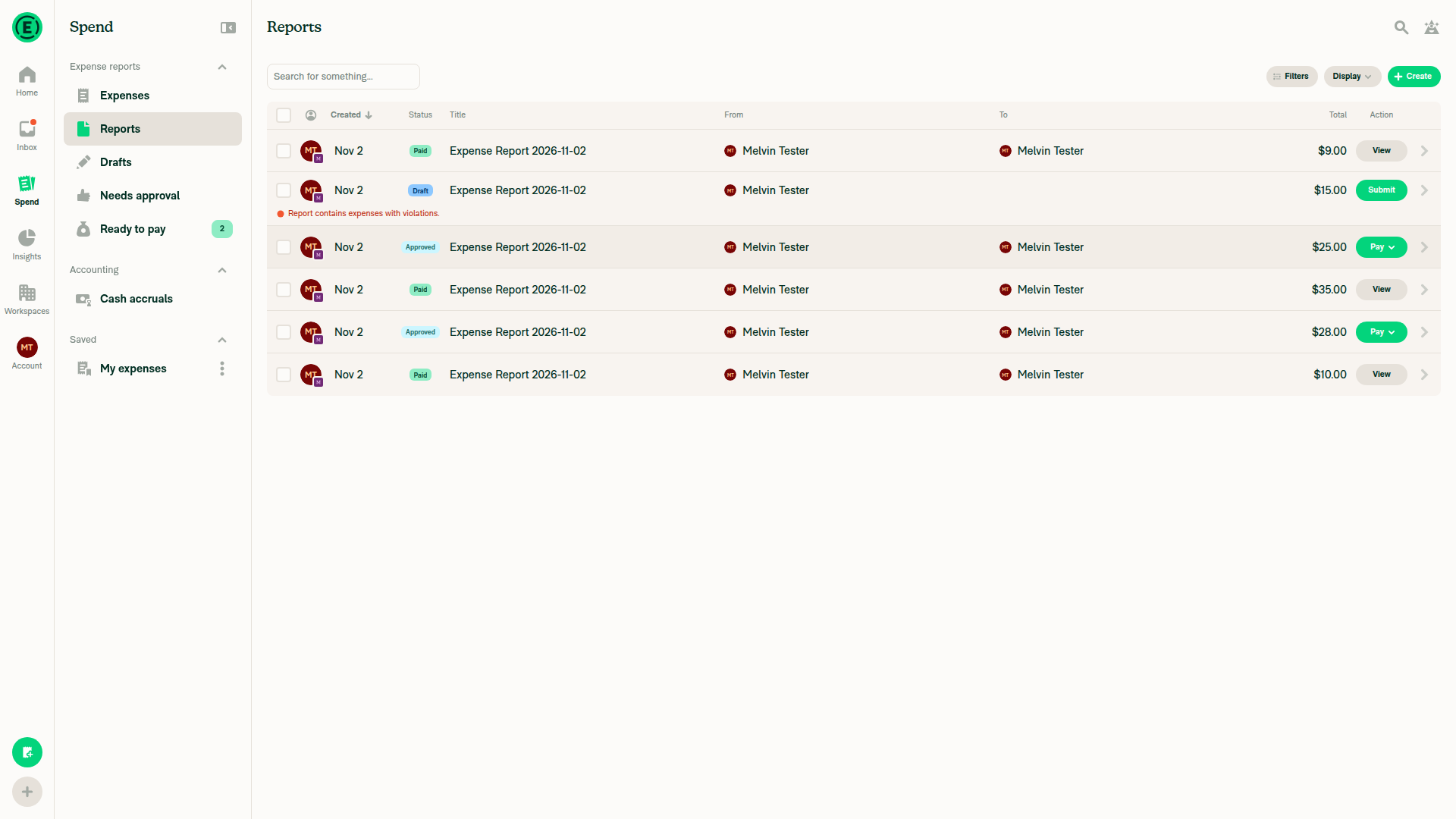
Several components subscribed to the whole Concierge chat report only to pass it to a function when the user pressed something: open a report, pay, tap Explain, create an expense thread. Every update to the Concierge chat re-rendered all of them. You can see it when you chat with Concierge in the side panel while an expense chat or the Spend page is open next to it.

This PR removes those subscriptions. Each handler reads the Concierge chat with Onyx.get at press time, and reads the other press-only values (intro and onboarding data, rules, billing values, bank accounts) in one Onyx.multiGet. The Search page and the report preview do the same, so neither subscribes to the Concierge chat or its ID any more. The press-only values left the Search payment context for one reader, and the three Search rows share one hook, useSearchActionPress, which runs the submit popover intercept, reads the inputs for Submit, and hands them to the press handler. View and the other row actions go through the same hook without a read. Users see no difference. The screens stop re-rendering when the Concierge chat updates.

Onyx.get on the Concierge chat is the live read that no-onyx-get-snapshot-key allows on purpose. Inside Search > Chats rows it replaces a snapshot-scoped useOnyx value that was empty.

The handlers are async now and follow the app's convention for async handlers: no try/catch, a rejection goes to Sentry and the web unhandledrejection logger. Onyx.get never rejects. It logs storage failures and resolves.

Measured against main on one account before the review fixes (web wide layout with CPU throttling, and an iOS simulator):

  • A write to the Concierge chat re-renders 49-88% fewer components in the screen behind the side panel on web (expense report 49%, Spend > Reports 61%, self DM with expenses 79%, workspace chat with report previews 88%), and 11-46% fewer on iOS.
  • Sending a message from the Concierge side panel with a workspace chat open behind it shows the sent message about 23% sooner. The other screens show no measurable change.
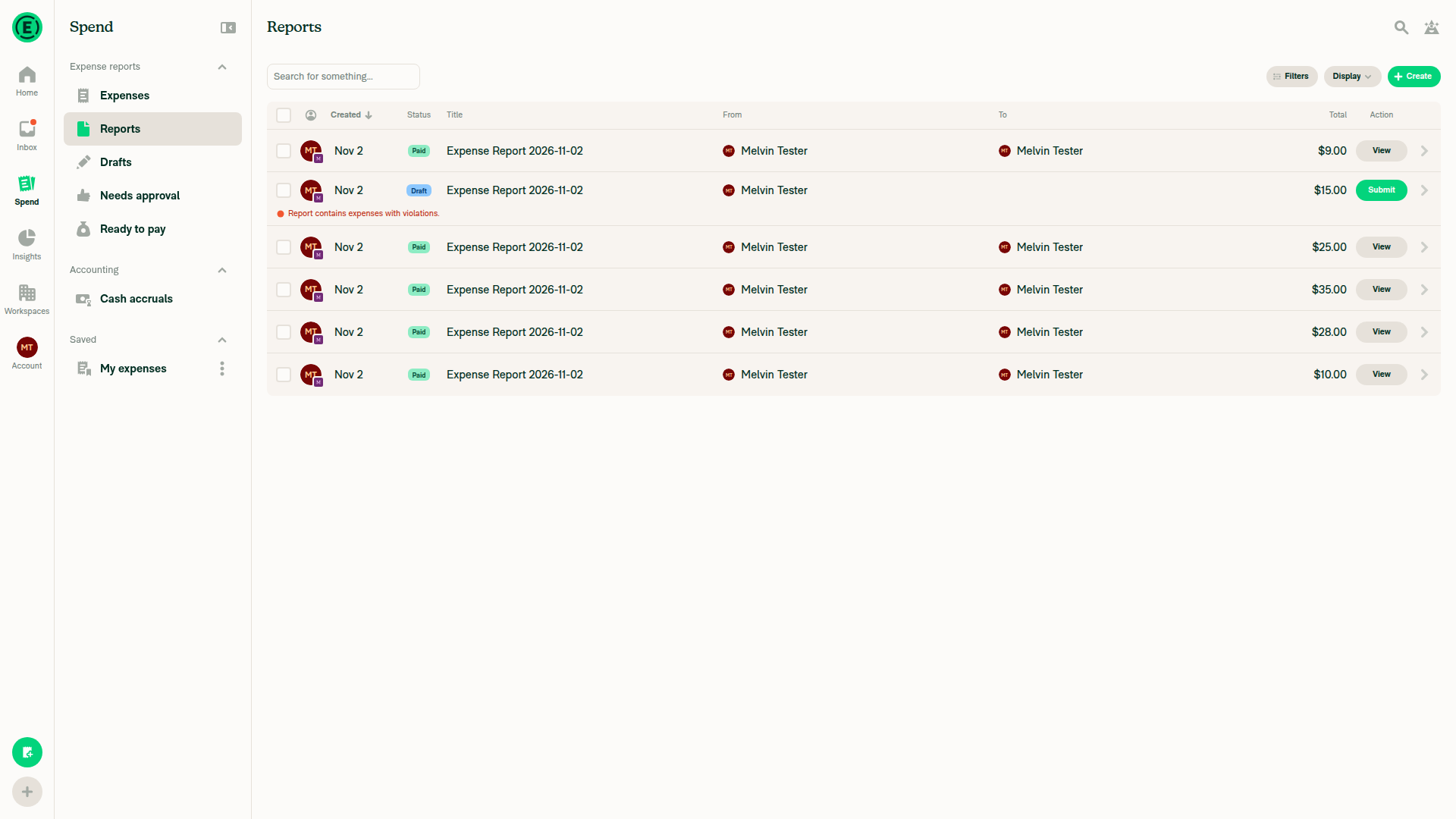
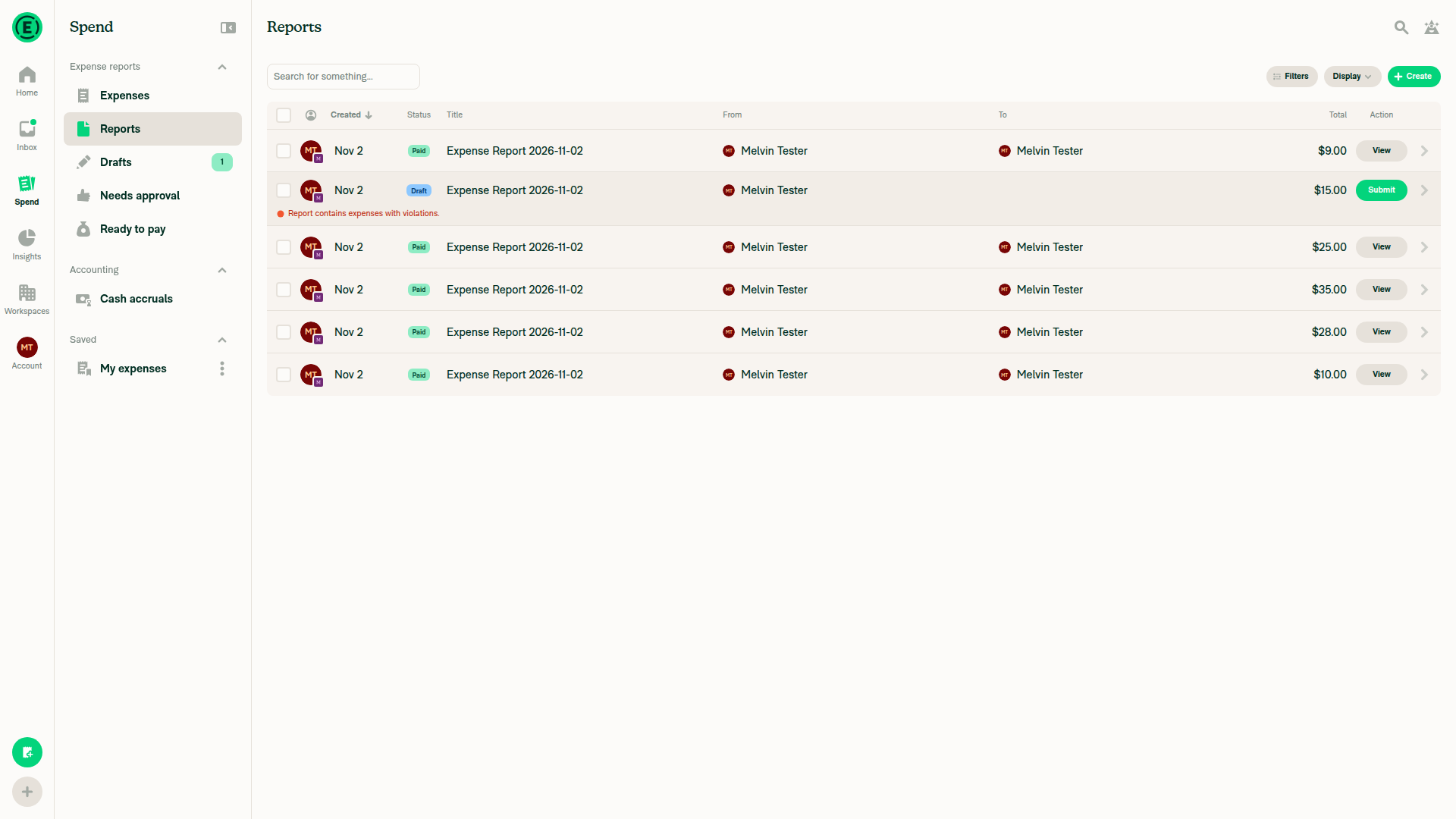
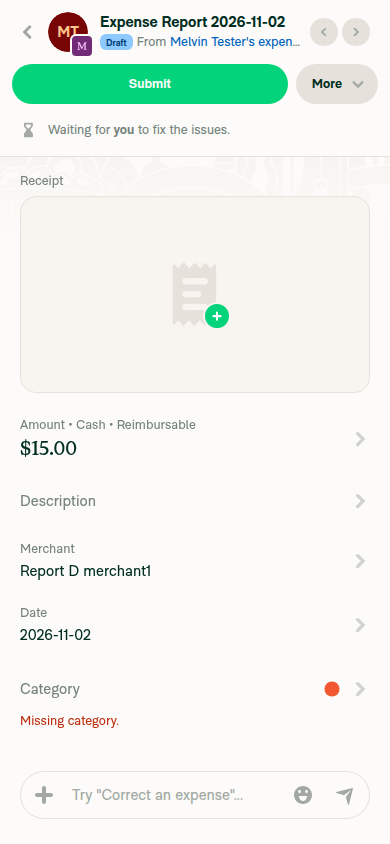
Screenshot 2026-11-02 at 11 04 44

Fixed Issues

$ #105712
PROPOSAL:

Tests

  • Verify that no errors appear in the JS console

The PR changes press handlers only. In every test watch for the action happening once (no double payment, thread or comment), navigation landing where it did on main, and nothing visibly waiting after the press. Web = Chrome wide layout, iOS = iPhone.

Test 1: Pay from the expense report header (web, iOS)

  1. Open an approved expense report you can pay.
  2. Pay > Pay elsewhere.
  3. Verify the report shows Paid right after the popover closes and one PayMoneyRequest is sent.
  4. More > Cancel payment and verify Pay comes back.

Test 2: Pay from the report preview (web)

  1. Open a workspace chat with a payable report preview.
  2. Pay on the preview > Pay elsewhere.
  3. Verify the paid animation plays, the preview shows Paid and one PayMoneyRequest is sent.

Test 3: Pay from a Spend > Reports row (web)

  1. Spend > Reports with a payable row.
  2. Open its Pay menu and double-click Pay elsewhere fast.
  3. Verify one PayMoneyRequest is sent and the row shows loading, then Paid.

Test 4: Bulk Pay (web)

  1. Spend > Reports, select two payable reports.
  2. Pay from the selection bar.
  3. Verify both are paid, the success sound plays and the selection clears.

Test 5: Submit from a Spend row (web)

Workspace have to be on Submit plan

  1. Spend > Reports: click Submit on a row, then click the same Submit button again.
  2. Verify the submit-to popover closes and does not reopen, and nothing is submitted.

Test 6: Report preview with several expenses (web, iOS)

  1. Open a workspace chat with a preview holding two or more expenses and tap one expense in the carousel.
  2. Verify that expense opens.
  3. Reload, reopen the chat and tap an expense before the report has loaded.
  4. Verify it opens once the data arrives, once, and not if you navigated away meanwhile.

Test 7: Tracked expense with no thread (web, iOS)

  1. In the self DM, tap a tracked expense whose thread was never opened.
  2. Verify its thread opens once.

Test 8: Explain link (web, iOS)

  1. Open a report with a Concierge Explain link (for example approved via workspace rules, or a failed receipt scan).
  2. Tap Explain. Verify the Explain thread opens with the comment.

Test 9: Live tail (web, iOS)

  1. Open a chat from a deep link to an old message and scroll until the newest page is unloaded.
  2. Tap Latest messages. Verify the newest messages load and you land on them. On web the list scrolls to the bottom in place. On iOS and Android a fresh report screen opens at the newest messages, same as production.
  3. Open the deep link again and send a message. Verify the list jumps to the newest messages and your message is visible.

Test 10: Side panel send (web)

  1. Open a workspace chat with report previews, then open the Concierge side panel.
  2. Send a message in the panel and wait for the reply.
  3. Verify the message and reply appear in the panel, the chat behind keeps its scroll position, and its previews do not flash or lose their Pay buttons.

Offline tests

  1. Go offline and pay an expense report from its preview in a chat. It shows as paid right away and syncs when you're back online.

QA Steps

Same as tests

  • Verify that no errors appear in the JS console

Same as tests + 2 tests more related to diff browsers. Check on Chrome and Safari.

Test 1: Cmd-click a report row (Chrome and Safari)

Why: report rows take a different branch that was not touched; included so the two paths cannot be confused when reporting a result.

  1. Spend > Reports
  2. Cmd-click a report row.
  3. Verify one new tab with the report, and the current tab unchanged.

Test 2: Cmd-click while a popover is open (Chrome and Safari)

Why: the removed stopPropagation was the only line that could change what an open popover sees from this click.

  1. Spend > Expenses, open a row’s action menu (Pay or the more menu) or a filter popover
  2. Cmd-click a different expense row.
  3. Verify the popover closes and no tab opens, the same as a plain click outside a popover.

Test 3: Cmd-click an expense whose thread was never opened (Chrome and Safari)

Why: the only Cmd-click where the new tab opens after an awaited Onyx read; report rows and expenses with a thread never await before opening the tab.

Prerequisite: Spend > Expenses with an expense created outside NewDot (Classic, emailed receipt or card import), in a report that has two or more expenses, never opened in NewDot.

  1. Spend > Expenses
  2. Cmd-click (Ctrl-click on Windows) that expense row.
  3. Verify exactly one new tab opens with the expense thread, and the current tab stays on Spend > Expenses.
  4. Reload the current tab and plain-click the same row. Verify it opens in the right pane

PR Author Checklist

  • I linked the correct issue in the ### Fixed Issues section above
  • I wrote clear testing steps that cover the changes made in this PR
    • I added steps for local testing in the Tests section
    • I added steps for the expected offline behavior in the Offline steps section
    • I added steps for Staging and/or Production testing in the QA steps section
    • I added steps to cover failure scenarios (i.e. verify an input displays the correct error message if the entered data is not correct)
    • I turned off my network connection and tested it while offline to ensure it matches the expected behavior (i.e. verify the default avatar icon is displayed if app is offline)
    • I tested this PR with a High Traffic account against the staging or production API to ensure there are no regressions (e.g. long loading states that impact usability).
  • I included screenshots or videos for tests on all platforms
  • I ran the tests on all platforms & verified they passed on:
    • Android: Native
    • Android: mWeb Chrome
    • iOS: Native
    • iOS: mWeb Safari
    • MacOS: Chrome / Safari
  • I verified there are no console errors (if there's a console error not related to the PR, report it or open an issue for it to be fixed)
  • I verified there are no new alerts related to the canBeMissing param for useOnyx
  • I followed proper code patterns (see Reviewing the code)
    • I verified that any callback methods that were added or modified are named for what the method does and never what callback they handle (i.e. toggleReport and not onIconClick)
    • I verified that comments were added to code that is not self explanatory
    • I verified that any new or modified comments were clear, correct English, and explained "why" the code was doing something instead of only explaining "what" the code was doing.
    • I verified any copy / text shown in the product is localized by adding it to src/languages/* files and using the translation method
      • If any non-english text was added/modified, I used JaimeGPT to get English > Spanish translation. I then posted it in #expensify-open-source and it was approved by an internal Expensify engineer. Link to Slack message:
    • I verified all numbers, amounts, dates and phone numbers shown in the product are using the localization methods
    • I verified any copy / text that was added to the app is grammatically correct in English. It adheres to proper capitalization guidelines (note: only the first word of header/labels should be capitalized), and is either coming verbatim from figma or has been approved by marketing (in order to get marketing approval, ask the Bug Zero team member to add the Waiting for copy label to the issue)
    • I verified proper file naming conventions were followed for any new files or renamed files. All non-platform specific files are named after what they export and are not named "index.js". All platform-specific files are named for the platform the code supports as outlined in the README.
    • I verified the JSDocs style guidelines (in STYLE.md) were followed
  • If a new code pattern is added I verified it was agreed to be used by multiple Expensify engineers
  • I followed the guidelines as stated in the Review Guidelines
  • I tested other components that can be impacted by my changes (i.e. if the PR modifies a shared library or component like Avatar, I verified the components using Avatar are working as expected)
  • I verified all code is DRY (the PR doesn't include any logic written more than once, with the exception of tests)
  • I verified any variables that can be defined as constants (ie. in CONST.ts or at the top of the file that uses the constant) are defined as such
  • I verified that if a function's arguments changed that all usages have also been updated correctly
  • If any new file was added I verified that:
    • The file has a description of what it does and/or why is needed at the top of the file if the code is not self explanatory
  • If a new CSS style is added I verified that:
    • A similar style doesn't already exist
    • The style can't be created with an existing StyleUtils function (i.e. StyleUtils.getBackgroundAndBorderStyle(theme.componentBG))
  • If new assets were added or existing ones were modified, I verified that:
    • The assets are optimized and compressed (for SVG files, run npm run compress-svg)
    • The assets load correctly across all supported platforms.
  • If the PR modifies code that runs when editing or sending messages, I tested and verified there is no unexpected behavior for all supported markdown - URLs, single line code, code blocks, quotes, headings, bold, strikethrough, and italic.
  • If the PR modifies a generic component, I tested and verified that those changes do not break usages of that component in the rest of the App (i.e. if a shared library or component like Avatar is modified, I verified that Avatar is working as expected in all cases)
  • If the PR modifies a component related to any of the existing Storybook stories, I tested and verified all stories for that component are still working as expected.
  • If the PR modifies a component or page that can be accessed by a direct deeplink, I verified that the code functions as expected when the deeplink is used - from a logged in and logged out account.
  • If the PR modifies the UI (e.g. new buttons, new UI components, changing the padding/spacing/sizing, moving components, etc) or modifies the form input styles:
    • I verified that all the inputs inside a form are aligned with each other.
    • I added Design label and/or tagged @Expensify/design so the design team can review the changes.
  • If a new page is added, I verified it's using the ScrollView component to make it scrollable when more elements are added to the page.
  • I added unit tests for any new feature or bug fix in this PR to help automatically prevent regressions in this user flow.
  • If the main branch was merged into this PR after a review, I tested again and verified the outcome was still expected according to the Test steps.

Screenshots/Videos

Android: Native
android.mov
Android: mWeb Chrome
android.web.mov
iOS: Native
ios.mov
iOS: mWeb Safari
android.web.mov
MacOS: Chrome / Safari

Test 1-3

web-1-3.mov

Test 4

web-4.mov

Test 5

web-5.mov

Test 6-10

web-6-10.mov

Test 10 and offline

web.10b.offline.mov

@LukasMod

Copy link
Copy Markdown
Contributor Author

@MelvinBot review

@MelvinBot

Copy link
Copy Markdown
Contributor

Review: LGTM ✅

I found no bugs. The change is safe: in both screens, conciergeChat ends up reading only reportID, policyID and chatType, and getStableReportSelector keeps all three. Typecheck, lint and tests pass.

Two small notes on the PR description (not the code):

  1. Fixed Issues is empty. The $ and PROPOSAL: lines have no links, but the checklist item for them is checked.
  2. Field list is slightly off. The description says downstream code reads writeCapability and permissions. On this path, nothing reads them. Only reportID, policyID and chatType are used.
How I traced it

ReportActions and MoneyRequestReportView pass conciergeChat to ReportActionsList. From there it goes to useReportActionsScroll, which uses it in two places:

openReport passes it to getGuidedSetupDataForOpenReport, and then to prepareOnboardingOnyxData. That function reads only reportID, policyID and chatType from it (ReportUtils.ts:13250-13254). None of the excluded last* fields are read anywhere on this path.

getStableReportSelector is a module-level function (selectors/Report.ts:312), so the selector reference stays stable across renders. ReportActionItemThread already uses the same pattern for conciergeChat.


view run

@LukasMod
LukasMod force-pushed the LukasMod/investigate-concierge-report-subscriptions-perf branch from bf9e028 to 4a85b3f Compare October 28, 2026 09:10
@codecov

codecov Bot commented Oct 29, 2026 •

Copy link
Copy Markdown

Codecov Report

❌ Looks like you've decreased code coverage for some files. Please write tests to increase, or at least maintain, the existing level of code coverage. See our documentation here for how to interpret this table.

Files with missing lines Coverage Δ
.../MoneyRequestReportView/MoneyRequestReportView.tsx 72.47% <ø> (-0.74%) ⬇️
...Item/MoneyRequestReportPreview/PayActionButton.tsx 96.77% <100.00%> (-0.32%) ⬇️
...portActionItem/MoneyRequestReportPreview/index.tsx 93.56% <100.00%> (-0.38%) ⬇️
src/components/Search/SearchBulkActionsButton.tsx 95.20% <100.00%> (ø)
...h/SearchList/ListItem/ActionCell/PayActionCell.tsx 95.60% <100.00%> (-0.19%) ⬇️
...ts/Search/SearchList/ListItem/ActionCell/index.tsx 44.44% <ø> (ø)
src/hooks/usePaymentContext.tsx 100.00% <100.00%> (+20.75%) ⬆️
src/hooks/useReportActionsScroll.ts 96.15% <100.00%> (-0.28%) ⬇️
src/hooks/useReportSubmitToPopover.tsx 73.57% <100.00%> (+12.98%) ⬆️
src/hooks/useSearchActionPress.ts 100.00% <100.00%> (ø)
... and 20 more
... and 69 files with indirect coverage changes

@LukasMod

Copy link
Copy Markdown
Contributor Author

@MelvinBot Deep review

@MelvinBot

Copy link
Copy Markdown
Contributor

Deep review: one bug to fix ⚠️

The Search row Submit click-through guard no longer works. The three row handlers now await Onyx.multiGet and Onyx.get before calling handleActionButtonPress, and that breaks the guard.

  • When the submit-to popover closes, it sets ignoreNextSearchSubmitPressRef = true. It then queues a microtask that resets it to false (useReportSubmitToPopover.tsx:144-149). The comment calls this a "same-turn guard for narrow layout".
  • consumeIgnoreNextSearchSubmitPress() is only read in Search.ts:436. That line now runs after two awaits, and the reset microtask was queued first. So the reset always wins, consume returns false, and the Submit tap goes through.
  • shouldDisableSearchSubmitPress doesn't cover this case. It comes from the last render, and no render happens within the turn.

The guard is lost in all three handlers:

Failure scenario: on a narrow layout, you dismiss the submit-to popover by tapping the same row's Submit button. The popover reopens, or the submit flow starts again.

Fix: check shouldDisableSearchSubmitPress || consumeIgnoreNextSearchSubmitPress() before the first await, at least for the SUBMIT action. Await the Onyx reads only after that check passes.

I confirmed this by reading the code. I did not reproduce it at runtime.

Smaller notes (non-blocking)

  1. Explain has no press test. explainAction in ReportActionItemMessageWithExplain.tsx is new async code. No test presses the Explain link, so nothing checks the arguments passed to explain. tests/ui/ReportActionItemTest.tsx only checks that the link renders.
  2. Errors now surface as unhandled rejections. The async calls (runPayment(params);, explainAction();, openReportAtLiveTail();, createAndOpenTransactionThread();) drop their promises. A throw inside payMoneyRequest, payInvoice or openReport used to be a synchronous error. Now it is an unhandled promise rejection. Lint allows this, because no-floating-promises is off.
  3. Test Cmd-click "View" in Safari. openInternalRouteInNewTab now calls window.open a couple of microtasks after the click. Chrome and Firefox still treat that as part of the click. Safari's popup blocker is the only open question.
  4. New Onyx.multiGet usage. These are the first Onyx.multiGet calls in src/. Expect .github/workflows/onyxGetReviewers.yml to request a review from its reviewer group.
What I checked and found safe
  • Collection keys: in react-native-onyx 3.0.119, public Onyx.get and Onyx.multiGet read the same OnyxSubscriptionManager.getState that useOnyx uses. So rules (RULE) and userBillingGracePeriodEnds (SHARED_NVP_PRIVATE_USER_BILLING_GRACE_PERIOD_END) get the same full collection object as before. An empty collection comes back as {}. multiGet returns a typed tuple.
  • No storage reads: after init, both calls are cache reads wrapped in Promise.resolve. Each await adds about one microtask, with no I/O. Missing RAM-only keys (RAM_ONLY_FULL_POLICY_SNAPSHOT) resolve to undefined.
  • Repo policy: event-handler use is allowed by ONYX-DATA-MANAGEMENT.md. The Concierge read (report_${conciergeReportID} from the matching multiGet slot) is the explicitly allowed exception in ONYX-1. Selectors are reapplied to the raw values. ESLint on 8 changed files shows no new errors; the remaining ones are grandfathered in the seatbelt file or exist on the base commit.
  • Live tail: liveTailJumpRef is still set to 'open_report' synchronously, so repeat events don't call openReport twice. The 'open_report' → 'await_scroll' step waits for a loading-state change, which only arrives after a render. That was already later than the call before this PR. session.accountID ?? DEFAULT_NUMBER_ID matches useCurrentUserPersonalDetails().accountID.
  • "Latest messages": scrollToBottom() now runs before openReport. Neither depends on the other's data.
  • Pay buttons: the hold and delegate checks before the await use render-time values, and no render can happen in between. SettlementButton pays from a dropdown, so the double-press exposure is no wider than before. The KYC wall's onSuccessfulKYC does nothing after onPress.
  • Bulk pay: after the await, onBulkPaySelected uses only captured values (itemsToPay, selectedReports), not refs. clearSelectedTransactions() still runs after the payments. Callers don't depend on it finishing synchronously.
  • Double-tap thread creation (transaction thread, Explain): neither path has a re-entry guard. A second tap could create a duplicate before this PR too. The added microtasks don't widen that window, because a second tap is a separate event.
  • Tests: the live-tail and ChatTransactionPreview tests wait for batched updates and then make positive assertions on openReport and createTransactionThreadReport arguments, so they can't pass without the async call running.

view run

@LukasMod

Copy link
Copy Markdown
Contributor Author

@MelvinBot Deep review

@MelvinBot

Copy link
Copy Markdown
Contributor

Deep review (follow-up): LGTM ✅

The Submit guard fix is correct, and the new commits add no new problems. CI passes, except for the independent-approval check and the perf tests that are still running.

Guard fix: shouldIgnoreSearchSubmitPress runs before the first await in all three rows:

So the one-shot flag is consumed before its reset microtask can run.

One suggestion (non-blocking): add a test for the guard. No test covers shouldIgnoreSearchSubmitPress, so moving it back after an await would still pass CI. A small hook test could check these three cases:

  1. Right after closeReportSubmitToPopover(), in the same turn, the guard returns true for SUBMIT.
  2. After a microtask, it returns false.
  3. For any other action, it returns false and leaves the flag alone.

These notes from my earlier review still apply:

  • An error inside a payment or openReport now surfaces as an unhandled promise rejection.
  • Cmd-click "View" in Safari still needs a manual popup-blocker test.
What I checked in the new commits
  • Same behavior as before: the new check is action === SUBMIT && (isVisible || isDismissGuardActive || consume()). The old check in Search.ts was shouldDisableSearchSubmitPress || consume() inside the SUBMIT case. The host builds shouldDisableSearchSubmitPress from those same two states, so both checks block the same presses.
  • Same action: each row passes the action from the same item it hands to handleActionButtonPress, which switches on item.action. Those are liveTransactionItem, reportItem and liveReportItem.
  • Other actions unaffected: for actions other than SUBMIT, consume() still never runs. For SUBMIT, the held-expense early return in Search.ts is skipped, so running the guard earlier changes nothing.
  • No stale callers: nothing in src/ or tests/ still passes shouldDisableSearchSubmitPress or consumeIgnoreNextSearchSubmitPress to handleActionButtonPress. Each row still uses shouldDisableSearchSubmitPress for shouldDisableActionPointerEvents.
  • Explain test: ReportActionItemMessageWithExplainTest presses the link, waits for batched updates, and then checks the introSelected, isSelfTourViewed and conciergeChat values read at press time. This closes the coverage gap from my earlier review.
  • Pay tests: the PayActionButton and PayActionCell tests now wait before their negative assertions too, so the not.toHaveBeenCalled checks can't pass early.

view run

@LukasMod
LukasMod force-pushed the LukasMod/investigate-concierge-report-subscriptions-perf branch from 47100b0 to 18a5520 Compare October 31, 2026 09:35
@LukasMod LukasMod changed the title Select stable Concierge report fields in report action screens Read the Concierge chat on press instead of subscribing to it in render Nov 2, 2026
@LukasMod

LukasMod commented Nov 2, 2026

Copy link
Copy Markdown
Contributor Author

@MelvinBot Deep review

@LukasMod

LukasMod commented Nov 2, 2026

Copy link
Copy Markdown
Contributor Author

@MelvinBot test

@MelvinBot

Copy link
Copy Markdown
Contributor

Deep review (3 new commits): LGTM ✅

I found no bugs in bb793f74568, e92e77a392f and 6eebf134426. CI passes except the independent-approval check.

What I verified:

  • The action gate matches what reads the inputs. In handleActionButtonPress, only the PAY, APPROVE and SUBMIT cases read conciergeChat, introSelected, isSelfTourViewed, amountOwed or bankAccountList (Search.ts:360-489). doesSearchActionUsePressTimeInputs gates exactly those three. EXPORT_TO_ACCOUNTING, UNDELETE and default (View) stay synchronous.
  • The Submit guard still runs before the await in all three rows. The new hook test locks in the microtask reset.
  • The Search new-tab path is correct. preventDefault now runs before the await (Search/index.tsx:713-718). Once the await runs, the preventDefault inside openInternalRouteInNewTab can no longer stop the default action.
  • The one-expense report row is safe. The thread is created in a .then (Search/index.tsx:792). That microtask runs before the requestAnimationFrame navigation, so the thread still exists before the report opens.
  • The report preview is safe. routeAtPress, the pending-ref reset and the cascade-timer reset all run before the await (MoneyRequestReportPreview/index.tsx:336-357). The deferred effect reuses the conciergeChat stored on the ref.
  • Two presses can't interleave. In react-native-onyx 3.0.120, Onyx.get and multiGet resolve from the cache in microtasks. A second press is a new event, so it always runs after the first press finishes.

Non-blocking notes:

  1. The gate list has no test. If a future action starts reading one of these inputs, it gets undefined and TypeScript won't catch it. A small doesSearchActionUsePressTimeInputs test, or a comment in the switch, would guard this.
  2. Test Safari Cmd-click. For an expense without a thread, window.open now runs after the await. Test 7 covers this in Chrome only. Please also try it in Safari.
  3. Duplicate reader. readPaymentInputs in PayActionCell.tsx:110 reads four of the same keys as readSearchActionInputs. You could merge them later.

view run

@MelvinBot

MelvinBot commented Nov 2, 2026 •

Copy link
Copy Markdown
Contributor

🤖 Web test steps verification results: ⚠️ partial

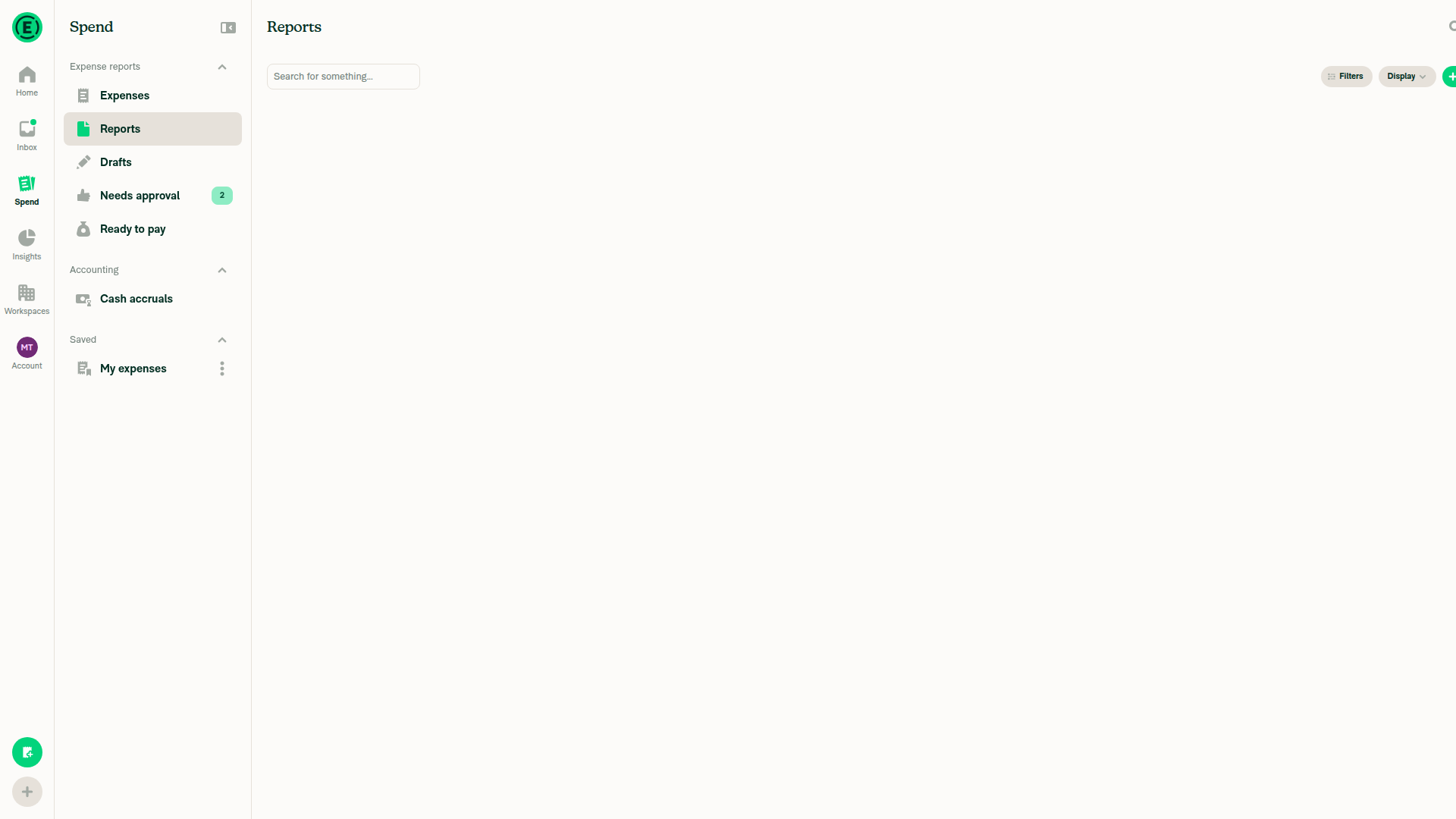
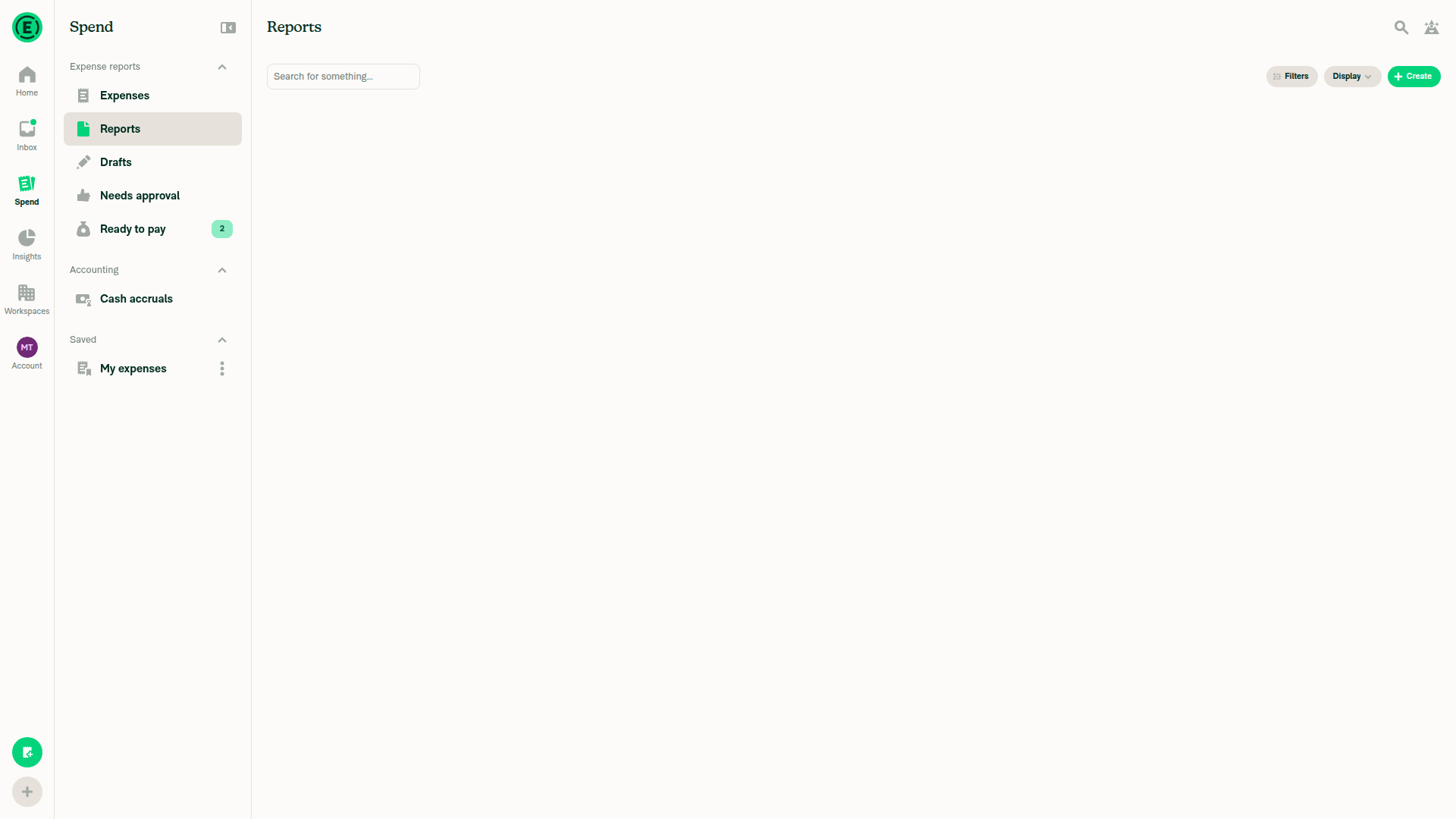
Pay, cancel payment, bulk pay, Submit dismissal, expense-thread opening, the carousel and the self DM flows each ran their action exactly once, with no duplicates. The delegate check, both Cmd/Ctrl-click new-tab checks and the reload check were not run, because the web tester can't use a second account, control tabs or reload the session. The held-expense Pay check is partial: the hold was already handled at approval, so the Pay-time hold menu was not exercised.
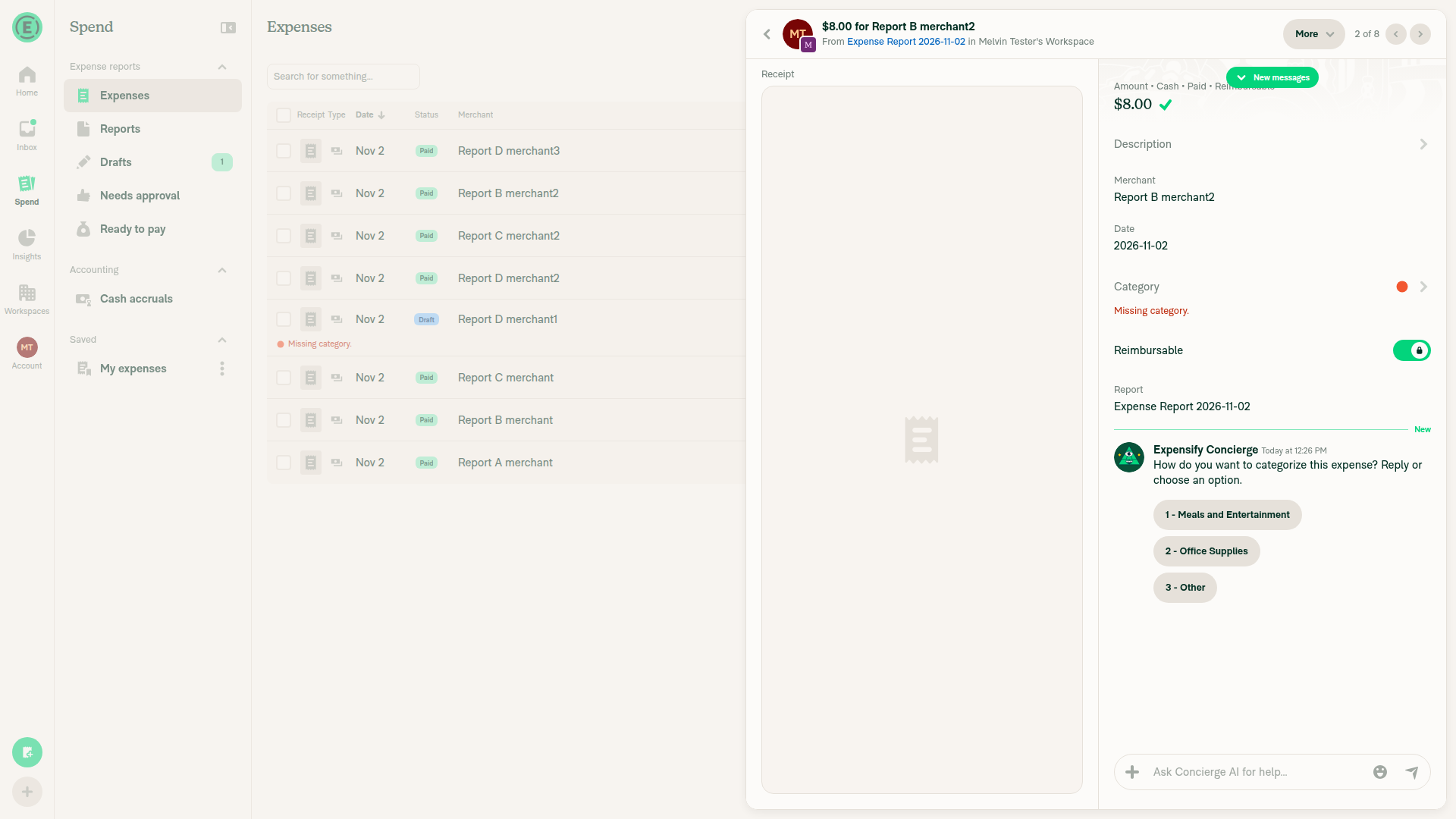
Second tracked expense thread opened exactly once

Step Status
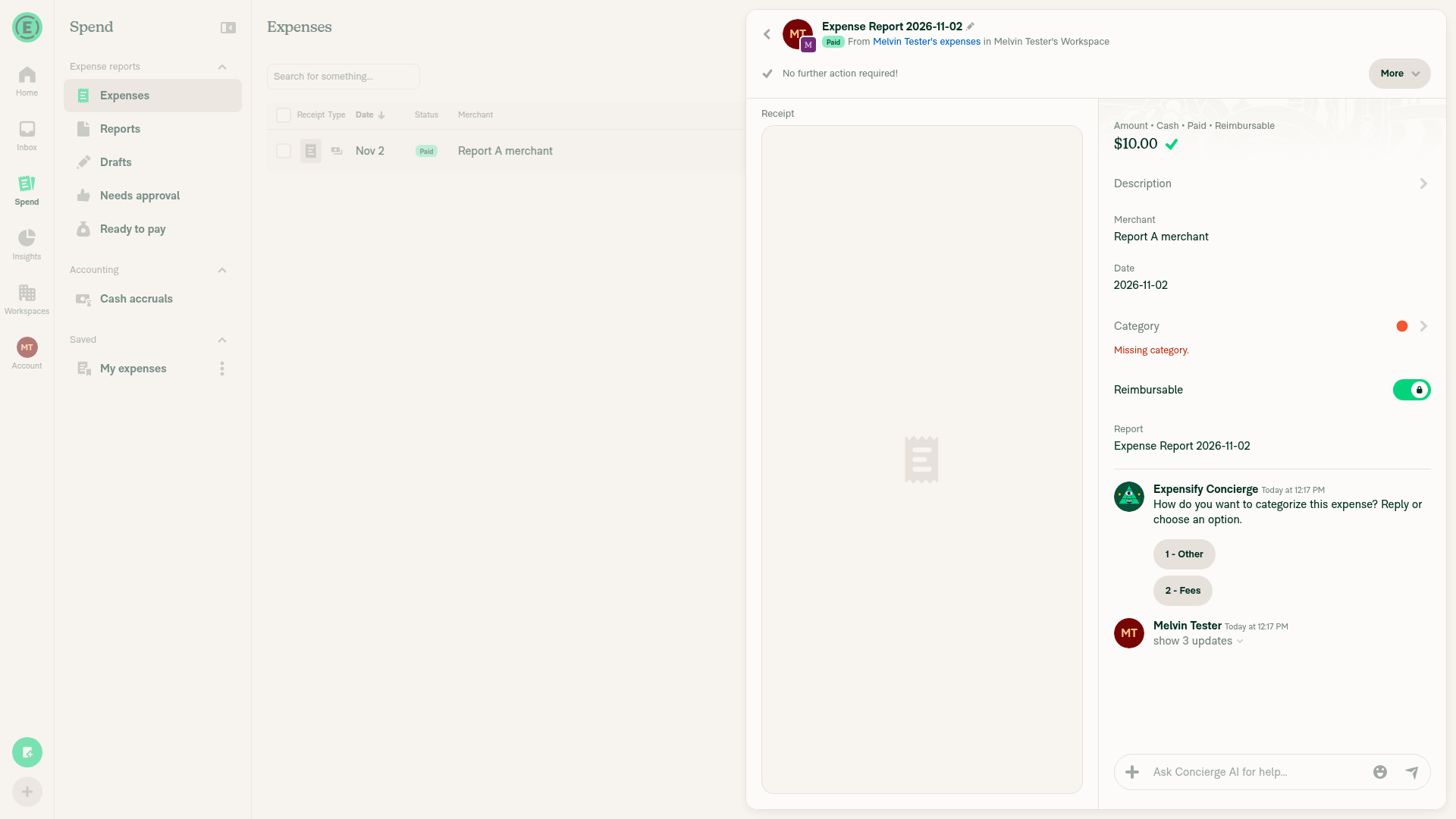
Approved report: Pay > Pay elsewhere shows Paid right away, one PayMoneyRequest sentThe $10.00 report went from Approved to Paid as soon as the popover closed. It shows one "paid $10.00 elsewhere" message and no duplicate entries.
Report shows Paid right after popover closes
✅
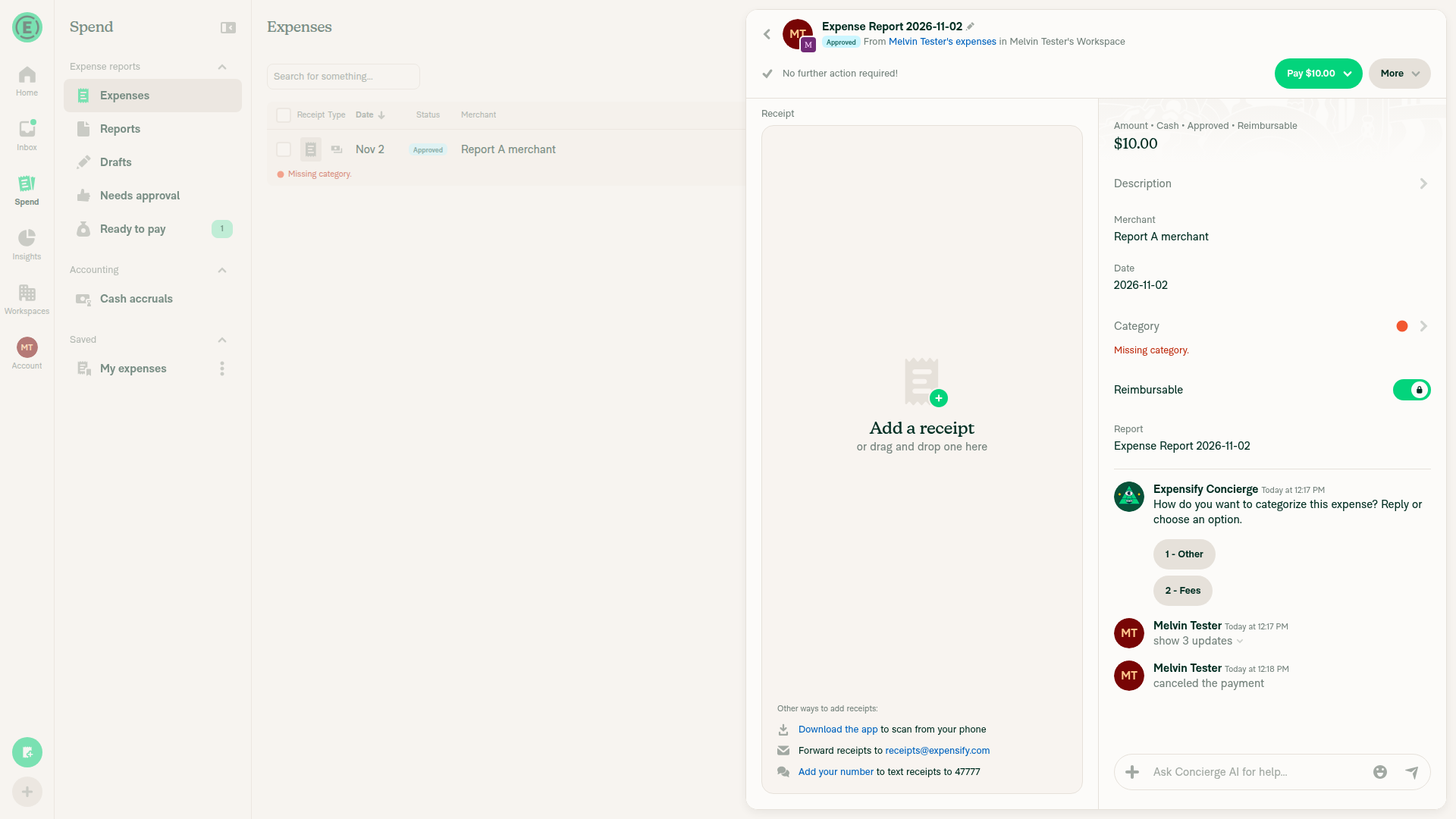
More > Cancel payment brings the Pay button backAfter the confirm, the report went back to Approved, "Pay $10.00" returned, and one "cancelled the payment" message appeared.
Pay button restored after cancelling payment
✅
Delegate without payment access taps Pay: no-access modal, nothing paidNot run. A delegate needs a second account, and the test run allows only one session.
❌
Report preview: Pay > Pay elsewhere plays the paid animation, shows Paid, one PayMoneyRequestThe preview changed once to "paid $10.00 elsewhere", and View replaced the Pay button.
Report preview shows paid elsewhere
✅
Pay on a preview with a held expense opens the hold menu; nothing is paid until you confirmThe report had one held expense ($30) and one clean expense ($5). Approving it asked "Approve only compliant" or "Approve entire report", and choosing "entire report" handled the hold. After that, Pay went straight to the normal Mark as paid menu and paid $35. So the Pay-time hold menu was not exercised. Only Mark as paid could be tested, because no bank account could be linked.
⚠️
Spend > Reports row: double-click Pay elsewhere fast sends one PayMoneyRequest; row shows loading, then PaidThe menu closed after the first click, so the second click hit nothing. The row ended as Paid/View with no duplicate.
Reports list row shows Paid after rapid double-click
✅
Bulk Pay two reports from the selection bar: both paid, selection clearsThe $25 and $28 reports both changed to Paid/View, and the selection bar went away.
Both selected reports paid, selection cleared
✅
Spend > Reports: click Submit, then the same Submit again; popover closes, does not reopen, nothing submittedSubmit opened a "Submit report?" dialog that covered the button, so the second click could not reach it. Cancel closed the dialog, and the report stayed Draft. This single-approver workspace shows that dialog, not the submit-to popover.
Draft report remains unsubmitted after dismissing the Submit dialog
✅
Cmd/Ctrl-click View on an expense row and on a group header: one new tab each, current tab stays on SpendNot run. The web tester can't control tabs or windows.
❌
Narrow layout: dismiss the submit-to popover by tapping the Submit area; it does not reopenAt a 390x844 viewport, the dialog blocked the Submit button. Cancel closed it without submitting or reopening.
Narrow layout, Submit dialog dismissed cleanly
✅
Spend > Expenses: click an expense whose thread was never opened; it opens onceThe $8.00 expense thread opened once, with the right amount and merchant.
Expense thread opened once
✅
Cmd/Ctrl-click another never-opened expense: one new tab, current tab stays on SpendNot run. The web tester can't control tabs or windows.
❌
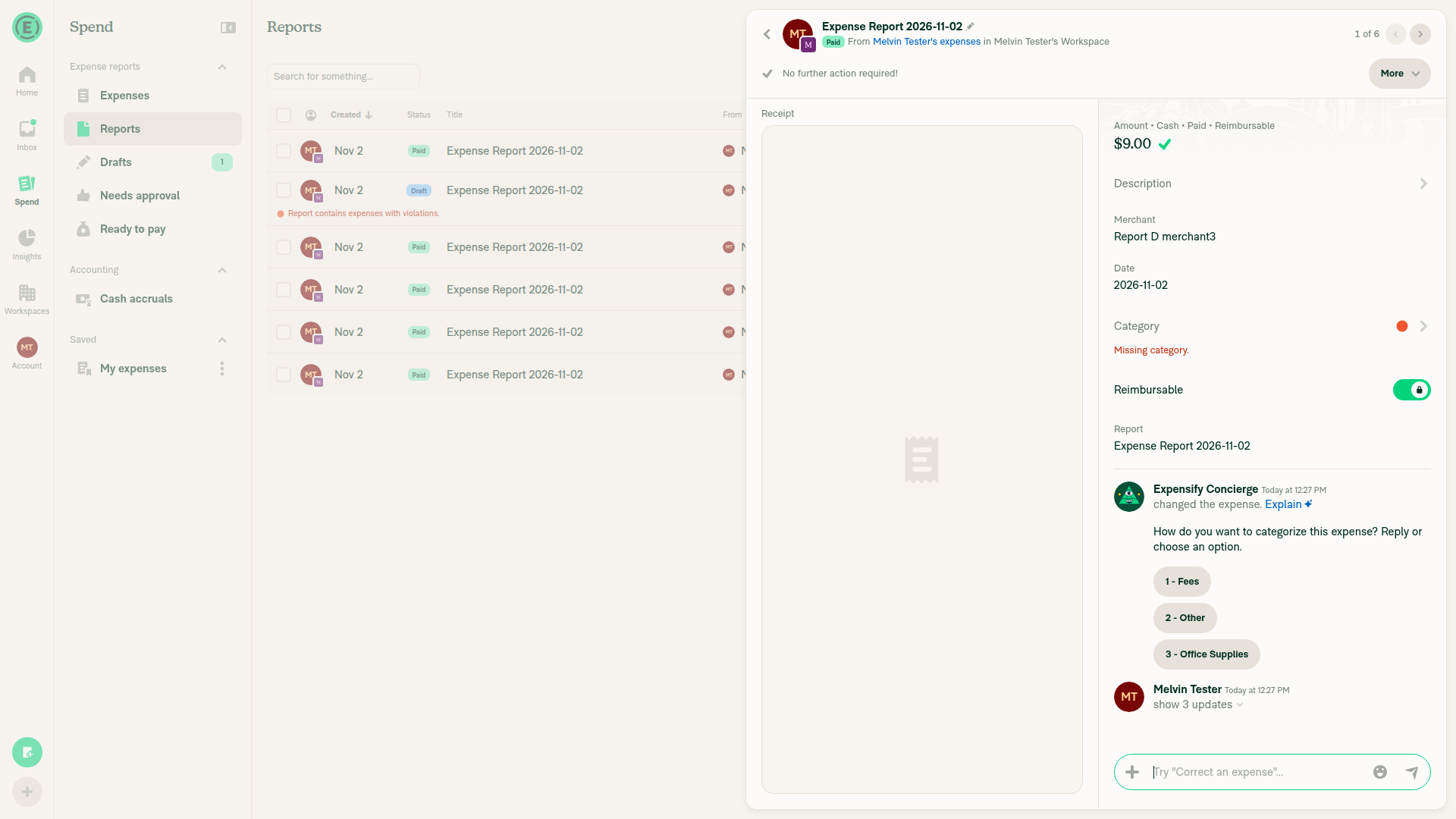
Spend > Reports: click a one-expense report whose thread was never opened; it opens onceThe $9.00 report opened one expense panel, with no duplicate messages. This report was opened earlier during setup, so it was not a never-opened case.
One-expense report opens once from Reports tab
✅
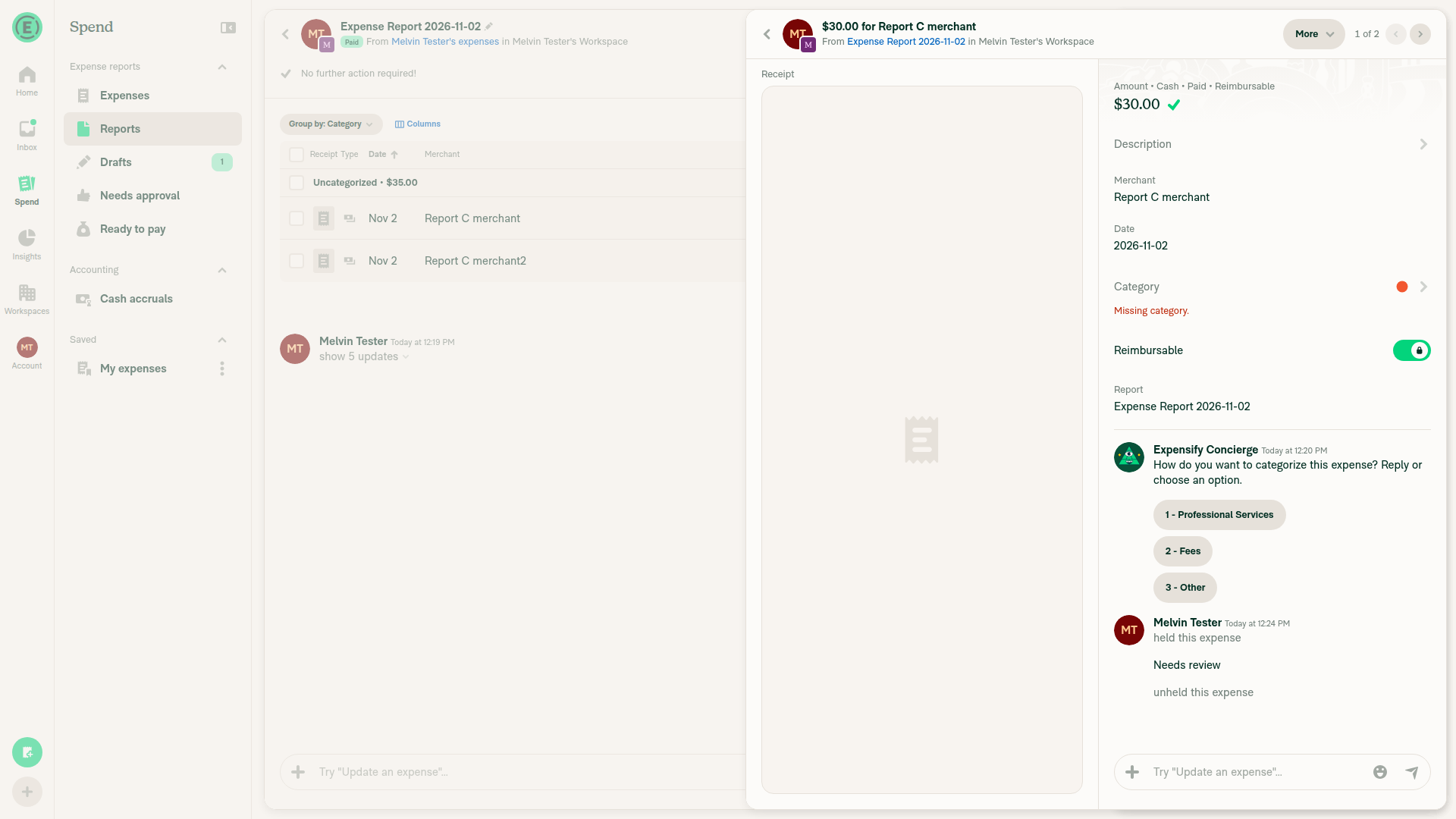
Preview with 2+ expenses: tap one in the carousel and that expense opensTapping the $30.00 card opened that expense's thread.
Tapped carousel card opens that specific expense
✅
Reload, reopen the chat, tap an expense before the report loads; it opens once the data arrivesNot run. The web tester can't reload without risking the signed-in session.
❌
Self DM: tap the first tracked expense once, double-tap the second fast; each gets one thread, opened onceThe first thread opened once. On the fast double-tap, the second tap landed on the opened panel, so no duplicate thread was created.
Second tracked expense thread opened exactly once
✅

view run · view recording

@LukasMod

LukasMod commented Nov 2, 2026

Copy link
Copy Markdown
Contributor Author

@MelvinBot mobile test

@mkhutornyi

Copy link
Copy Markdown
Contributor

Please fix Oxlint

@LukasMod

LukasMod commented Nov 3, 2026

Copy link
Copy Markdown
Contributor Author

@mkhutornyi I'm working on answers to your review and fixing oxlint issues, I will ping you when ready 👍 Thanks!

Widening ResumePayload to accept async retries made retry?.() return a
promise in the two callers without a param annotation, tripping
no-misused-promises. Annotate the param as () => void, matching
MoneyReportHeaderSecondaryActions.
…concierge-report-subscriptions-perf-v1

# Conflicts:
#	src/hooks/useSearchBulkActions.ts
@LukasMod

LukasMod commented Nov 3, 2026

Copy link
Copy Markdown
Contributor Author

@mkhutornyi Ready

@MelvinBot

MelvinBot commented Nov 3, 2026 •

Copy link
Copy Markdown
Contributor

🤖 Web test steps verification results: ⚠️ partial

I found no regressions on web: Submit, Approve, Pay > Mark as paid, Cancel payment, bulk Approve, expense-thread opens and the Concierge side panel each ran once on the first click, with no freeze or wrong navigation. Explain and Latest messages could not be set up in this account. A code review of the latest commits also found no confirmed regressions; one path needs a manual Safari check: Cmd-click on a Search expense with no thread now calls window.open after an await (Search/index.tsx:719-745), so a strict popup blocker could block the new tab.
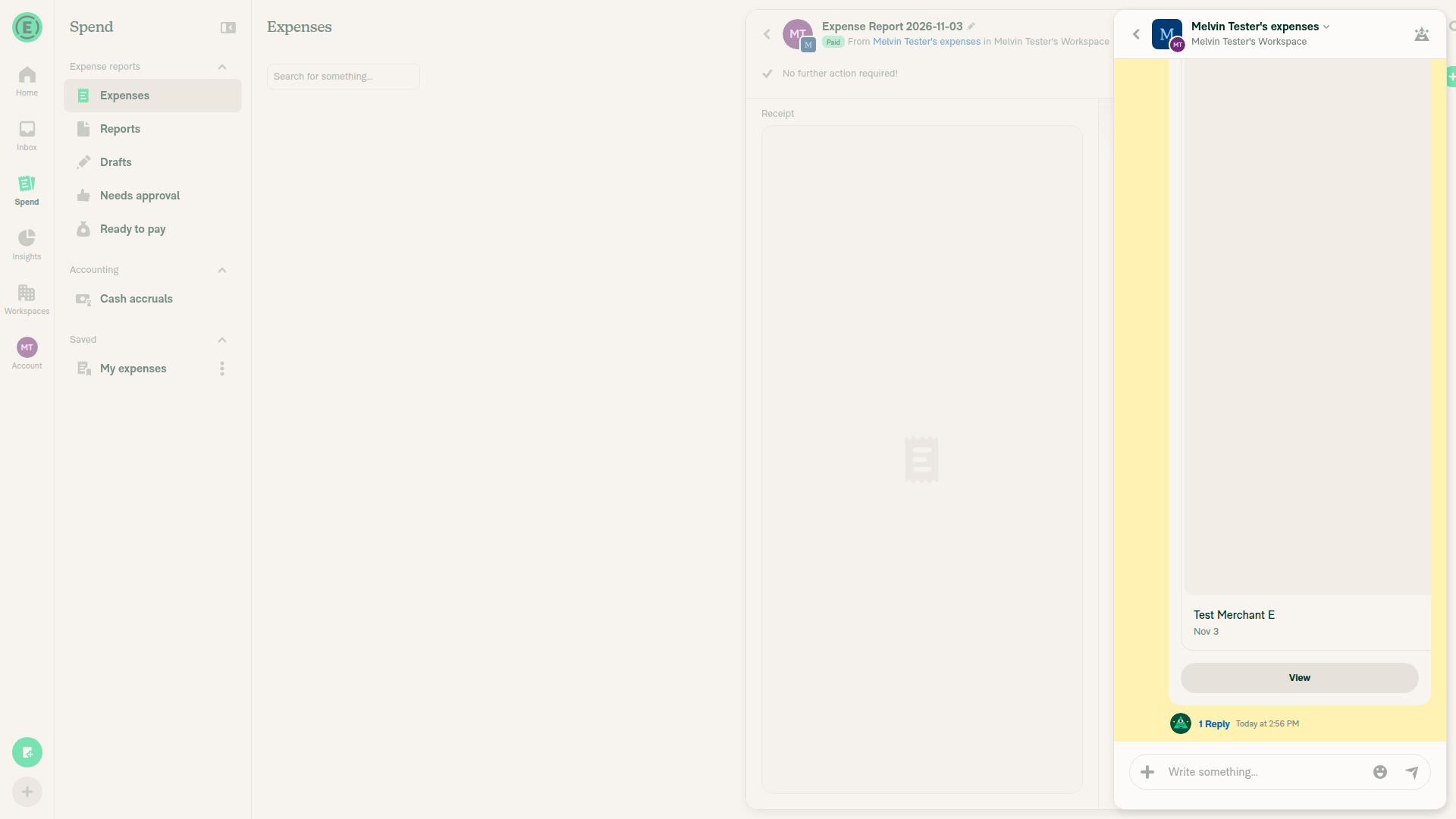
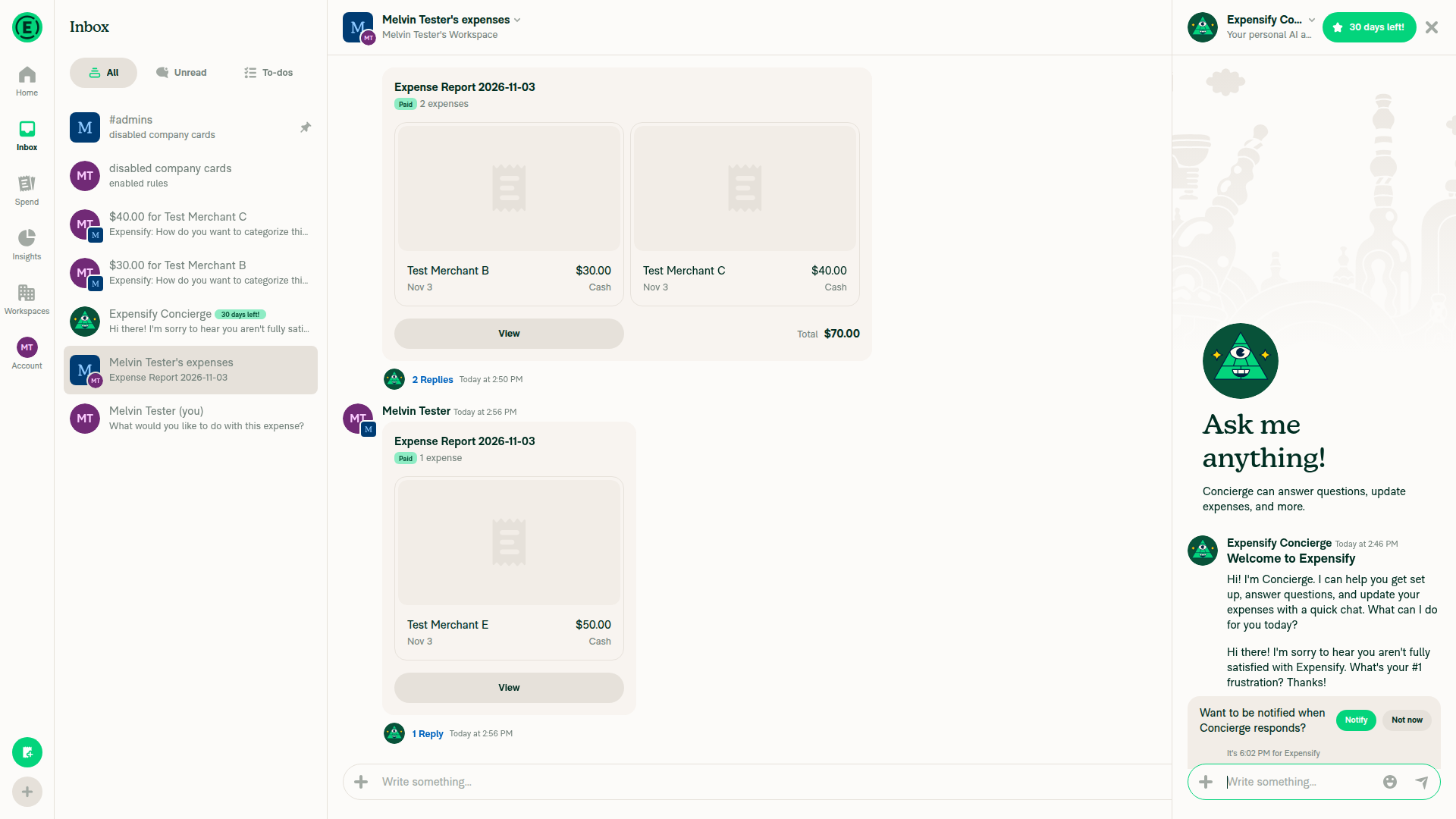
Chat behind keeps report preview state after sending in panel

Step Status
Spend > Reports: Submit on a row; a second click does not reopen the popover or submit againSubmit moved the draft report to Approve in one click. No submit-to popover appeared because this single-member workspace has one approver. Nothing was submitted twice.
✅
Spend > Reports row: Approve, then Pay > Mark as paid, each run once and the row moves to the next actionApprove moved the row to Pay once. Mark as paid moved it to View once.
Report row moves Approve to Pay to View after single clicks
✅
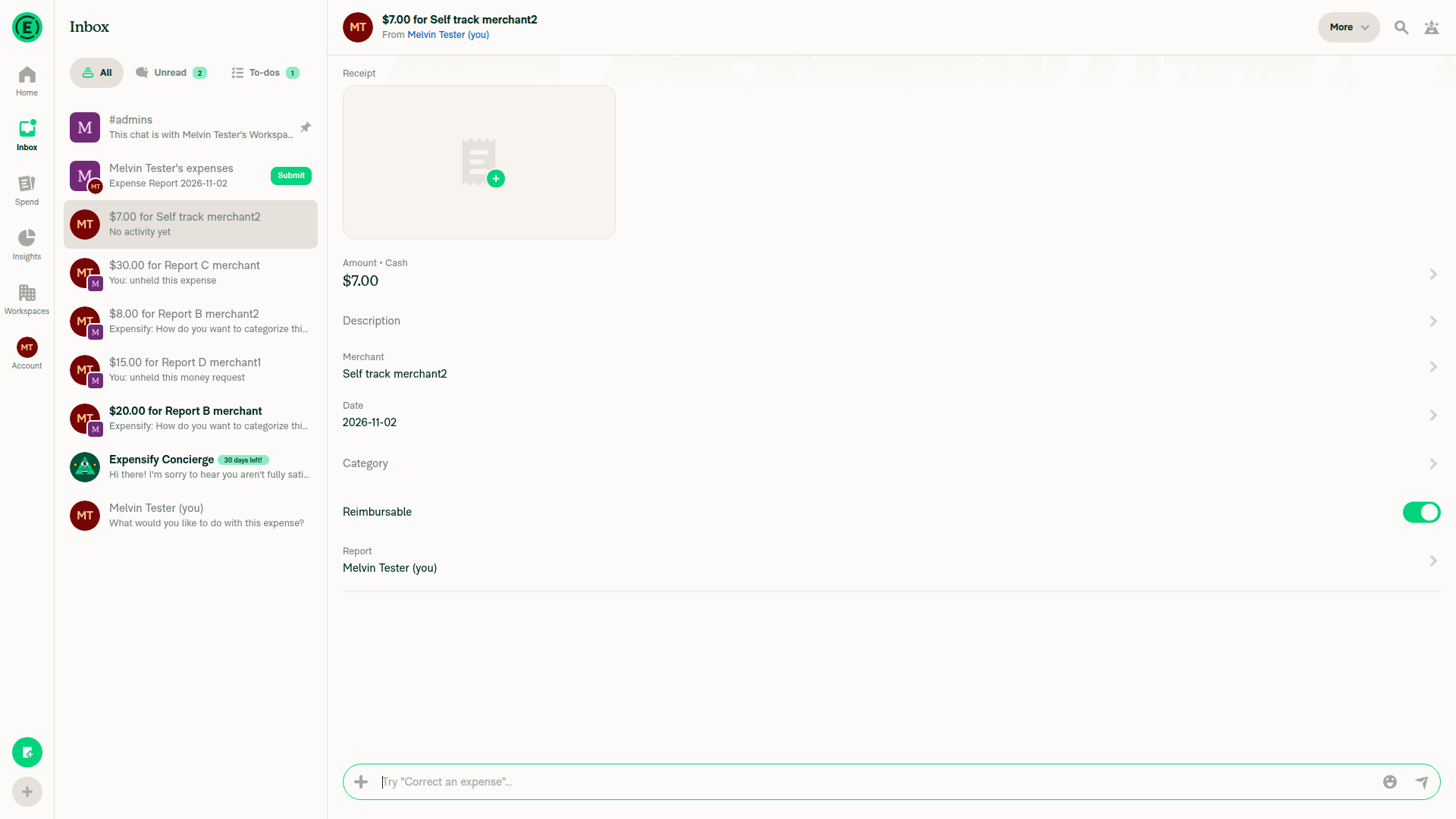
Spend > Expenses: an expense row with no thread opens its details on the first clickTested from the self DM preview, not from Spend > Expenses. A never-opened tracked expense opened its details on the first click, with no empty or endless loading state.
Never-opened expense thread opens on first click
⚠️
Spend > Expenses: an expense row in a multi-expense report opens the right expenseIn a report with $30 and $40 expenses, each row opened its own expense.
✅
Spend > Reports bulk action: Approve two reports from the selection bar; both update and the selection clearsOne bulk Approve moved both rows to Pay and cleared the selection bar.
Bulk approve updates both rows and clears selection
✅
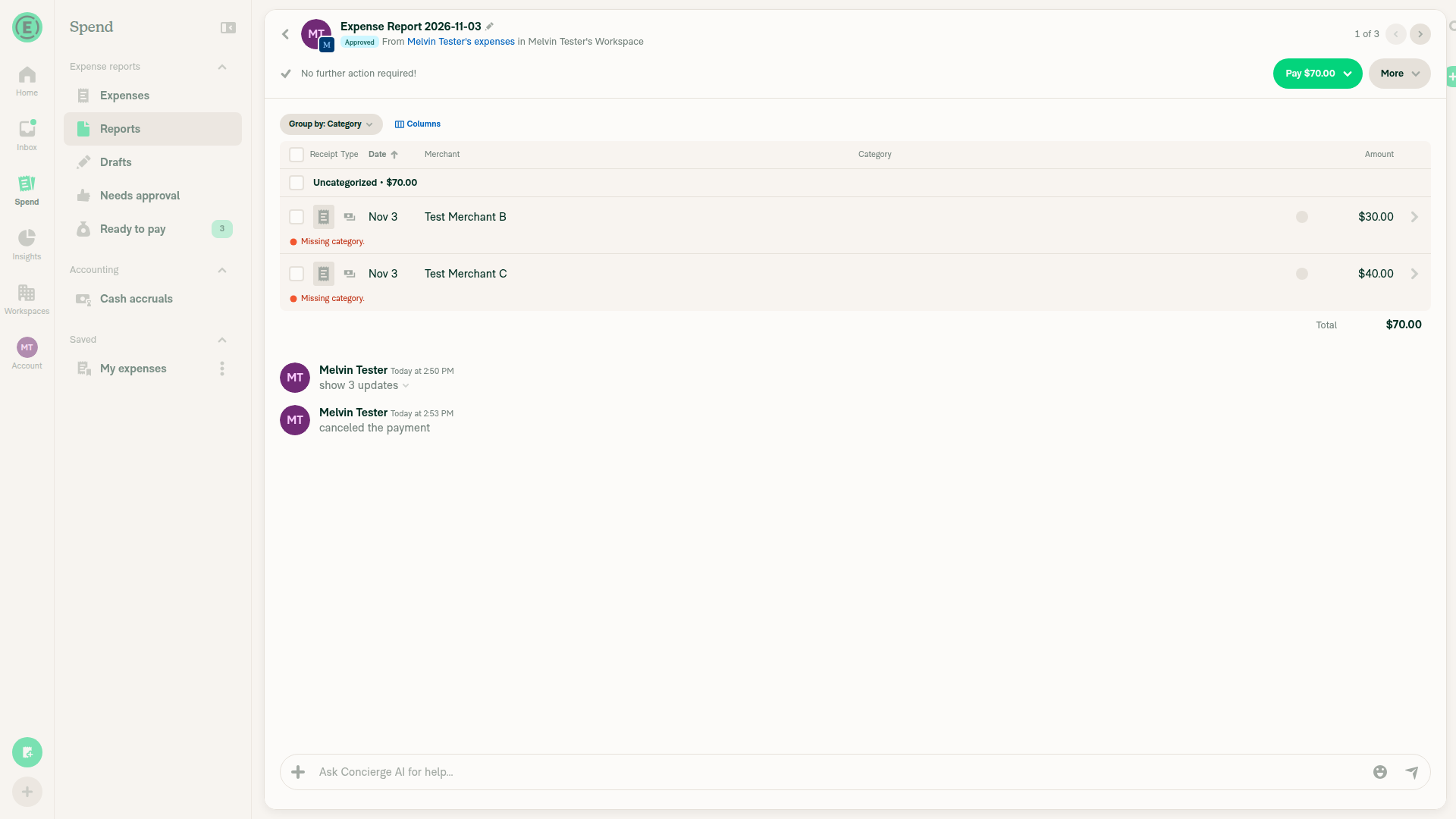
Report header: Pay > Mark as paid shows Paid once; More > Cancel payment brings Pay backThe header showed one Paid badge. Cancel payment restored one Pay $70.00 button, the Approved badge, and one "canceled the payment" message.
Cancel payment restores one Pay button and Approved badge
✅
Workspace chat report preview: Pay > Mark as paid shows Paid once with no flickerThe card changed once to "paid $50.00 elsewhere" with a View button. Other preview cards were unaffected.
Workspace chat preview shows paid after one click
✅
Report preview carousel with 2+ expenses: clicking one expense opens that expenseClicking the $40 and $30 expenses each opened the matching expense.
✅
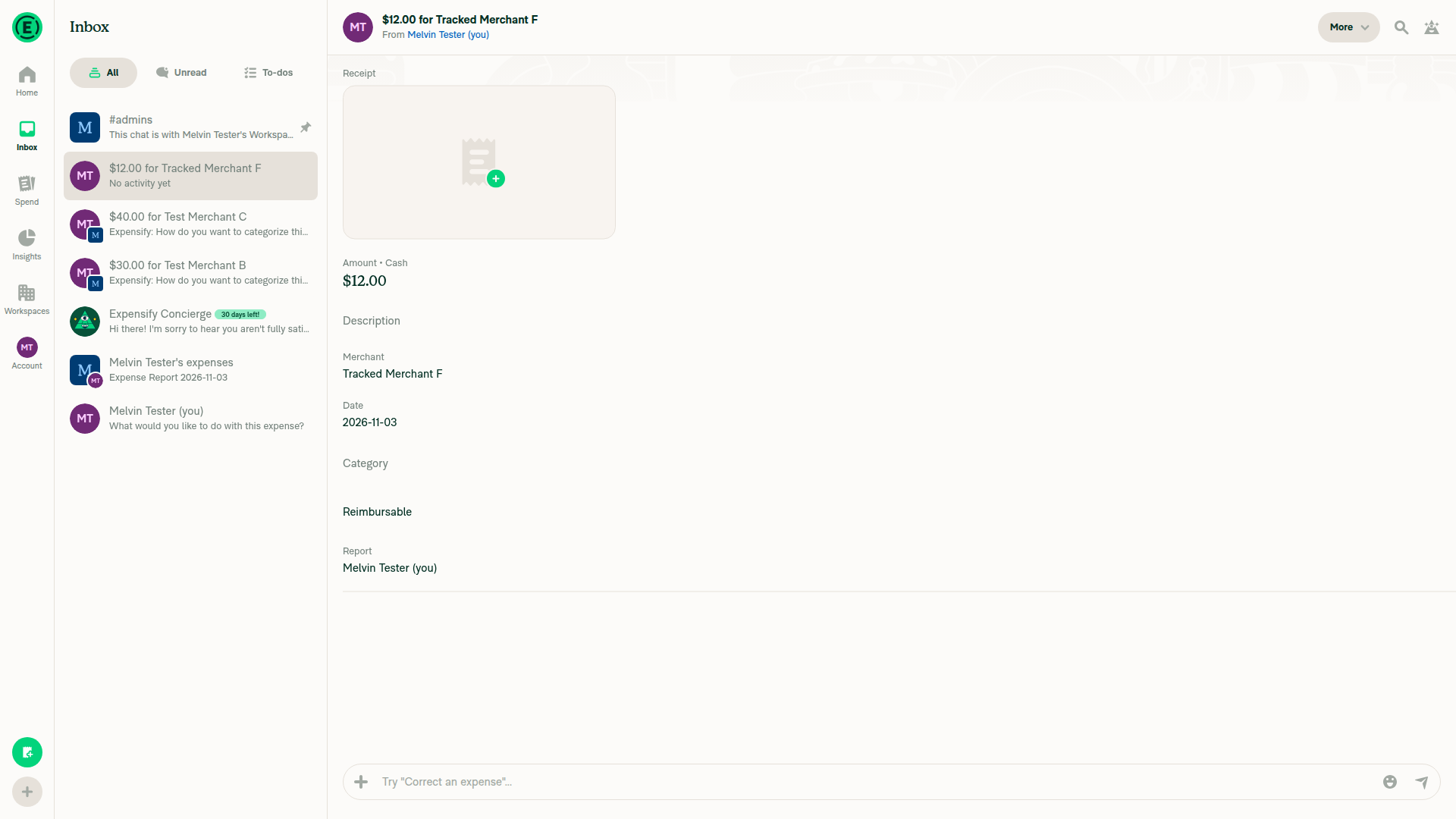
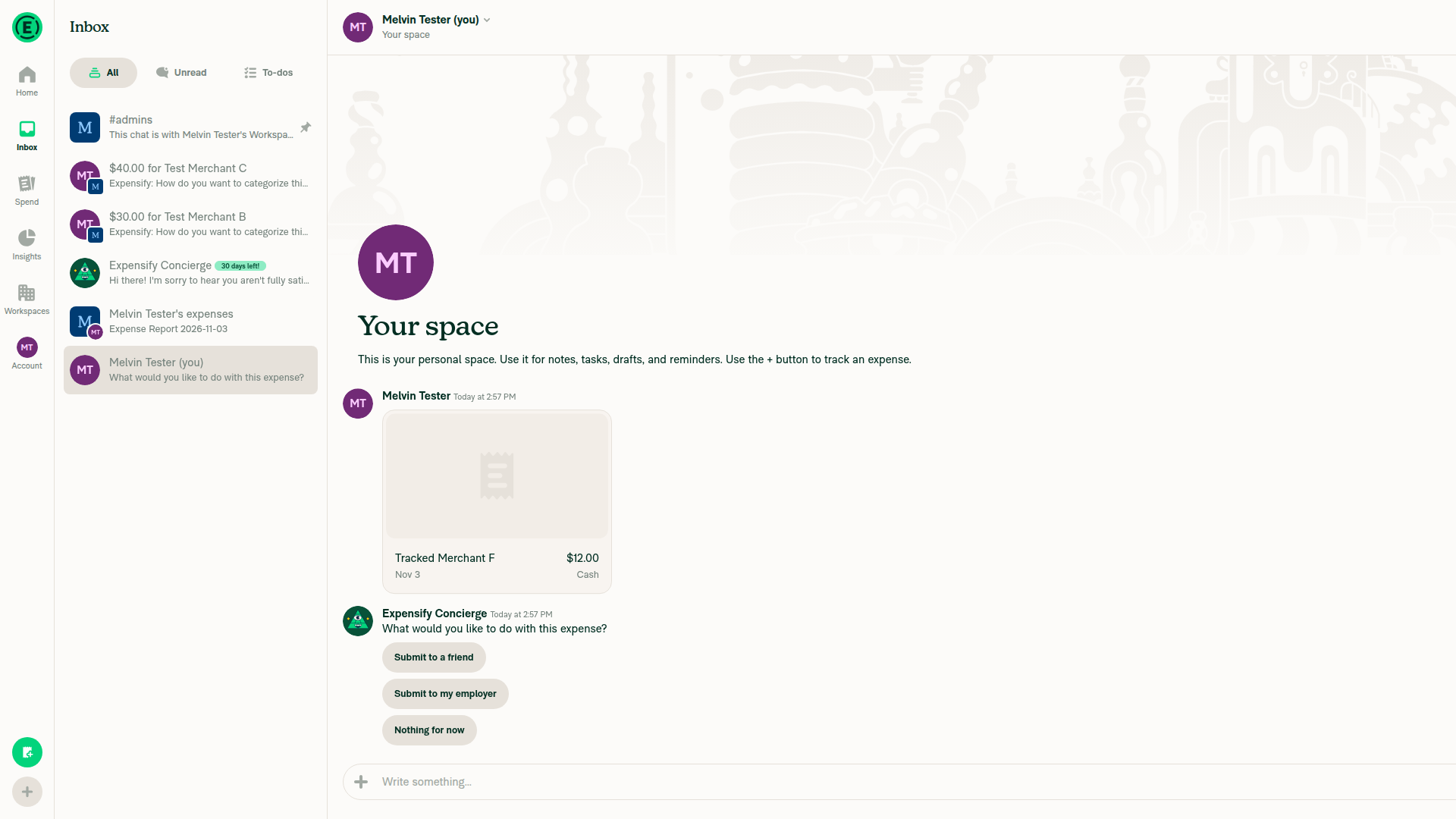
Self DM: a newly tracked expense whose thread was never opened opens its thread onceThe $12.00 tracked expense opened its thread once with full details.
Self DM tracked expense preview before click
✅
Explain link: the Explain thread opens with the comment, onceNot tested. This Collect workspace had no auto-approve rule, and no Explain link appeared.
⚠️
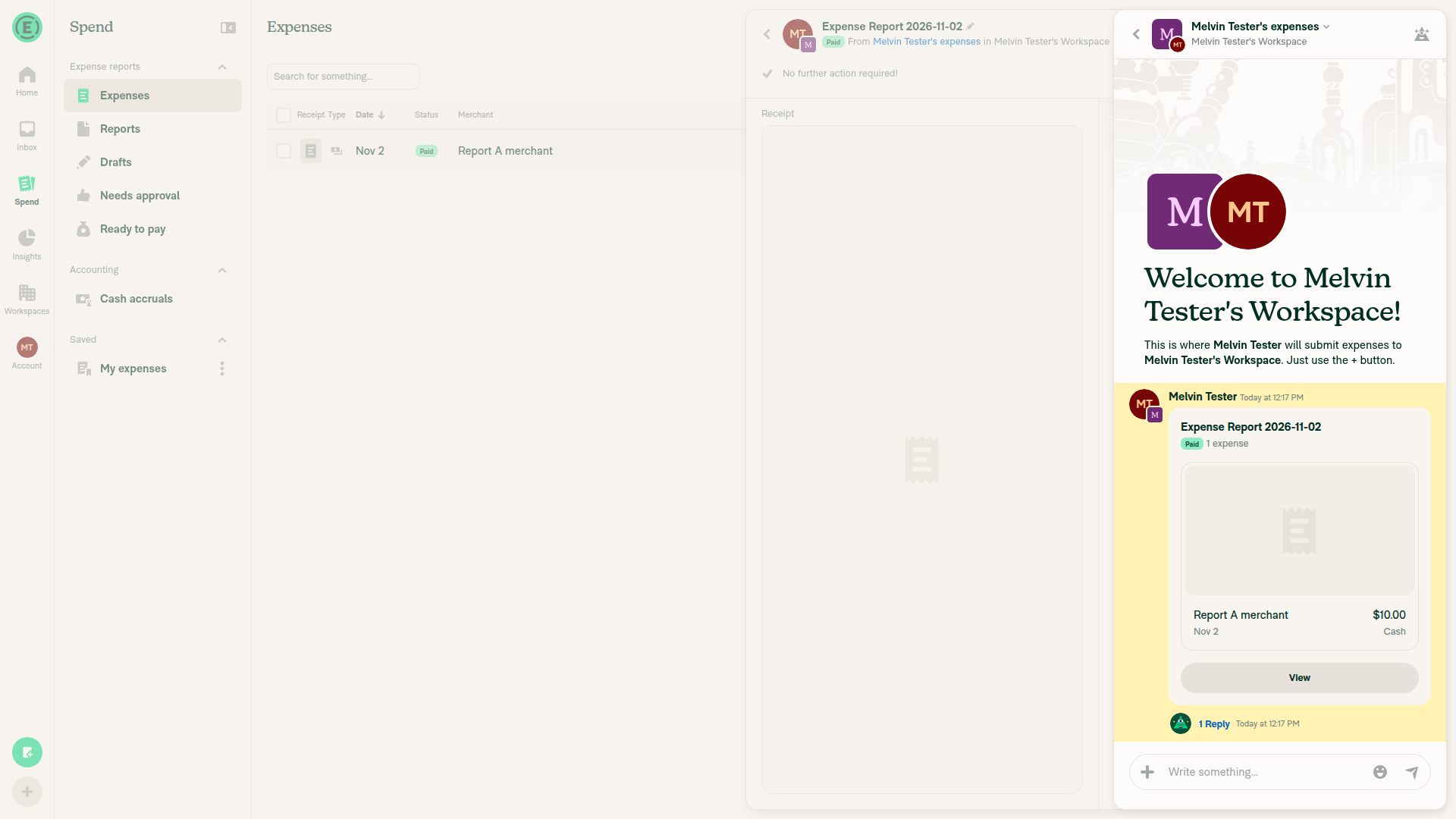
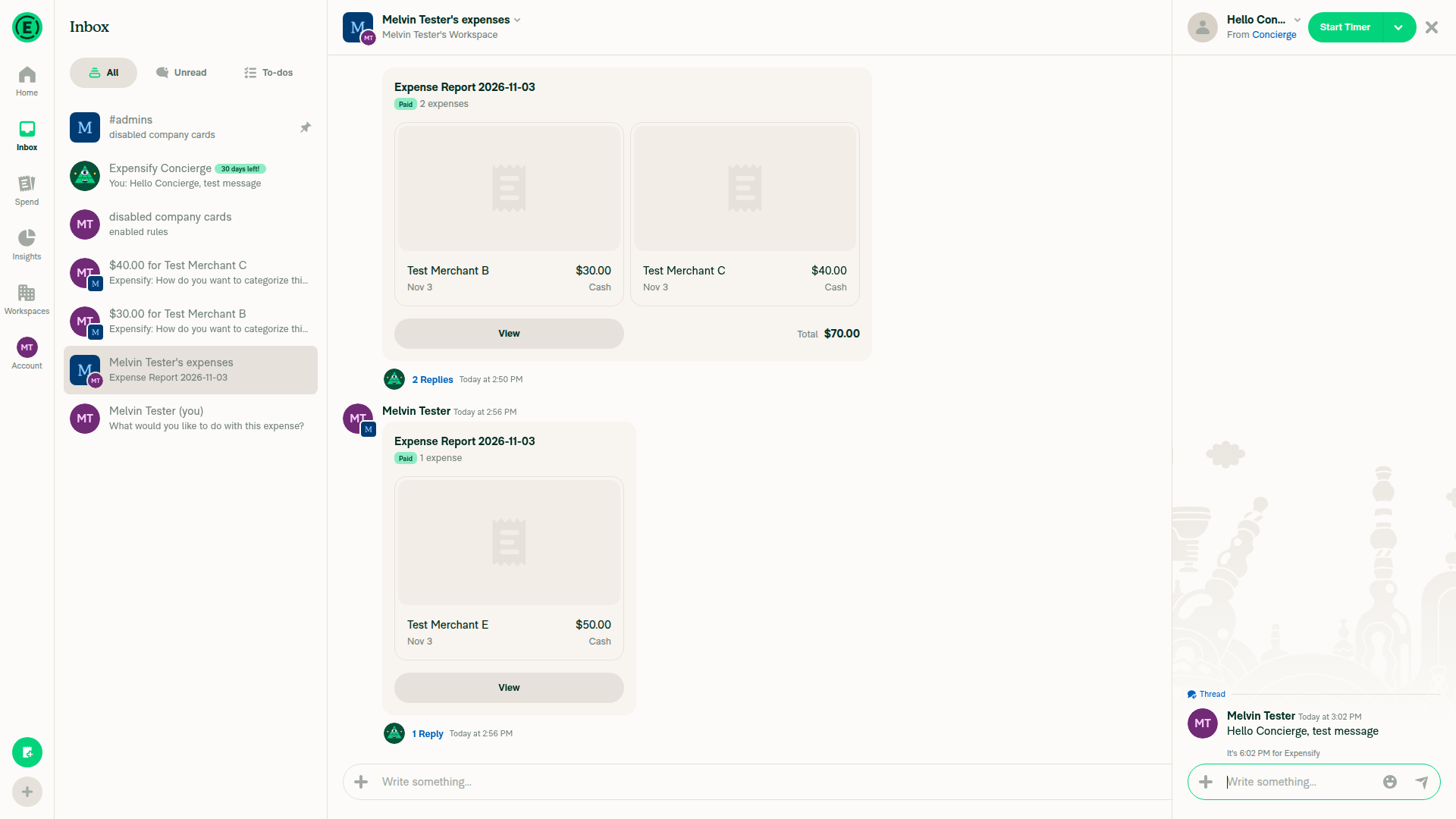
Concierge side panel: sending a message keeps the chat behind it, its scroll position and its buttons unchangedThe message appeared once in the panel. The workspace chat behind it kept every report preview and its Paid/View state, with no flicker.
Concierge side panel open with workspace chat behind itChat behind keeps report preview state after sending in panel
✅
Latest messages: after scrolling up to old messages, jumping to the newest messages or sending a message lands on the newest messagesNot tested. A 25-message chat still fit the 1920x1080 window, so no Latest messages button appeared.
⚠️

view run · view recording

@tgolen

tgolen commented Nov 3, 2026

Copy link
Copy Markdown
Contributor

@LukasMod In the future, please break these PRs down into smaller pieces. It would really be best to fix one location at a time in separate PRs. This makes it easier to test, review, and has smaller chance of regressions.

1 similar comment
@tgolen

tgolen commented Nov 3, 2026

Copy link
Copy Markdown
Contributor

@LukasMod In the future, please break these PRs down into smaller pieces. It would really be best to fix one location at a time in separate PRs. This makes it easier to test, review, and has smaller chance of regressions.

@mountiny mountiny left a comment

Copy link
Copy Markdown
Contributor

Choose a reason for hiding this comment

The reason will be displayed to describe this comment to others. Learn more.

(Vit's agent) No blockers from me. I left two NAB nits inline.

What I checked and found safe:

  • Onyx.get and multiGet in 3.0.121 read only from the cache, so each new await waits a few microtasks and never reads storage.
  • The Submit popover guard runs before the first await, and the new hook test locks that in.
  • In the one-expense report path, the .then that creates the thread runs before the requestAnimationFrame navigation.
  • useVerifyAccountAndResume replays the Pay handler from an effect after validation. That matches the wording of ONYX-1 C1, but it only finishes the user's own press, once, and it reads the values from after validation.

bankAccountList: OnyxEntry<BankAccountList>;
};

function doesSearchActionUsePressTimeInputs(action: SearchTransactionAction | undefined) {

Copy link
Copy Markdown
Contributor

Choose a reason for hiding this comment

The reason will be displayed to describe this comment to others. Learn more.

(Vit's agent) NAB: this gate has to stay in sync with the switch in handleActionButtonPress by hand. If a later branch starts to use conciergeChat, introSelected, amountOwed or bankAccountList, that branch gets undefined, and TypeScript won't catch it. A one-line comment on the switch that points here would help. Or add Pay and Approve cases to useSearchActionPressTest, which covers only Submit and View now.

if (shouldOpenTransactionThread && !shouldOpenTransactionThreadInNewTab) {
seedCarouselForOpenedExpense();
}
const conciergeChat = await readConciergeChat();

Copy link
Copy Markdown
Contributor

Choose a reason for hiding this comment

The reason will be displayed to describe this comment to others. Learn more.

(Vit's agent) NAB: Cmd-click on a Spend > Expenses row whose thread was never opened is the one flow where window.open now runs after an await. I think it still works: Onyx.get resolves from the cache in microtasks, so preventDefault and window.open run before the click finishes dispatching. But the QA steps test Cmd-click on a report row, which you note is untouched. Could you add this case to the QA steps for Chrome and Safari?

Copy link
Copy Markdown
Contributor Author

Choose a reason for hiding this comment

The reason will be displayed to describe this comment to others. Learn more.

I added Test 3 in QA section

@mountiny

mountiny commented Nov 3, 2026

Copy link
Copy Markdown
Contributor

I 100% agree with splitting this up in future

@mountiny
mountiny merged commit bc5e11d into Expensify:main Nov 3, 2026
40 of 42 checks passed
@github-actions

github-actions Bot commented Nov 3, 2026

Copy link
Copy Markdown
Contributor

🚧 mountiny has triggered a test Expensify/App build. You can view the workflow run here.

@OSBotify

OSBotify commented Nov 3, 2026

Copy link
Copy Markdown
Contributor

✋ This PR was not deployed to staging yet because QA is ongoing. It will be automatically deployed to staging after the next production release.

@github-actions

github-actions Bot commented Nov 3, 2026

Copy link
Copy Markdown
Contributor

@LukasMod

LukasMod commented Nov 4, 2026

Copy link
Copy Markdown
Contributor Author

Sure, next PRs will be much smaller 🤞

@OSBotify OSBotify mentioned this pull request Nov 4, 2026
88 tasks done
@OSBotify

OSBotify commented Nov 4, 2026

Copy link
Copy Markdown
Contributor

🚀 Deployed to staging by https://github.com/mountiny in version: 9.5.32-0 🚀

platform result
🕸 web 🕸 success ✅
🤖 android 🤖 success ✅
🍎 iOS 🍎 success ✅

@MelvinBot

Copy link
Copy Markdown
Contributor

No FullStory changes needed. This PR refactors existing data reads to reduce unnecessary re-renders without adding screens, controls, user properties, or newly exposed private data.

@MelvinBot

Copy link
Copy Markdown
Contributor

No help site update needed — this PR improves performance by changing when the app reads data, without changing user workflows, labels, feature availability, or documented behavior.

@OSBotify

OSBotify commented Nov 6, 2026

Copy link
Copy Markdown
Contributor

🚀 Deployed to production by https://github.com/lakchote in version: 9.5.32-7 🚀

platform result
🕸 web 🕸 success ✅
🤖 android 🤖 success ✅
🍎 iOS 🍎 success ✅

Sign up for free to join this conversation on GitHub. Already have an account? Sign in to comment

Labels

None yet

Projects

None yet

Development

Successfully merging this pull request may close these issues.

8 participants