Skip to content

Keep individual card errors out of feed-wide connection warning - #106104

Merged
JS00001 merged 2 commits into
mainfrom
claude-cardSpecificConnectionWarning
Nov 10, 2026
Merged

JS00001 merged 2 commits into
mainfrom
claude-cardSpecificConnectionWarning

Conversation

@MelvinBot

@MelvinBot MelvinBot commented Nov 5, 2026 •

Copy link
Copy Markdown
Contributor

Explanation of Change

An individual card returning 434 must not label the entire company-card feed as broken. Limit the banner to broken direct-feed connections or explicit feed errors. Preserve existing card errors and Wallet inactive-card classification.

Regression coverage uses the real derived configuration with healthy and 434 cards from both card collections, in either order, before and after error dismissal. Additional cases preserve warnings for genuine failures and explicit errors across feed types.

AI Tests

  • Check-failure follow-up (2026-11-05): applied npm run fmt; only one missing blank line between regression-test import groups changed. A second formatter run made no further changes.
  • Follow-up validation passed: 61 tests across the derived-feed-errors and banner-decision suites; npm run lint-changed, targeted lint, npm run typecheck, npm run spell-changed, Storybook smoke test, staged coding-standards review, and git diff --check.
  • Follow-up limitations: full lint timed out at 120 seconds and again at 300 seconds; full Jest timed out after 600 seconds with no failing suites reported before timeout. The matrix's prettier script remains unavailable; the actual CI formatter (npm run fmt) passed instead. No browser rerun was needed for the test-only whitespace change.

Original implementation validation:

  • Passed: 680 tests across five targeted suites (banner decision, derived feed errors, card utilities, Company cards table, and Wallet payment methods).
  • Mutation check: restoring the original banner condition causes nine regression cases to fail; all targeted tests pass with the fix restored.
  • Passed: npm run lint, npm run lint-changed, npm run typecheck, npm run spell-changed, and npm run storybook -- --smoke-test --ci.
  • Full Jest suite: npm test -- --silent --maxWorkers=2 timed out after 600 seconds. No failing suites appeared before timeout; this is not a full-suite pass.
  • Formatting: the required npm run prettier -- --log-level error command is unavailable because this checkout has no prettier script. Attempts to invoke the current formatter directly were denied. git diff --check passed.
  • Staged coding-standards review returned no violations.
  • Web verification blocked: the supplied account has no workspaces/company-card fixtures. None of the three live card/feed assertions could be verified; no bank failure was simulated.

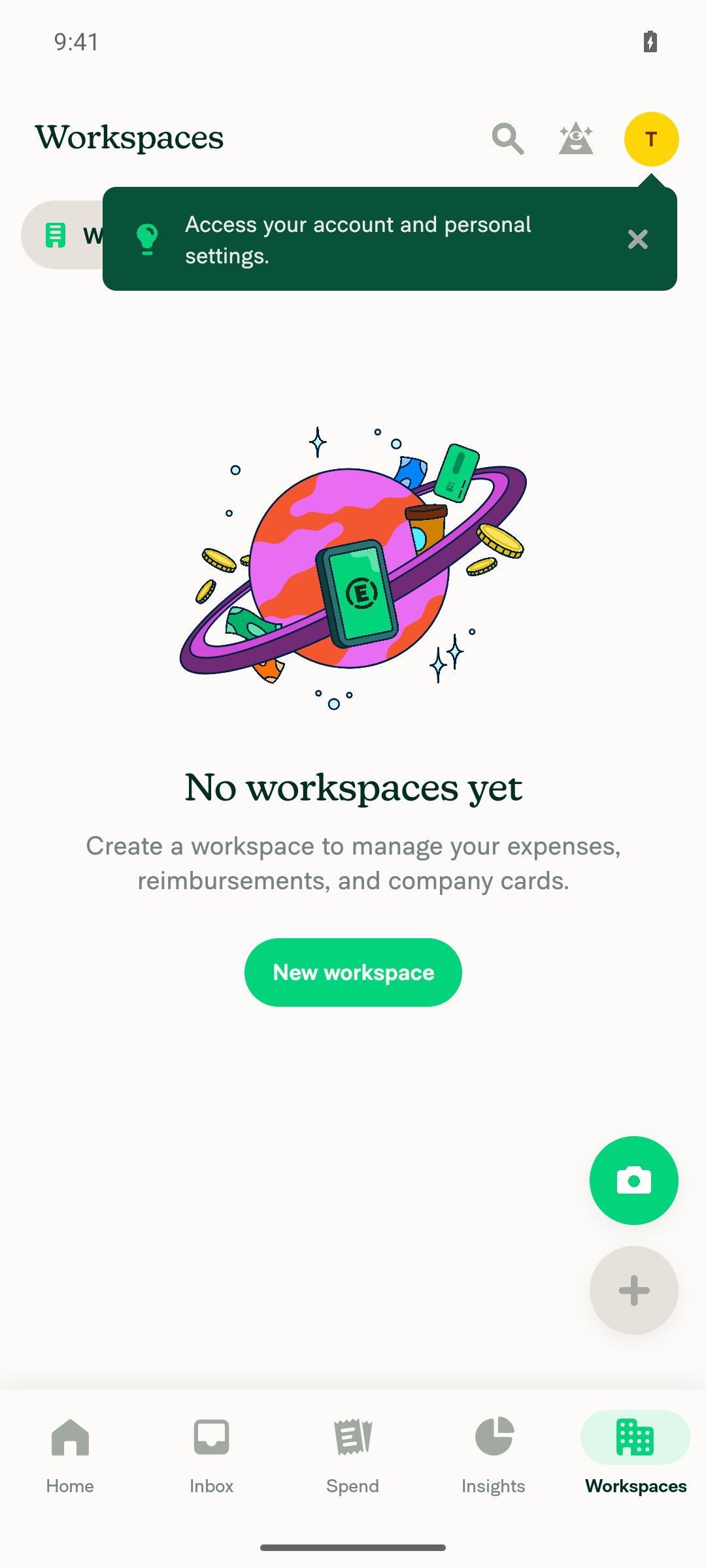
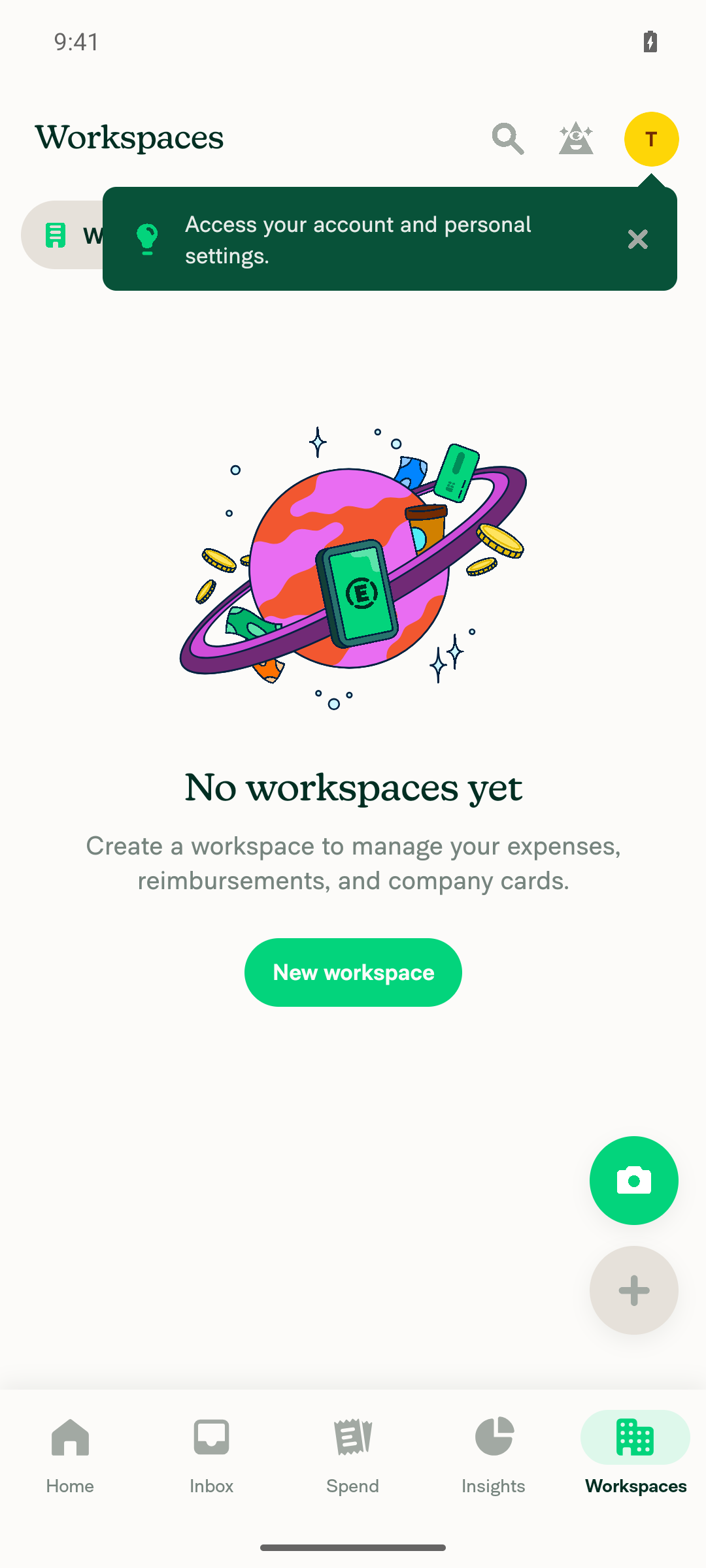
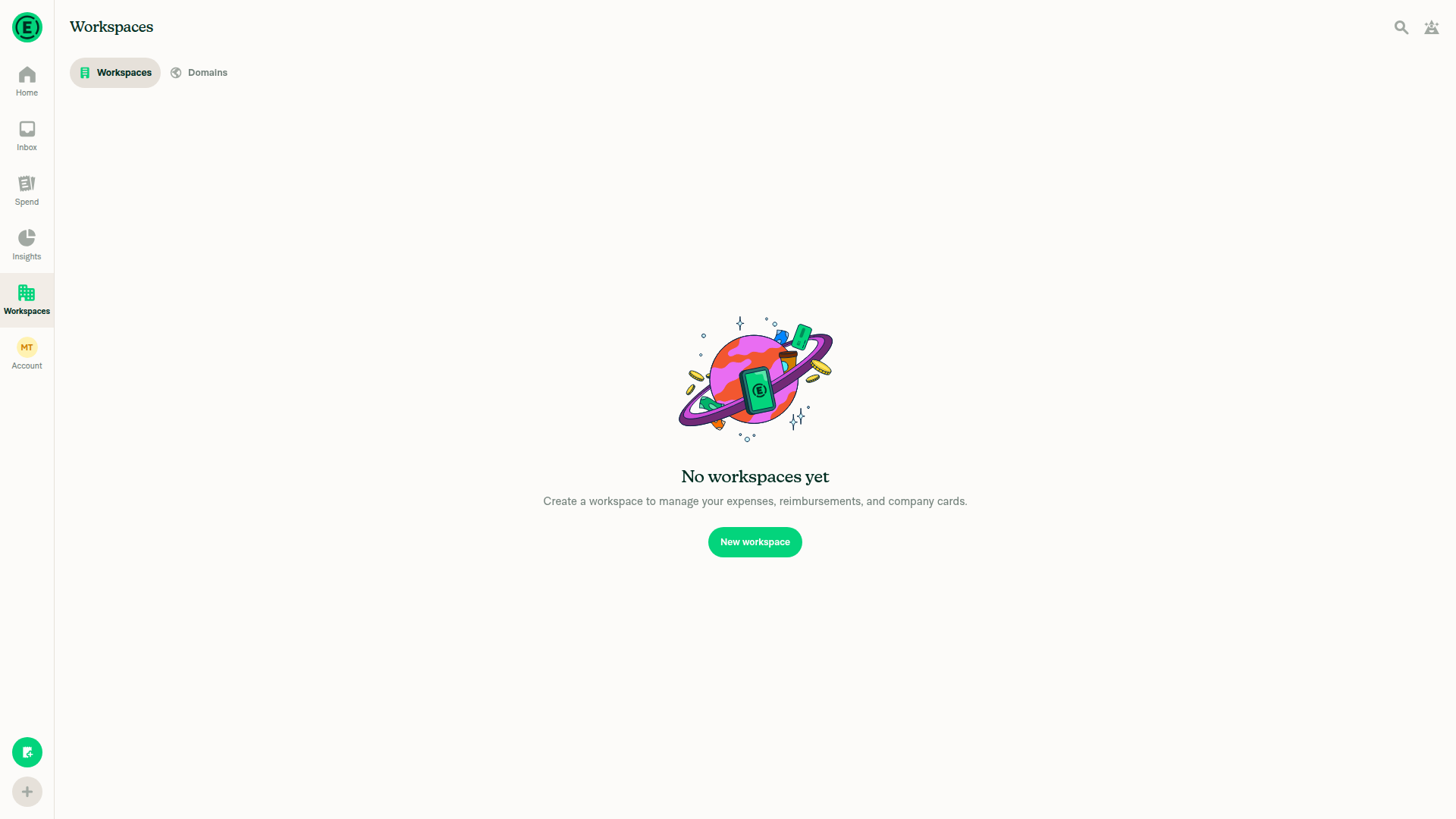
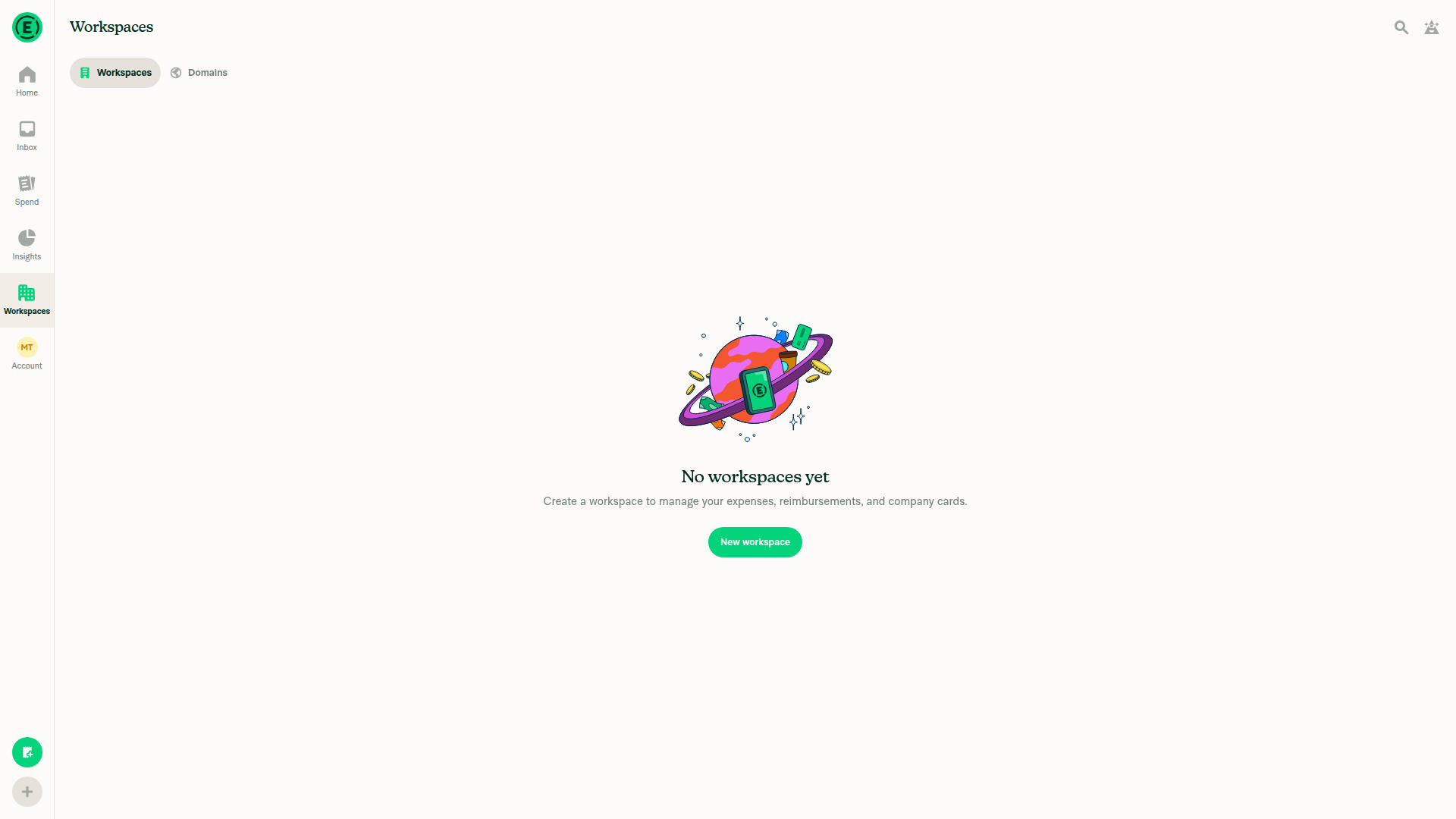
Workspaces empty state; company-card feed fixture unavailable

Fixed Issues

$ #105932
PROPOSAL: #105932 (comment)

Automated mock-data regression steps

These are repeatable instructions, not a claim that manual Tests/QA have passed. Mock data is sufficient; a live bank connection is not required for the automated regression checks.

  1. Check out this PR and install its dependencies using the normal contributor setup.
  2. Run the existing mock-data suites:
    npm test -- --runInBand CardFeedErrorsDerivedValueTest getShouldShowBrokenConnectionErrorTest
    See the derived-feed regression suite and banner-decision suite.
  3. Confirm the healthy/434 cases pass for both card collections, both card orders, and before/after dismissal: the healthy card has no card error; the affected card retains its issue classification; its undismissed error remains available; the feed is not classified as broken and does not request a broken-connection banner.
  4. Confirm a genuine broken direct connection still requests the banner, including when an individual card issue coexists with it.
  5. Confirm explicit feed errors still request the warning for direct, commercial, and CSV feeds, while an individual issue alone does not incorrectly enable it.

Tests

Setup (once):

  1. Create a workspace, enable Company cards in More features, and open Workspaces → <workspace> → Company cards.
  2. In the browser console, run the script below to add a direct Chase feed with a healthy card (…1111) and a 434 card (…4340).
Mock data script
const policyID = location.pathname.split('/')[2];
const wsID = (await Onyx.get(`policy_${policyID}`)).policyAccountID;
const {accountID} = await Onyx.get('session');
const feed = 'oauth.chase.com';
const cardsKey = `cards_${wsID}_${feed}`;
const card = (id, last4, status, errors) => ({cardID: id, bank: feed, fundID: String(wsID), accountID, state: 3, cardName: `CARD...${last4}`, encryptedCardNumber: `CARD...${last4}`, lastFourPAN: last4, lastScrapeResult: status, errors});

// Stops the server from replacing the mock data
await Onyx.merge('network', {shouldForceOffline: true});
// cardFeedsStatus: null clears any "Couldn't load this feed" error left over from an earlier run
await Onyx.merge(`sharedNVP_private_domain_member_${wsID}`, {settings: {companyCards: {[feed]: {pending: false}}, oAuthAccountDetails: {[feed]: {accountList: ['CARD...1111', 'CARD...4340']}}, cardFeedsStatus: null}});
await Onyx.set(cardsKey, {1: card(1, '1111', 200), 2: card(2, '4340', 434, {connectionError: "There's an issue with this card's connection, which may result in you not seeing transactions. Log into your bank on your company cards page to restore card imports."})});
await Onyx.merge(`lastSelectedFeed_${policyID}`, `${feed}#${wsID}`);

Run steps 2–5 in the same console session as the setup script, so cardsKey and card are still defined.

Steps:

  1. With a healthy card and a 434 card:
    • verify there's no "Card feed connection is broken" banner;
    • verify card …4340 shows its own row error: "There's an issue with this card's connection…".
  2. Run Onyx.merge(cardsKey, {2: {lastScrapeResult: 403}}) to simulate a real feed failure. Verify the banner appears.
  3. Run Onyx.merge(cardsKey, {3: card(3, '5555', 434)}) to add a second 434 card alongside the 403. Verify the banner still appears.
  4. Run Onyx.merge(cardsKey, {2: {lastScrapeResult: 200, errors: null}, 3: null}) so all cards are healthy. Verify there's no banner and no row errors.
  5. Run Onyx.merge('network', {shouldForceOffline: false}) to restore the network. The page then shows "Couldn't load this feed" because the feed is mock data. That's expected.
  • Verify that no errors appear in the JS console

Offline tests

The banner is computed only from local data, and the setup script forces the app offline, so steps 1–4 above also cover offline behaviour.

QA Steps

Same as tests. Staging can't produce a 434 card either, so use the mock data script above.

  • Verify that no errors appear in the JS console

PR Author Checklist

  • I linked the correct issue in the ### Fixed Issues section above
  • I wrote clear testing steps that cover the changes made in this PR
    • I added steps for local testing in the Tests section
    • I added steps for the expected offline behavior in the Offline steps section
    • I added steps for Staging and/or Production testing in the QA steps section
    • I added steps to cover failure scenarios (i.e. verify an input displays the correct error message if the entered data is not correct)
    • I turned off my network connection and tested it while offline to ensure it matches the expected behavior (i.e. verify the default avatar icon is displayed if app is offline)
    • I tested this PR with a High Traffic account against the staging or production API to ensure there are no regressions (e.g. long loading states that impact usability).
  • I included screenshots or videos for tests on all platforms
  • I ran the tests on all platforms & verified they passed on:
    • Android: Native
    • Android: mWeb Chrome
    • iOS: Native
    • iOS: mWeb Safari
    • MacOS: Chrome / Safari
  • I verified there are no console errors (if there's a console error not related to the PR, report it or open an issue for it to be fixed)
  • I verified any copy / text that was added to the app is either coming verbatim from figma or has been approved by marketing (in order to get marketing approval, ask the Bug Zero team member to add the Waiting for copy label to the issue)
  • If a new code pattern is added I verified it was agreed to be used by multiple Expensify engineers
  • I tested other components that can be impacted by my changes (i.e. if the PR modifies a shared library or component like Avatar, I verified the components using Avatar are working as expected)
  • If new assets were added or existing ones were modified, I verified that:
    • The assets are optimized and compressed (for SVG files, run npm run compress-svg)
    • The assets load correctly across all supported platforms.
  • If the PR modifies code that runs when editing or sending messages, I tested and verified there is no unexpected behavior for all supported markdown - URLs, single line code, code blocks, quotes, headings, bold, strikethrough, and italic.
  • If the PR modifies a generic component, I tested and verified that those changes do not break usages of that component in the rest of the App (i.e. if a shared library or component like Avatar is modified, I verified that Avatar is working as expected in all cases)
  • If the PR modifies a component related to any of the existing Storybook stories, I tested and verified all stories for that component are still working as expected.
  • If the PR modifies a component or page that can be accessed by a direct deeplink, I verified that the code functions as expected when the deeplink is used - from a logged in and logged out account.
  • If the PR modifies the UI (e.g. new buttons, new UI components, changing the padding/spacing/sizing, moving components, etc) or modifies the form input styles:
    • I verified that all the inputs inside a form are aligned with each other.
    • I added Design label and/or tagged @Expensify/design so the design team can review the changes.
  • If the PR adds or modifies the UI:
    • I asked an AI agent to review the changes for accessibility issues and addressed its findings.
    • I tested with a screen reader (VoiceOver on macOS) and verified all new/changed elements are reachable with a logical focus order.
    • I verified all new/changed elements have meaningful accessible names and roles.
    • I verified state changes are announced (e.g. checked/unchecked, expanded/collapsed, selected).
  • I added unit tests for any new feature or bug fix in this PR to help automatically prevent regressions in this user flow.
  • If the main branch was merged into this PR after a review, I tested again and verified the outcome was still expected according to the Test steps.

Screenshots/Videos

Android: Native
Android: mWeb Chrome
iOS: Native
iOS: mWeb Safari
MacOS: Chrome / Safari

Co-authored-by: Linh Vo <linhvovan29546@users.noreply.github.com>
@MelvinBot
MelvinBot requested a review from a team November 5, 2026 14:13
@melvin-bot melvin-bot Bot added Melvin-Test-Android Melvin-Test-Web Triggers Melvin to run the testing steps of the PR on web labels Nov 5, 2026
@MelvinBot

Copy link
Copy Markdown
Contributor Author

I created this draft from an upstream branch because I could not access a contributor fork for linhvovan29546.

To take ownership of the branch and push updates from your fork:

git remote add upstream https://github.com/Expensify/App.git
git fetch upstream claude-cardSpecificConnectionWarning
git checkout -b claude-cardSpecificConnectionWarning upstream/claude-cardSpecificConnectionWarning
git push -u origin claude-cardSpecificConnectionWarning

You can then close this draft and open a replacement PR from your fork.


view run

Comment on lines +11 to +12
* the feed itself has errors. Individual card issues, such as status 434, must not label the
* entire feed as broken.

Copy link
Copy Markdown
Contributor

Choose a reason for hiding this comment

The reason will be displayed to describe this comment to others. Learn more.

NAB: this states the rule but not why, or where a 434 card's issue is shown instead. #100277 added hasFeedConnectionIssue here because Wallet sends admins to this page with "Fix connection in Company cards", so without the reason someone could add it back. Could we say that the card's own row shows it?

Suggested change
* the feed itself has errors. Individual card issues, such as status 434, must not label the
* entire feed as broken.
* the feed itself has errors. Statuses that `isFeedConnectionBroken` ignores, such as 434, affect
* only the card that reports them while the rest of the feed keeps syncing, so they are shown on
* that card's row instead of as a broken connection for the whole feed.

@MelvinBot

Copy link
Copy Markdown
Contributor Author

🤖 Android test steps verification results: ⚠️ partial

Inspected standalone Android NewDot, but required bank/card fixtures are unavailable: the account has no workspaces; no fixtures were invented. JS-console inspection was also blocked, so none of the test cases could be confirmed.

Empty workspace list demonstrating the unavailable feed prerequisite.

Step Status
Healthy cards plus one 434 card do not trigger a feed-wide broken connection warningBlocked, not a product failure: “No workspaces yet” is displayed. The required mixed healthy/434 feed is unavailable.
Workspaces empty state showing the missing company-card fixture prerequisite.
❌
The 434 card retains card-specific error/inactive messaging while healthy cards remain unaffectedBlocked: no workspace, connected feed, healthy cards, or identifiable 434 card is available.
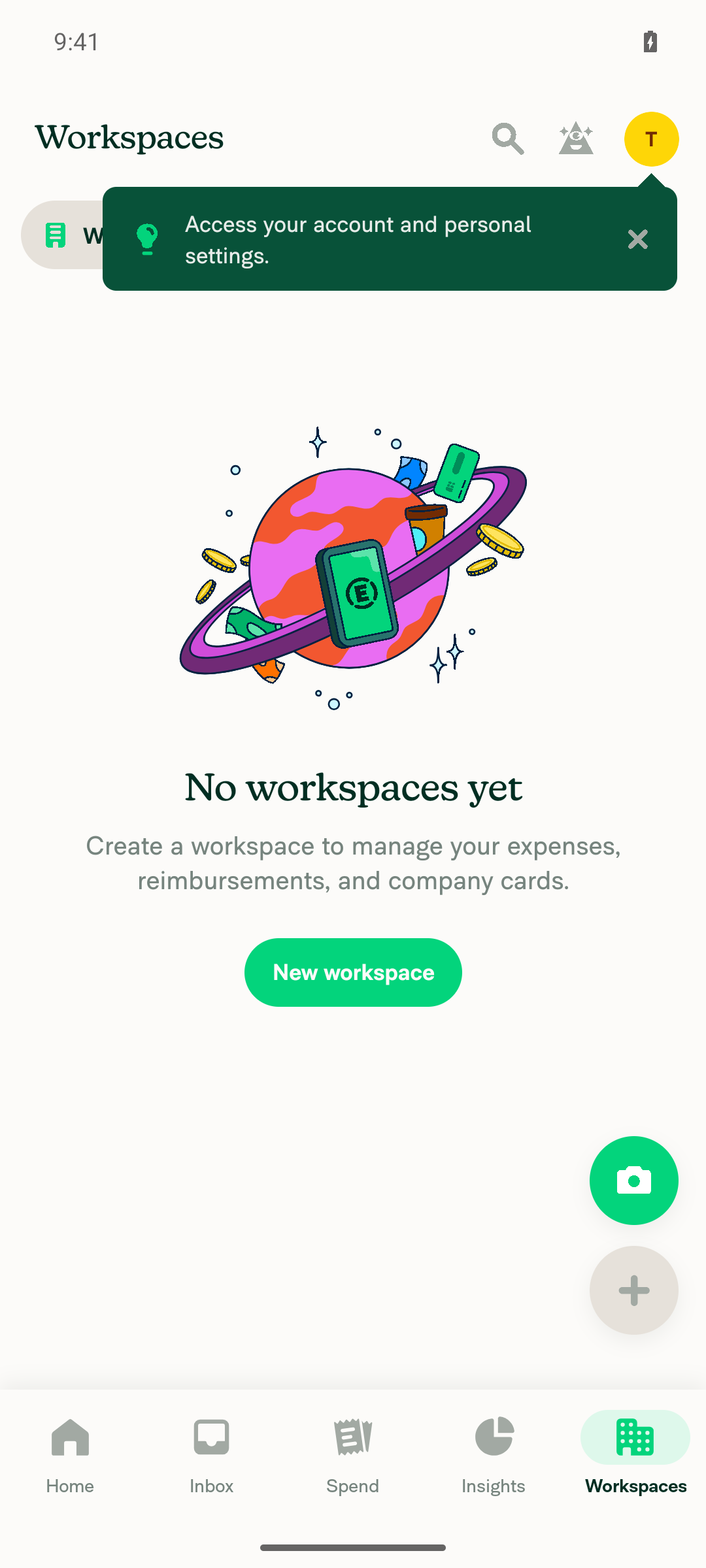
No workspace available to inspect individual company-card states.
❌
Genuine feed-wide connection failures still display the applicable warningBlocked: no genuine failed-feed fixture is available. Offline mode was not substituted for a bank-feed failure.
Empty workspace list demonstrating the unavailable feed prerequisite.
❌
No errors appear in the JS consoleUnverified: JS-console inspection was unavailable. No error overlay appeared in inspected screens, but that does not establish a clean console.
❌

@linhvovan29546

Copy link
Copy Markdown
Contributor

@MelvinBot Please add the test steps to the PR description. This state is hard to reach with a real account, so it's fine to test it with mock data.

@MelvinBot

Copy link
Copy Markdown
Contributor Author

🤖 Web test steps verification results: ⚠️ partial

Blocked on dev NewDot web: the account has no workspaces or card feeds. No supported browser fixture was found; no mock data was injected or state invented.

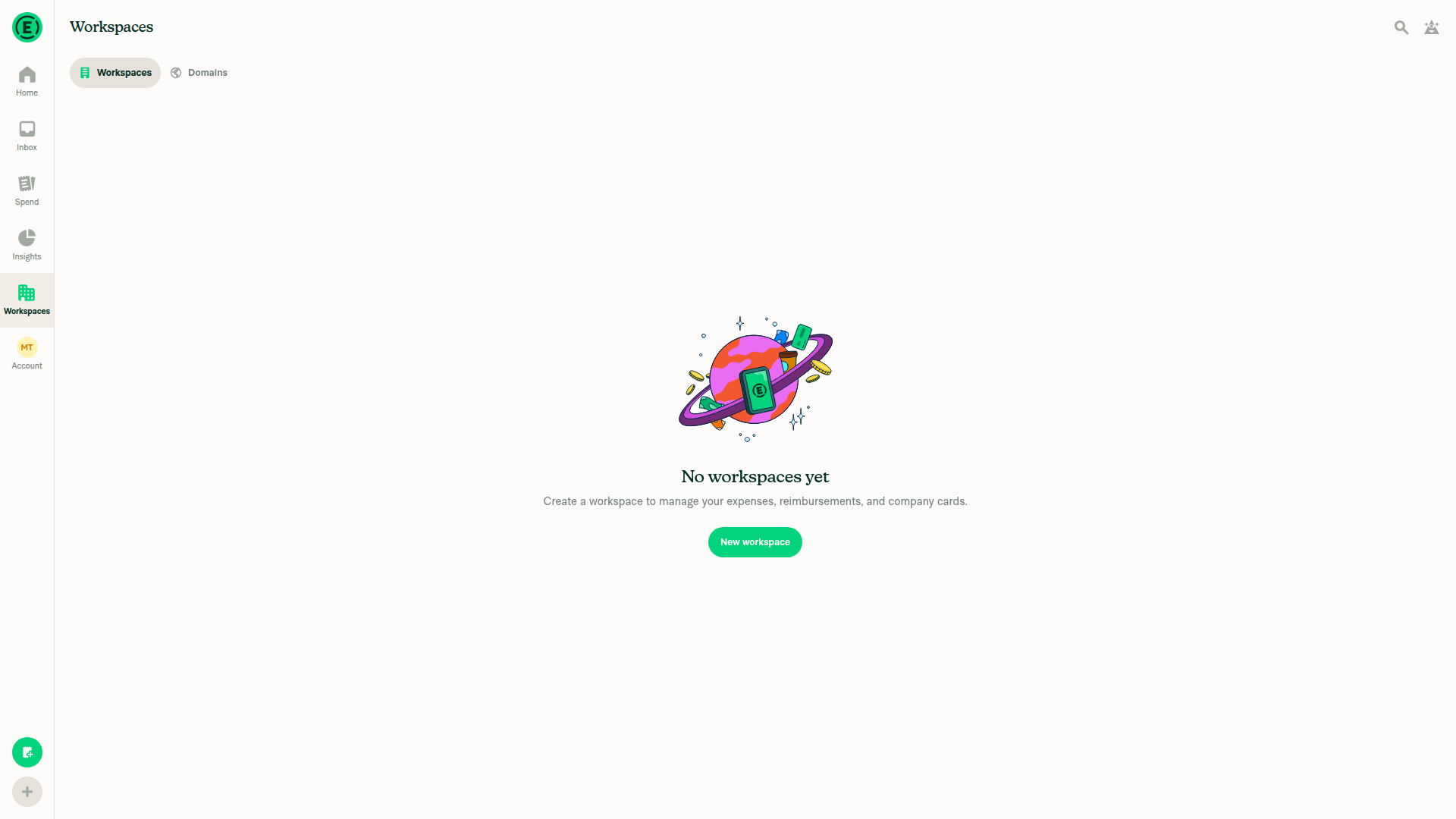
No workspace or feed available for connection-failure verification.

Step Status
Mixed healthy/434 cards do not trigger a feed-wide warningBlocked: snapshot and visibility checks confirmed “No workspaces yet.” The required feed was unavailable.
Live account has no workspaces; mixed-card verification blocked.
⚠️
The 434 card retains card-specific messaging while healthy cards remain unaffectedBlocked: neither affected nor healthy cards were available. No live or mock card behavior was verified.
Empty workspace list prevents card-specific checks.
⚠️
Genuine feed-wide connection failures still display the applicable warningBlocked: no failing feed or supported browser fixture was available.
No workspace or feed available for connection-failure verification.
⚠️
No errors appear in the JS consoleUnverified: console inspection was unavailable through the permitted testing interface. A clean console cannot be asserted.
⚠️

@MelvinBot

Copy link
Copy Markdown
Contributor Author

Added mock-data test instructions to the PR description: automated regression commands plus UI checks for mixed healthy/434 cards, card-specific errors, Wallet messaging, dismissal, and genuine feed failures.

The steps are explicitly marked pending execution. Human Tests/QA confirmations remain untouched, and the description notes that UI checks require a local mock fixture/harness.

Co-authored-by: Linh Vo <linhvovan29546@users.noreply.github.com>
@MelvinBot

Copy link
Copy Markdown
Contributor Author

Pushed fd2873450 to fix the Oxfmt failure: one missing blank line between import groups in CardFeedErrorsDerivedValueTest.ts:2. No logic changed.

  • Passed locally: formatting, 61 targeted tests, changed-file lint, typecheck, spelling, Storybook smoke test, and coding-standards review.
  • Limitations: full lint and full Jest timed out; no Jest failures were reported before timeout. The repository has no prettier script, so its actual CI formatter (npm run fmt) was used.
  • Independent approval requires reviewer action, not a code fix.

CI has restarted; the new Oxfmt check was still queued at the last check.


view run

@MelvinBot

Copy link
Copy Markdown
Contributor Author

⚠️ Something went wrong. This may be a transient issue. Try again. If it persists, check status.openai.com.

Run details

@melvin-bot
melvin-bot Bot requested a review from JS00001 November 5, 2026 14:40
@linhvovan29546

Copy link
Copy Markdown
Contributor

@JS00001 I approved the wrong PR. This PR isn't ready yet.

@linhvovan29546

Copy link
Copy Markdown
Contributor

@MelvinBot Please add the test steps and QA steps.

@JS00001

JS00001 commented Nov 5, 2026

Copy link
Copy Markdown
Contributor

no worries, just ping me when its ready again please

@MelvinBot

Copy link
Copy Markdown
Contributor Author

Added numbered steps directly under Tests and QA Steps in the PR description, including mock-data prerequisites and expected results for card-specific errors, Wallet status, dismissal, and genuine feed failures.

Both procedures are marked pending execution; no testing confirmations were checked off.

@linhvovan29546

Copy link
Copy Markdown
Contributor

@MelvinBot the Tests and QA steps are hard to follow as one block of text. Please replace the Tests, Offline tests and QA Steps sections with the version below? Dev can't produce a real 434 card, so the steps use mock data.

Tests

Setup (once):

  1. Create a workspace, enable Company cards in More features, and open Workspaces → <workspace> → Company cards.
  2. In the browser console, run the script below to add a direct Chase feed with a healthy card (…1111) and a 434 card (…4340).
Mock data script
const policyID = location.pathname.split('/')[2];
const wsID = (await Onyx.get(`policy_${policyID}`)).policyAccountID;
const {accountID} = await Onyx.get('session');
const feed = 'oauth.chase.com';
const cardsKey = `cards_${wsID}_${feed}`;
const card = (id, last4, status, errors) => ({cardID: id, bank: feed, fundID: String(wsID), accountID, state: 3, cardName: `CARD...${last4}`, encryptedCardNumber: `CARD...${last4}`, lastFourPAN: last4, lastScrapeResult: status, errors});

// Stops the server from replacing the mock data
await Onyx.merge('network', {shouldForceOffline: true});
// cardFeedsStatus: null clears any "Couldn't load this feed" error left over from an earlier run
await Onyx.merge(`sharedNVP_private_domain_member_${wsID}`, {settings: {companyCards: {[feed]: {pending: false}}, oAuthAccountDetails: {[feed]: {accountList: ['CARD...1111', 'CARD...4340']}}, cardFeedsStatus: null}});
await Onyx.set(cardsKey, {1: card(1, '1111', 200), 2: card(2, '4340', 434, {connectionError: "There's an issue with this card's connection, which may result in you not seeing transactions. Log into your bank on your company cards page to restore card imports."})});
await Onyx.merge(`lastSelectedFeed_${policyID}`, `${feed}#${wsID}`);

Run steps 2–5 in the same console session as the setup script, so cardsKey and card are still defined.

Steps:

  1. With a healthy card and a 434 card:
    • verify there's no "Card feed connection is broken" banner;
    • verify card …4340 shows its own row error: "There's an issue with this card's connection…".
  2. Run Onyx.merge(cardsKey, {2: {lastScrapeResult: 403}}) to simulate a real feed failure. Verify the banner appears.
  3. Run Onyx.merge(cardsKey, {3: card(3, '5555', 434)}) to add a second 434 card alongside the 403. Verify the banner still appears.
  4. Run Onyx.merge(cardsKey, {2: {lastScrapeResult: 200, errors: null}, 3: null}) so all cards are healthy. Verify there's no banner and no row errors.
  5. Run Onyx.merge('network', {shouldForceOffline: false}) to restore the network. The page then shows "Couldn't load this feed" because the feed is mock data. That's expected.
  • Verify that no errors appear in the JS console

Offline tests

The banner is computed only from local data, and the setup script forces the app offline, so steps 1–4 above also cover offline behaviour.

QA Steps

Same as tests. Staging can't produce a 434 card either, so use the mock data script above.

  • Verify that no errors appear in the JS console

@MelvinBot

Copy link
Copy Markdown
Contributor Author

Replaced Tests, Offline tests, and QA Steps in the PR description with your supplied version, including the mock script and console checkboxes. All other sections are unchanged. No tests were rerun.

@linhvovan29546

Copy link
Copy Markdown
Contributor

@MelvinBot Make PR ready for review

@MelvinBot
MelvinBot marked this pull request as ready for review November 5, 2026 15:15
@MelvinBot
MelvinBot requested a review from a team as a code owner November 5, 2026 15:15
@melvin-bot
melvin-bot Bot requested a review from linhvovan29546 November 5, 2026 15:16
@MelvinBot

Copy link
Copy Markdown
Contributor Author

Marked Keep individual card errors out of feed-wide connection warning as ready for review.

@melvin-bot
melvin-bot Bot removed the request for review from a team November 5, 2026 15:16
@melvin-bot

melvin-bot Bot commented Nov 5, 2026

Copy link
Copy Markdown

@linhvovan29546 Please copy/paste the Reviewer Checklist from here into a new comment on this PR and complete it. If you have the K2 extension, you can simply click: [this button]

@melvin-bot
melvin-bot Bot requested review from joekaufmanexpensify and removed request for a team November 5, 2026 15:16
@chatgpt-codex-connector

chatgpt-codex-connector Bot commented Nov 5, 2026 •

Copy link
Copy Markdown

Codex Review Summary

This comment shows the latest Codex review activity on this pull request.

Review Status Commit Review trigger
📝 Code Review ✅ Completed 2026-11-05T15:19:09.001249Z fd28734 Draft marked ready
ℹ️ About Codex in GitHub

Your team has set up Codex to review pull requests in this repo. Reviews are triggered when you

  • Open a pull request for review
  • Mark a draft as ready
  • Comment "@codex review" or "@codex security review".

Codex reacts with 👀 while any review is running, comments if it has suggestions, and reacts with 👍 once all reviews finish with no findings.

@linhvovan29546

linhvovan29546 commented Nov 5, 2026 •

Copy link
Copy Markdown
Contributor

Reviewer Checklist

  • I have verified the author checklist is complete (all boxes are checked off).
  • I verified the correct issue is linked in the ### Fixed Issues section above
  • I verified testing steps are clear and they cover the changes made in this PR
    • I verified the steps for local testing are in the Tests section
    • I verified the steps for Staging and/or Production testing are in the QA steps section
    • I verified the steps cover any possible failure scenarios (i.e. verify an input displays the correct error message if the entered data is not correct)
    • I turned off my network connection and tested it while offline to ensure it matches the expected behavior (i.e. verify the default avatar icon is displayed if app is offline)
  • I checked that screenshots or videos are included for tests on all platforms
  • I included screenshots or videos for tests on all platforms
  • I verified that the composer does not automatically focus or open the keyboard on mobile unless explicitly intended. This includes checking that returning the app from the background does not unexpectedly open the keyboard.
  • I verified tests pass on all platforms & I tested again on:
    • Android: HybridApp
    • Android: mWeb Chrome
    • iOS: HybridApp
    • iOS: mWeb Safari
    • MacOS: Chrome / Safari
  • If there are any errors in the console that are unrelated to this PR, I either fixed them (preferred) or linked to where I reported them in Slack
  • I verified any copy / text that was added to the app is either coming verbatim from figma or has been approved by marketing (in order to get marketing approval, ask the Bug Zero team member to add the Waiting for copy label to the issue)
  • If a new code pattern is added I verified it was agreed to be used by multiple Expensify engineers
  • I verified other components that can be impacted by these changes have been tested, and I retested again (i.e. if the PR modifies a shared library or component like Avatar, I verified the components using Avatar have been tested & I retested again)
  • If a new component is created I verified that:
    • A similar component doesn't exist in the codebase
    • All props are defined accurately
    • The component has a clear name that is non-ambiguous and the purpose of the component can be inferred from the name alone
    • The only data being stored in the state is data necessary for rendering and nothing else
    • The component has the minimum amount of code necessary for its purpose, and it is broken down into smaller components in order to separate concerns and functions
  • If the PR modifies code that runs when editing or sending messages, I tested and verified there is no unexpected behavior for all supported markdown - URLs, single line code, code blocks, quotes, headings, bold, strikethrough, and italic.
  • If the PR modifies a generic component, I tested and verified that those changes do not break usages of that component in the rest of the App (i.e. if a shared library or component like Avatar is modified, I verified that Avatar is working as expected in all cases)
  • If the PR modifies a component related to any of the existing Storybook stories, I tested and verified all stories for that component are still working as expected.
  • If the PR modifies a component or page that can be accessed by a direct deeplink, I verified that the code functions as expected when the deeplink is used - from a logged in and logged out account.
  • If the PR modifies the UI (e.g. new buttons, new UI components, changing the padding/spacing/sizing, moving components, etc) or modifies the form input styles:
    • I verified that all the inputs inside a form are aligned with each other.
    • I added Design label and/or tagged @Expensify/design so the design team can review the changes.
  • If the PR adds or modifies the UI:
    • I asked an AI agent to review the changes for accessibility issues and addressed its findings.
    • I tested with a screen reader (VoiceOver on macOS) and verified all new/changed elements are reachable with a logical focus order.
    • I verified all new/changed elements have meaningful accessible names and roles.
    • I verified state changes are announced (e.g. checked/unchecked, expanded/collapsed, selected).
  • For any bug fix or new feature in this PR, I verified that sufficient unit tests are included to prevent regressions in this flow.
  • If the main branch was merged into this PR after a review, I tested again and verified the outcome was still expected according to the Test steps.
  • I have checked off every checkbox in the PR reviewer checklist, including those that don't apply to this PR.

Screenshots/Videos

Android: HybridApp

N/A. This change doesn't affect the UI.

Android: mWeb Chrome

N/A. This change doesn't affect the UI.

iOS: HybridApp

N/A. This change doesn't affect the UI.

iOS: mWeb Safari N/A. This change doesn't affect the UI.
MacOS: Chrome / Safari pr106104-step1-434-no-banner

@chatgpt-codex-connector chatgpt-codex-connector Bot left a comment

Copy link
Copy Markdown

Choose a reason for hiding this comment

The reason will be displayed to describe this comment to others. Learn more.

💡 Codex Review

Here are some automated review suggestions for this pull request.

Reviewed commit: fd2873450b

ℹ️ About Codex in GitHub

Codex has been enabled to automatically review pull requests in this repo. Reviews are triggered when you

  • Open a pull request for review
  • Mark a draft as ready
  • Comment "@codex review".

If Codex has suggestions, it will comment; otherwise it will react with 👍.

When you sign up for Codex through ChatGPT, Codex can also answer questions or update the PR, like "@codex address that feedback".

function getShouldShowBrokenConnectionError(feedName: CompanyCardFeedWithDomainID, feedErrors: CardFeedErrorState | undefined): boolean {
const hasConnectionToFix = !!feedErrors?.isFeedConnectionBroken || !!feedErrors?.hasFeedConnectionIssue;
return (hasConnectionToFix && isDirectFeed(feedName)) || !!feedErrors?.hasFeedErrors;
return (!!feedErrors?.isFeedConnectionBroken && isDirectFeed(feedName)) || !!feedErrors?.hasFeedErrors;

Copy link
Copy Markdown

Choose a reason for hiding this comment

The reason will be displayed to describe this comment to others. Learn more.

P1 Badge Preserve a reconnect affordance for actionable card errors

When a direct-feed card reports an actionable ignored status such as 434, isFeedConnectionBroken is intentionally false while hasFeedConnectionIssue remains true, so this condition now hides the login link. PaymentMethodList still marks that card inactive and directs an admin to the Company Cards page, but the destination row only displays a dismissible error and does not start startCardFeedRefresh; after dismissal it displays no card-level indication at all. Add a card-specific reconnect action before removing hasFeedConnectionIssue from this gate, otherwise the Wallet's advertised fix flow leads to a page without the expected fix.

Useful? React with 👍 / 👎.

Copy link
Copy Markdown
Contributor

Choose a reason for hiding this comment

The reason will be displayed to describe this comment to others. Learn more.

Not a blocker IMO. This is the same concern Codex raised in #100277 (#100277 (comment)). Adding hasFeedConnectionIssue to the banner to address it is what caused #105932.

A 434 means that one card's account wasn't found (e.g. a cancelled card), so logging into the bank won't fix it. The admin still sees the error on the card's row and can use Update card or Unassign card from its details page.

@github-actions

github-actions Bot commented Nov 5, 2026

Copy link
Copy Markdown
Contributor

🚧 joekaufmanexpensify has triggered a test Expensify/App build. You can view the workflow run here.

@github-actions

This comment has been minimized.

@joekaufmanexpensify joekaufmanexpensify left a comment

Copy link
Copy Markdown
Contributor

Choose a reason for hiding this comment

The reason will be displayed to describe this comment to others. Learn more.

Tested on customer account who was experiencing issue and confirmed it is resolved 👍

@joekaufmanexpensify joekaufmanexpensify added the InternalQA This pull request required internal QA label Nov 5, 2026
@JS00001
JS00001 merged commit ece2e6c into main Nov 10, 2026
47 of 55 checks passed
@JS00001
JS00001 deleted the claude-cardSpecificConnectionWarning branch November 10, 2026 13:38
@github-actions

Copy link
Copy Markdown
Contributor

🚧 JS00001 has triggered a test Expensify/App build. You can view the workflow run here.

@OSBotify

Copy link
Copy Markdown
Contributor

✋ This PR was not deployed to staging yet because QA is ongoing. It will be automatically deployed to staging after the next production release.

@github-actions

Copy link
Copy Markdown
Contributor

@OSBotify

Copy link
Copy Markdown
Contributor

🚀 Deployed to staging by https://github.com/JS00001 in version: 9.5.36-0 🚀

platform result
🕸 web 🕸 success ✅
🤖 android 🤖 success ✅
🍎 iOS 🍎 success ✅

@MelvinBot

Copy link
Copy Markdown
Contributor Author

No help site update needed — this bug fix only prevents an individual card issue from incorrectly triggering a feed-wide warning; it adds no workflow and makes no existing article sentence incorrect.


view run

@MelvinBot

Copy link
Copy Markdown
Contributor Author

No FullStory changes needed — this PR only fixes an incorrect feed-wide warning for individual card errors and adds regression tests, without introducing new screens, interactions, user properties, or sensitive content.


view run

@OSBotify

Copy link
Copy Markdown
Contributor

🚀 Deployed to production by https://github.com/yuwenmemon in version: 9.5.36-0 🚀

platform result
🕸 web 🕸 success ✅
🤖 android 🤖 success ✅
🍎 iOS 🍎 success ✅

Bundle Size Analysis (Sentry):

Sign up for free to join this conversation on GitHub. Already have an account? Sign in to comment

Labels

InternalQA This pull request required internal QA Melvin-Test-Android Melvin-Test-Web Triggers Melvin to run the testing steps of the PR on web

Projects

None yet

Development

Successfully merging this pull request may close these issues.

5 participants