
Video Visor is a simple desktop application that allows you to view live video from a camera and apply image filters to it in real-time. The application is built using the Qt framework and the OpenCV library for image processing.
To install and run the application, follow these steps:
- Install Qt and OpenCV on your system.
- Clone the repository or download the source code.
- Build the project using a C++ compiler that supports C++17 or later.
- Run the executable file.
qmake VideoVisor.pro
make./bin/videoVisor
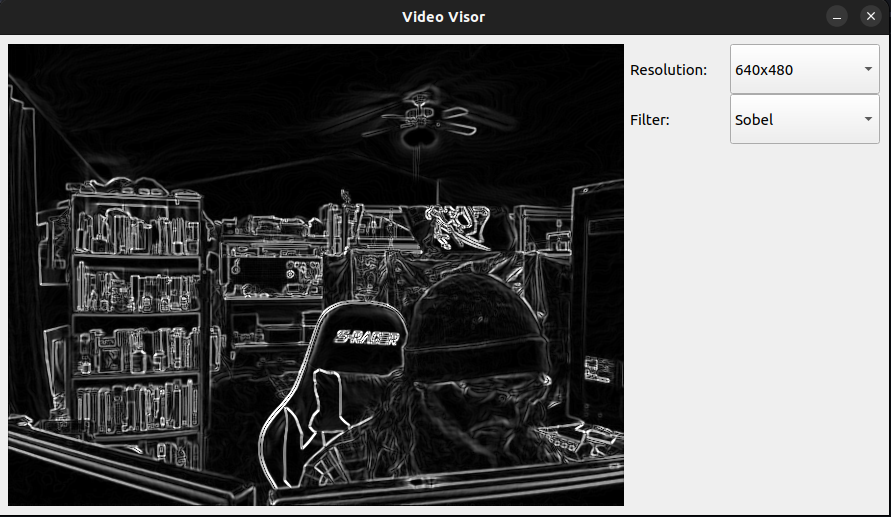
When you launch the application, you will see a window with live video from your camera. You can use the "Resolution" dropdown menu to select the desired resolution for the video feed. You can also use the "Filter" dropdown menu to select one of several image filters to apply to the video in real-time.
If you want to contribute to this project, feel free to create a pull request or open an issue. We welcome contributions and feedback from the community.
This project is licensed under the MIT License. Feel free to use and modify the code as you see fit.