



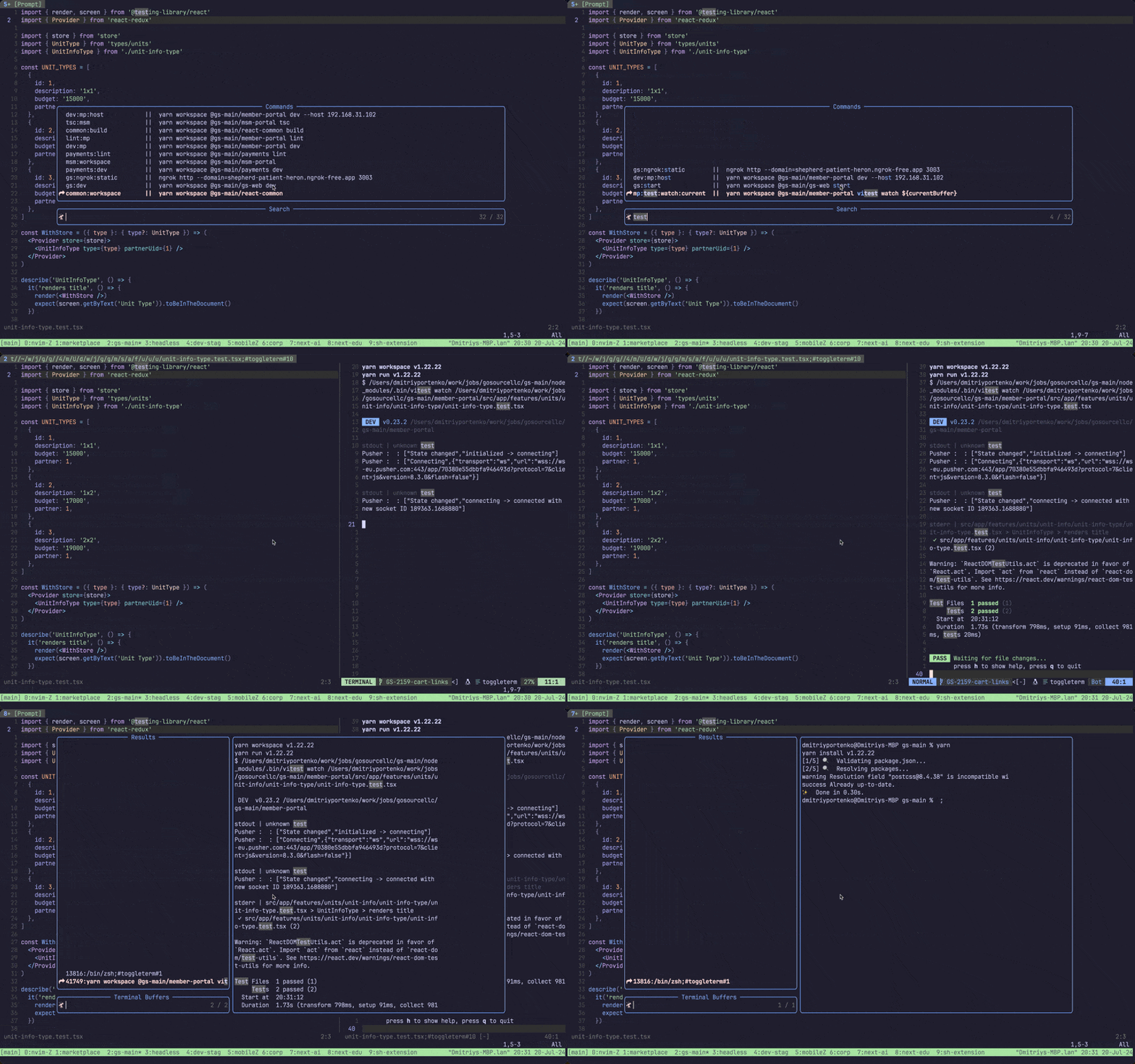
Quickly run your project cli commands with Telescope and ToggleTerm.
Lazy config
{
  "dimaportenko/project-cli-commands.nvim",

  dependencies = {
    "akinsho/toggleterm.nvim",
    "nvim-telescope/telescope.nvim",
  },

  -- optional keymap config
  config = function()
    local OpenActions = require('project_cli_commands.open_actions')
    local RunActions = require('project_cli_commands.actions')

    local config = {
      -- Optional: override the global config path
      -- Default: vim.fn.stdpath('config') .. '/project-cli-commands.config.json'
      -- global_config_path = vim.fn.stdpath('config') .. '/project-cli-commands.config.json',

      -- Key mappings bound inside the telescope window
      running_telescope_mapping = {
        ['<C-c>'] = RunActions.exit_terminal,
        ['<C-f>'] = RunActions.open_float,
        ['<C-v>'] = RunActions.open_vertical,
        ['<C-h>'] = RunActions.open_horizontal,
      },
      open_telescope_mapping = {
        { mode = 'i', key = '<CR>',  action = OpenActions.execute_script_vertical },
        { mode = 'n', key = '<CR>',  action = OpenActions.execute_script_vertical },
        { mode = 'i', key = '<C-h>', action = OpenActions.execute_script },
        { mode = 'n', key = '<C-h>', action = OpenActions.execute_script },
        { mode = 'i', key = '<C-i>', action = OpenActions.execute_script_with_input },
        { mode = 'n', key = '<C-i>', action = OpenActions.execute_script_with_input },
        { mode = 'i', key = '<C-c>', action = OpenActions.copy_command_clipboard },
        { mode = 'n', key = '<C-c>', action = OpenActions.copy_command_clipboard },
        { mode = 'i', key = '<C-f>', action = OpenActions.execute_script_float },
        { mode = 'n', key = '<C-f>', action = OpenActions.execute_script_float },
        { mode = 'i', key = '<C-v>', action = OpenActions.execute_script_vertical },
        { mode = 'n', key = '<C-v>', action = OpenActions.execute_script_vertical },
      }
    }

    require('project_cli_commands').setup(config)
  end
}Configuration can be stored in two places:
- Global config:
vim.fn.stdpath('config') .. '/project-cli-commands.config.json'by default - Project config:
.nvim/config.json
Both files use the same JSON schema. When both files exist, the plugin merges them with this precedence:
- Project config overrides global config for top-level keys
- Commands with the same name are overridden by project config
- Keys that exist only in global config remain available
If neither file exists and you run Telescope project_cli_commands open, the plugin asks to create .nvim/config.json in the current project — unless the project has a justfile, in which case its recipes are listed and you aren't asked for anything.
Example of config.json:
{
  "env": ".env",
  "commands": {
    "ls:la": "ls -tls",
    "current:ls": "ls -la ${currentBuffer}",
    "print:env": "echo $EXPO_TOKEN",
    "print:env:local": {
      "name": "Print local token",
      "description": "Echo EXPO_TOKEN from .env.local",
      "cmd": "echo $EXPO_TOKEN",
      "env": ".env.local",
      "after": "Telescope find_files"
    }
  }
}env- (optional) path to the environment file. It will be loaded before running the command. Relative paths are resolved from the directory containing the config file that defines them — Neovim's config directory for global config and.nvim/for project config. Absolute paths are used as-is.commands- list of termainal commands.key- command name.value- (string) terminal command to run.value- (table) command configuration.name- (optional) display name shown in Telescope instead of the command key.description- (optional) text shown in Telescope aftername(or key ifnameis missing).cmd- terminal command to run.env- (optional) path to the environment file. It will be loaded before running the command.after- (optional) neovim command to run after the terminal command.placeholders- (optional) map of placeholder names to lists of allowed values (see Placeholder suggested values).
Example merge behavior (global + project override):
Global vim.fn.stdpath('config') .. '/project-cli-commands.config.json'
{
  "env": ".env.shared",
  "commands": {
    "test:all": "npm test",
    "lint": "npm run lint"
  }
}
Project .nvim/config.json
{
  "commands": {
    "test:all": "pnpm test",
    "build": "pnpm build"
  }
}
Merged result used by the picker:
{
  "env": ".env.shared",
  "commands": {
    "test:all": "pnpm test",
    "lint": "npm run lint",
    "build": "pnpm build"
  }
}
Telescope project_cli_commands open- open telescope with list of commands fromconfig.json. Where you can pick one to run.Telescope project_cli_commands running- open telescope with list of running commands. Where you can toggle terminal for it or stop them.
--
vim.api.nvim_set_keymap("n", "<leader>p", ":Telescope project_cli_commands open<cr>", { noremap = true, silent = true })
vim.api.nvim_set_keymap("n", "<leader>;", ":Telescope project_cli_commands running<cr>", { noremap = true, silent = true })You can open terminal for command in float, vertical and horizontal mode.
You can run command with input. Basic use case is when you want to add extra arguments to your terminal command.
By pressing Ctrl+c (default keymap) you can copy command to clipboard.
You can run neovim command after terminal command is finished.
You can load environment variables from file before running the command.
For example you would like to run test for current buffer you can configure it like this
{
  "commands": {
    "test:current": "jest ${currentBuffer}"
  }
}Use ${name} tokens in your command and define a placeholders map to restrict each token to a predefined list of values. When the command is executed, a Telescope picker opens for each placeholder in order — the selected values are substituted before the terminal starts. Pressing <Esc> or <C-c> in any picker cancels the entire execution.
{
  "commands": {
    "deploy": {
      "cmd": "deploy.sh --env ${environment} --region ${region}",
      "placeholders": {
        "environment": ["staging", "production"],
        "region": ["us-east-1", "eu-west-1", "ap-southeast-1"]
      }
    }
  }
}- Multiple placeholders are resolved sequentially, left-to-right.
- The same resolved value is substituted for every occurrence of
${name}in the command. ${currentBuffer}is always resolved automatically and cannot be used as a placeholder name.- If a placeholder name in the map has no matching
${name}token incmd, or vice versa, a warning is shown and execution is aborted.
If the project has a justfile, its recipes are listed in the
picker alongside the commands from config.json — no configuration needed. just does
the file lookup itself, so the same justfile it would pick from your current directory
(including ones in parent directories) is the one you see recipes from.
alpha       ||  echo alpha
lint        ||  npm run lint
build       ||  Build the project
deploy      ||  Deploy to an environment
Recipes are listed under their own name, after the commands from config.json. A
recipe and a command may share a name — both are listed, neither is hidden. Typing
just in the picker narrows the list to recipes.
The description column shows the recipe's doc comment, falling back to the first line of its body when there isn't one.
- Private recipes (
[private]or a leading underscore) are left out, asjust --listleaves them out. - Aliases are left out too, since the recipe an alias points at is already in the list.
- Recipes from imported modules are listed under their full path, e.g.
sub::inner. - A recipe with a parameter that has no default opens the input prompt so you can pass
arguments, the same as pressing
<C-i>. - Recipes run without the environment from
env— a justfile loads its own dotenv files viaset dotenv-load, and layering both would give you two sets of rules for the same variables.
Nothing happens if just isn't installed or the project has no justfile. If a justfile
is there but can't be parsed, the error from just is reported.
To turn the integration off:
require('project_cli_commands').setup({
  just = {
    enabled = false,
  },
})You can open list of running commands with Telescope project_cli_commands running. There you can show/hide terminal for each command. Or you can stop running command.
-
keymap open toggleterm with different positions (e.g. float like rnstart cmd)
-
merge telescope-toggleterm plugin with this one
-
add vertical open option
-
add keymaps config
-
add new config templates setup
-
add environment variables to run commands
-
table config for commands
-
after command (e.g. run 'LspRestart' after terminal command)
-
run recipes from a justfile
-
current directory path variable ${currentDirectory}
-
scroll preview content
-
copy to clipboard with ${currentBuffer}
-
add readme
- add installation instructions
- keymaps setup
- features description and examples
- demo gif
- full demo video (maybe on youtube)