Repository navigation
feat(desktop): render the macOS-first workbench shell - #130
Merged
Merged
Conversation


Owner
Author
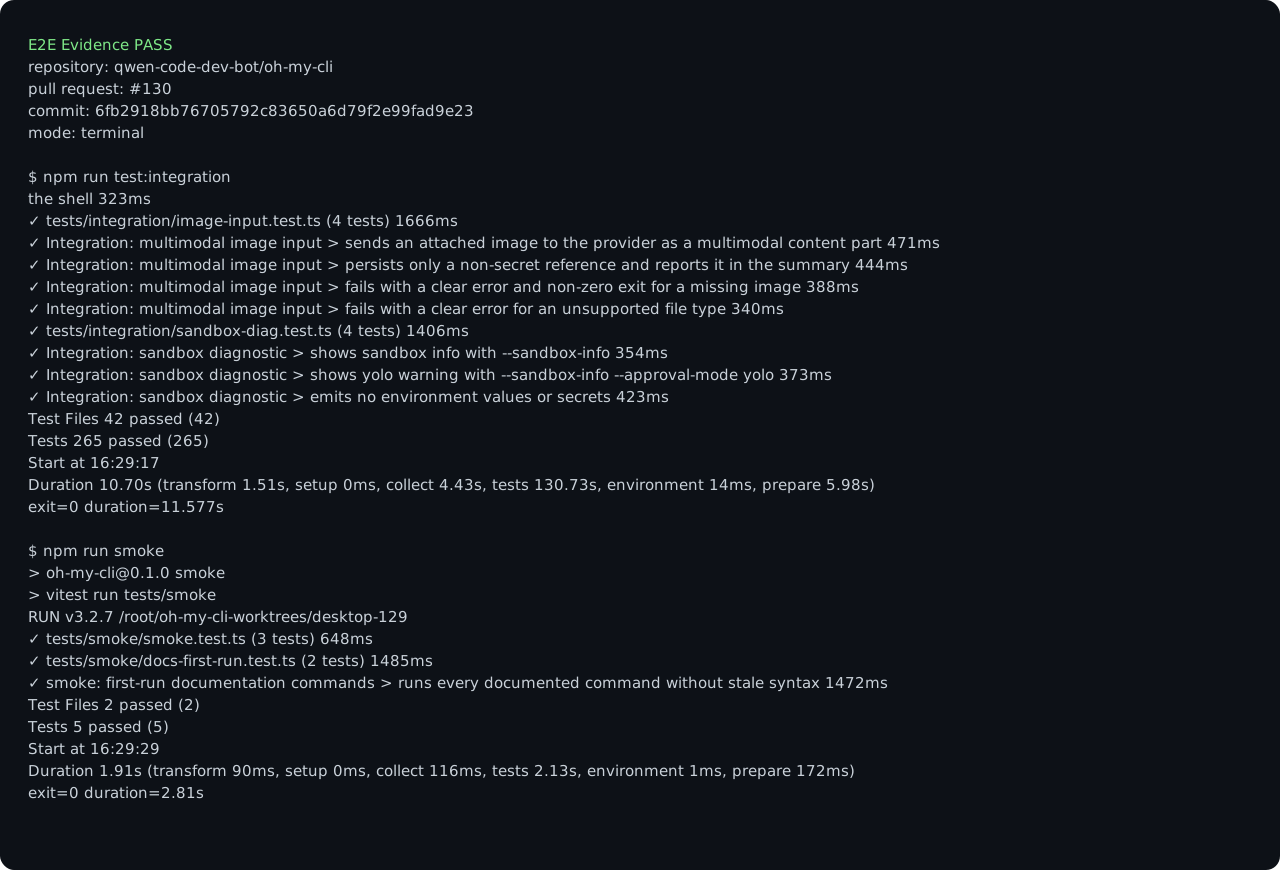
E2E verification
|

This was referenced Jul 18, 2026
This file contains hidden or bidirectional Unicode text that may be interpreted or compiled differently than what appears below. To review, open the file in an editor that reveals hidden Unicode characters.
Learn more about bidirectional Unicode characters
Sign up for free
to join this conversation on GitHub.
Already have an account?
Sign in to comment

Add this suggestion to a batch that can be applied as a single commit.This suggestion is invalid because no changes were made to the code.Suggestions cannot be applied while the pull request is closed.Suggestions cannot be applied while viewing a subset of changes.Only one suggestion per line can be applied in a batch.Add this suggestion to a batch that can be applied as a single commit.Applying suggestions on deleted lines is not supported.You must change the existing code in this line in order to create a valid suggestion.Outdated suggestions cannot be applied.This suggestion has been applied or marked resolved.Suggestions cannot be applied from pending reviews.Suggestions cannot be applied on multi-line comments.Suggestions cannot be applied while the pull request is queued to merge.Suggestion cannot be applied right now. Please check back later.
Summary
Render a focused macOS-first desktop workbench on top of the hardened Electron boundary. The slice introduces project/session navigation, an agent workbench, a context inspector, a fixed composer, and explicit empty, loading, ready, and error states without widening the preload bridge.
Motivation
The desktop roadmap needs a usable visual foundation before terminal continuity and workflow controls can be integrated. Keeping this shell independent makes the layout, accessibility, and local-content security boundary reviewable on their own.
How to verify
Reviewer Test Plan
Open the desktop window and confirm the three primary regions are visually distinct, the composer remains anchored at the bottom, the ready state is announced in the main workbench, and keyboard focus can reach each landmark. Confirm no PTY, workflow, settings, packaging, or CI workflow behavior is introduced in this slice.
Closes #129