Repository navigation
Allow the workflows bank account row to be tapped while offline - #101450
Conversation


The unlock request on a locked bank account is optimistic and queues until reconnect, so the offline gate on the row blocked a flow that works offline everywhere else. This mirrors Settings > Wallet, which has no such gate.

Co-authored-by: Pujan Shah <Pujan92@users.noreply.github.com>

 melvin-bot
Bot
added
Melvin-Test-Android
Melvin-Test-Web

|
I created this PR from an upstream branch because I don't have push access to your fork. To take ownership of this branch and be able to push updates, run: Then you can close this PR and open a new one from your fork. |
Co-authored-by: Pujan Shah <Pujan92@users.noreply.github.com>
|
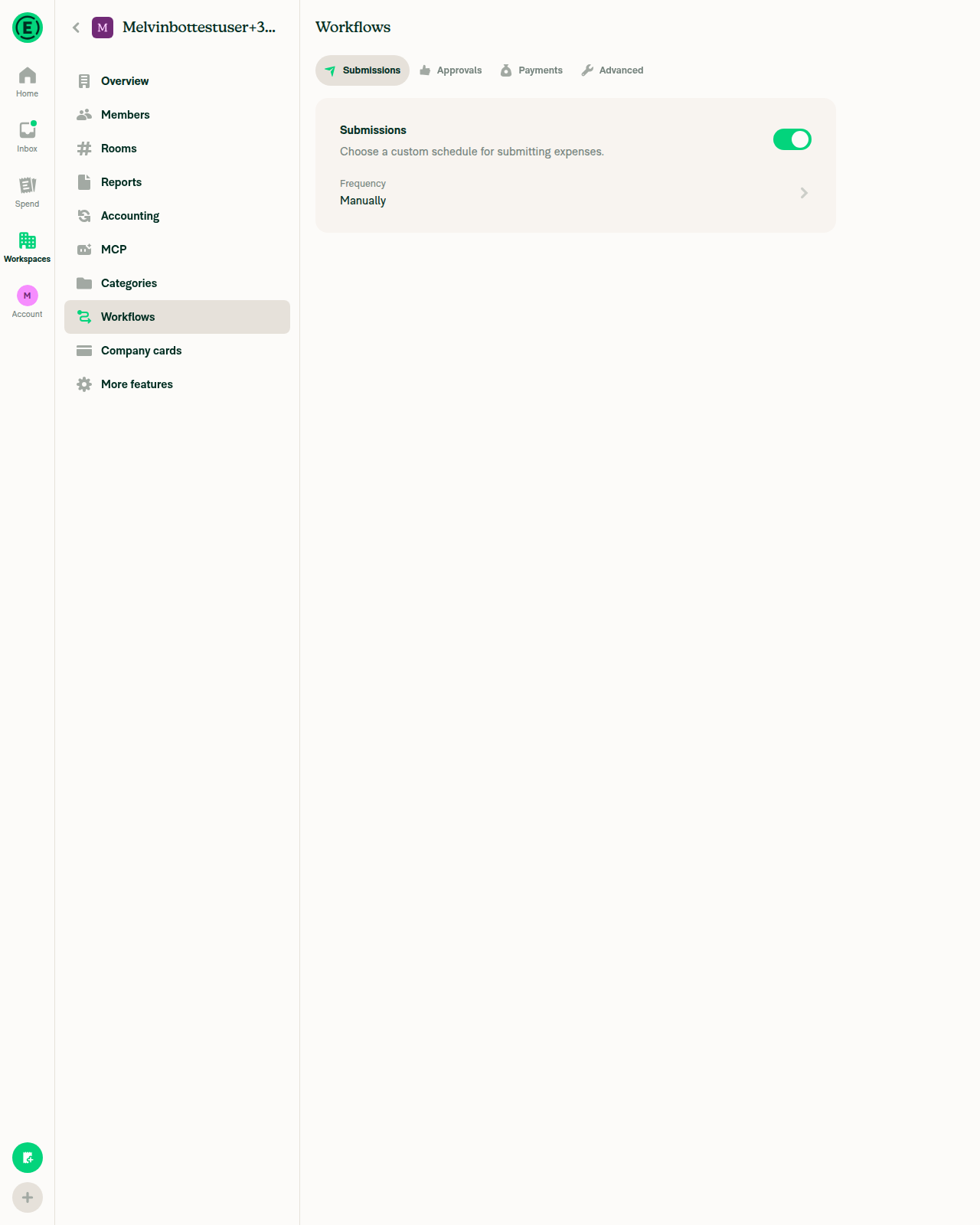
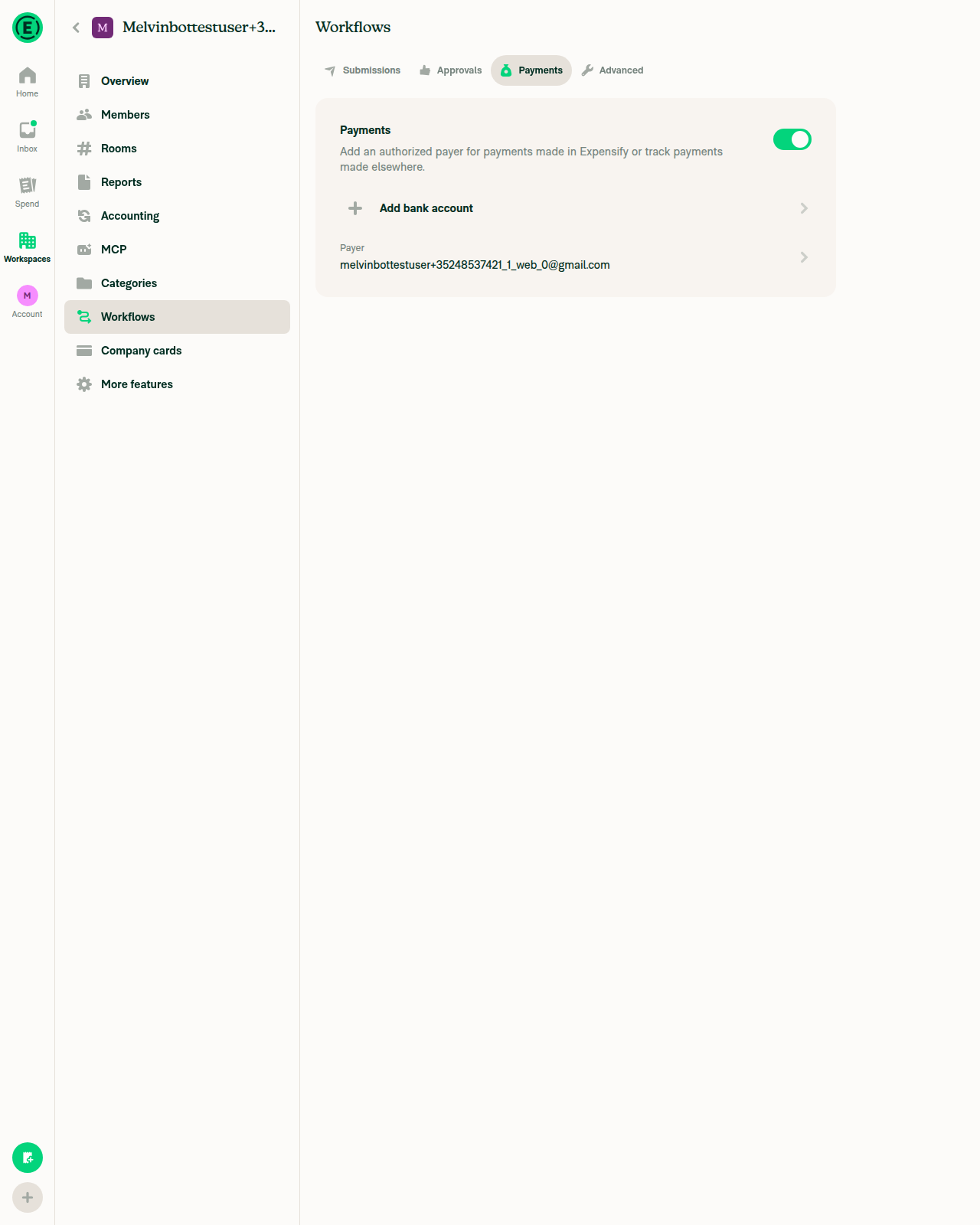
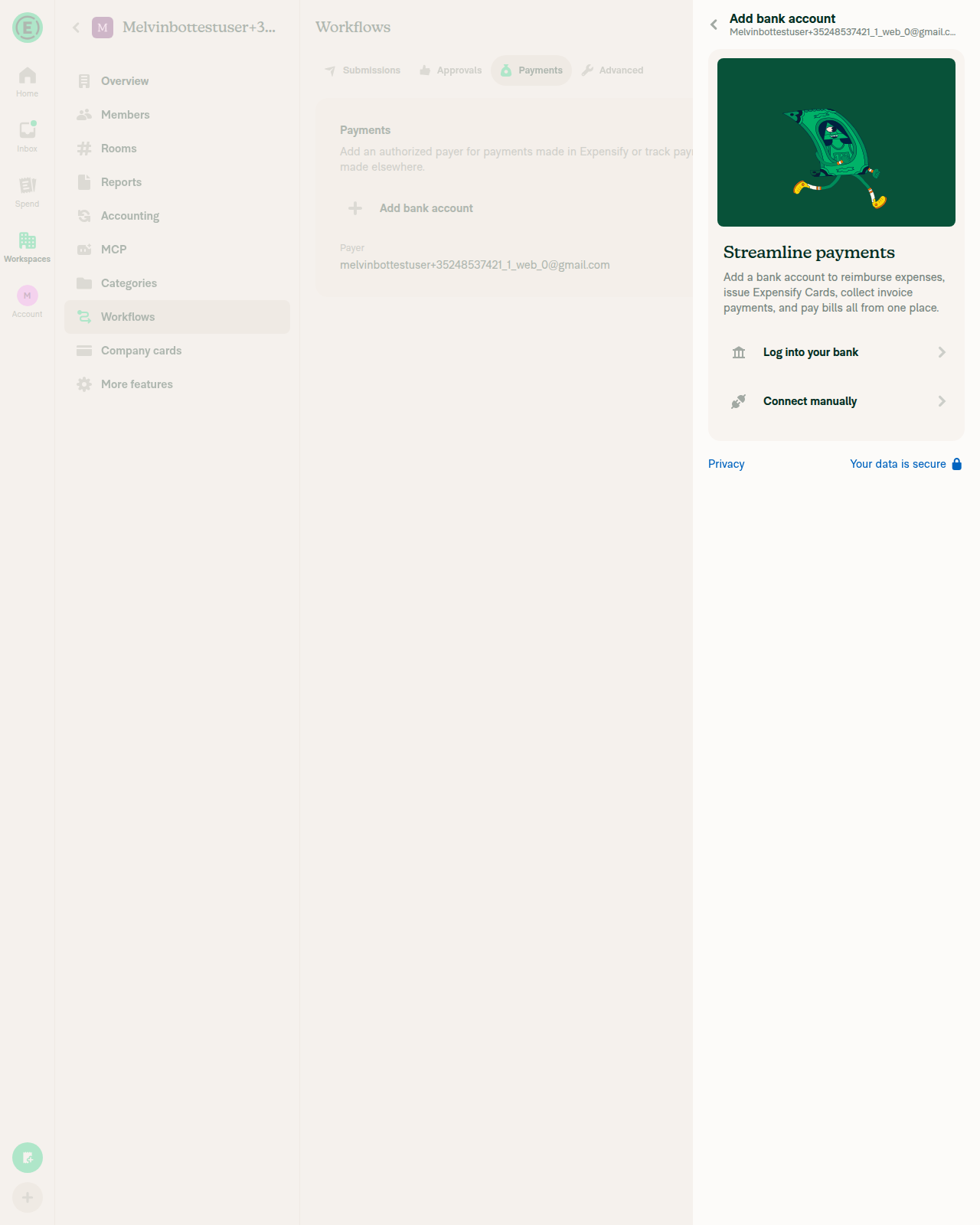
🤖 Android test steps verification results: Reached Workspace settings → Workflows → Payments on standalone Android NewDot, but the test workspace has no connected bank account (only the "Add bank account" CTA), so the
No JS console errors were observed. The airplane-mode toggle round-tripped cleanly and the session was left online. To get live Android proof of this fix, the run needs an account whose workspace has a business bank account already in the |
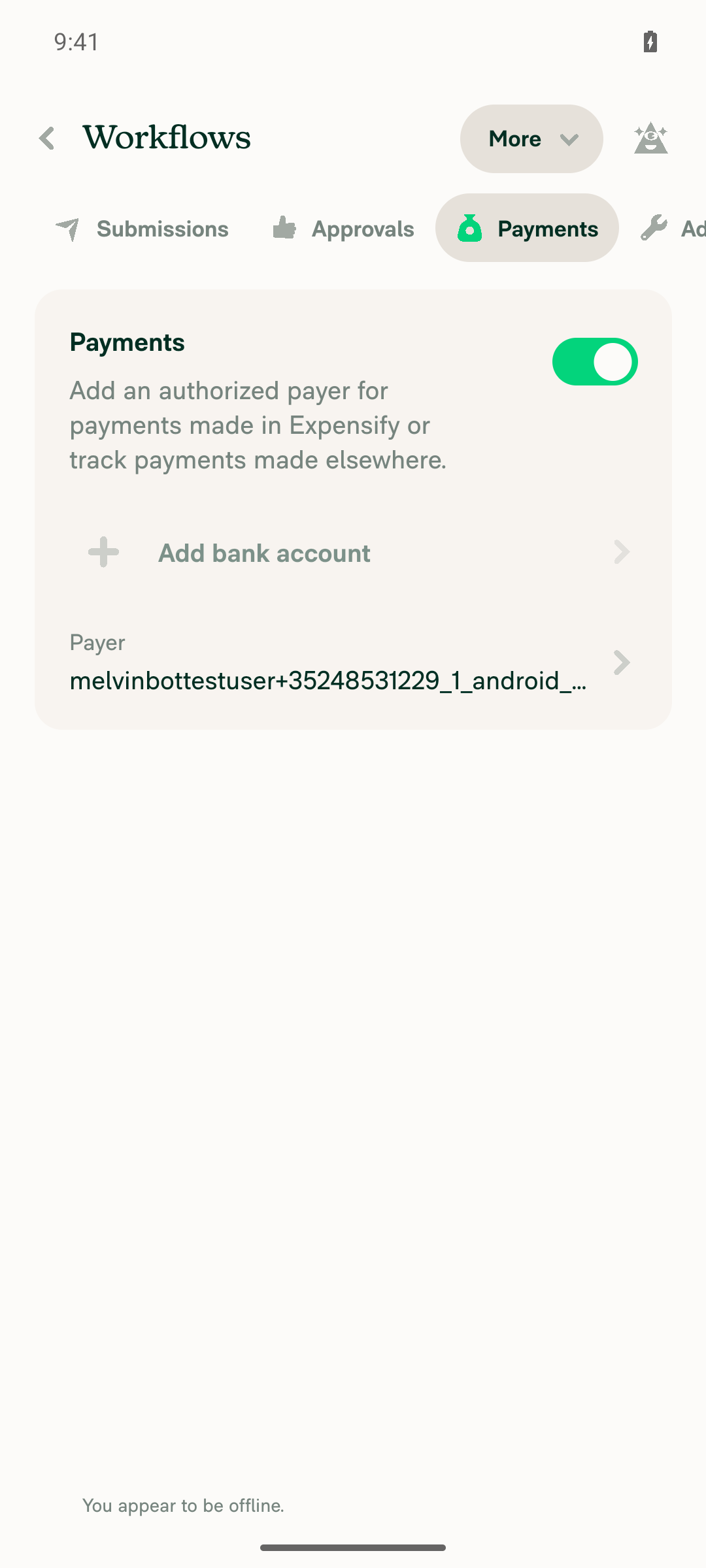
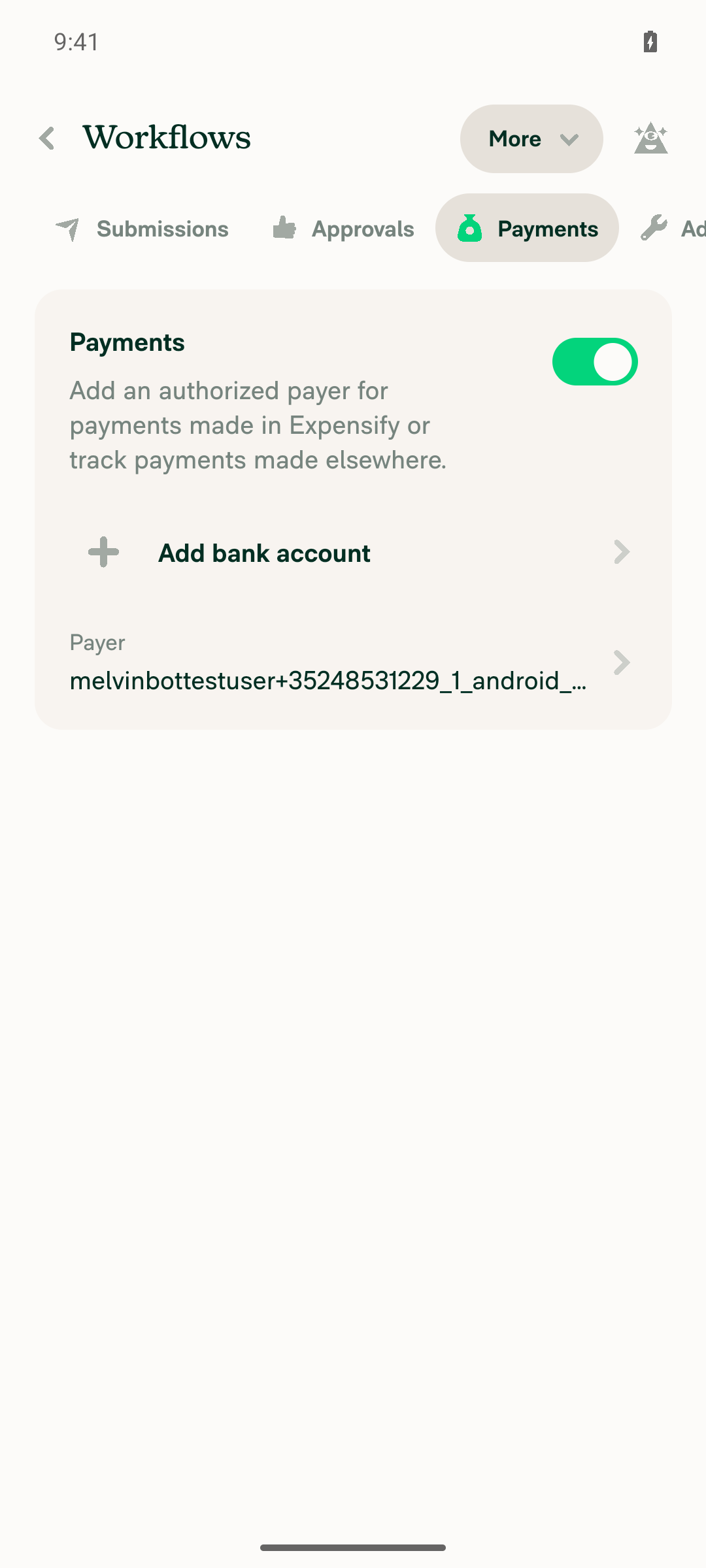
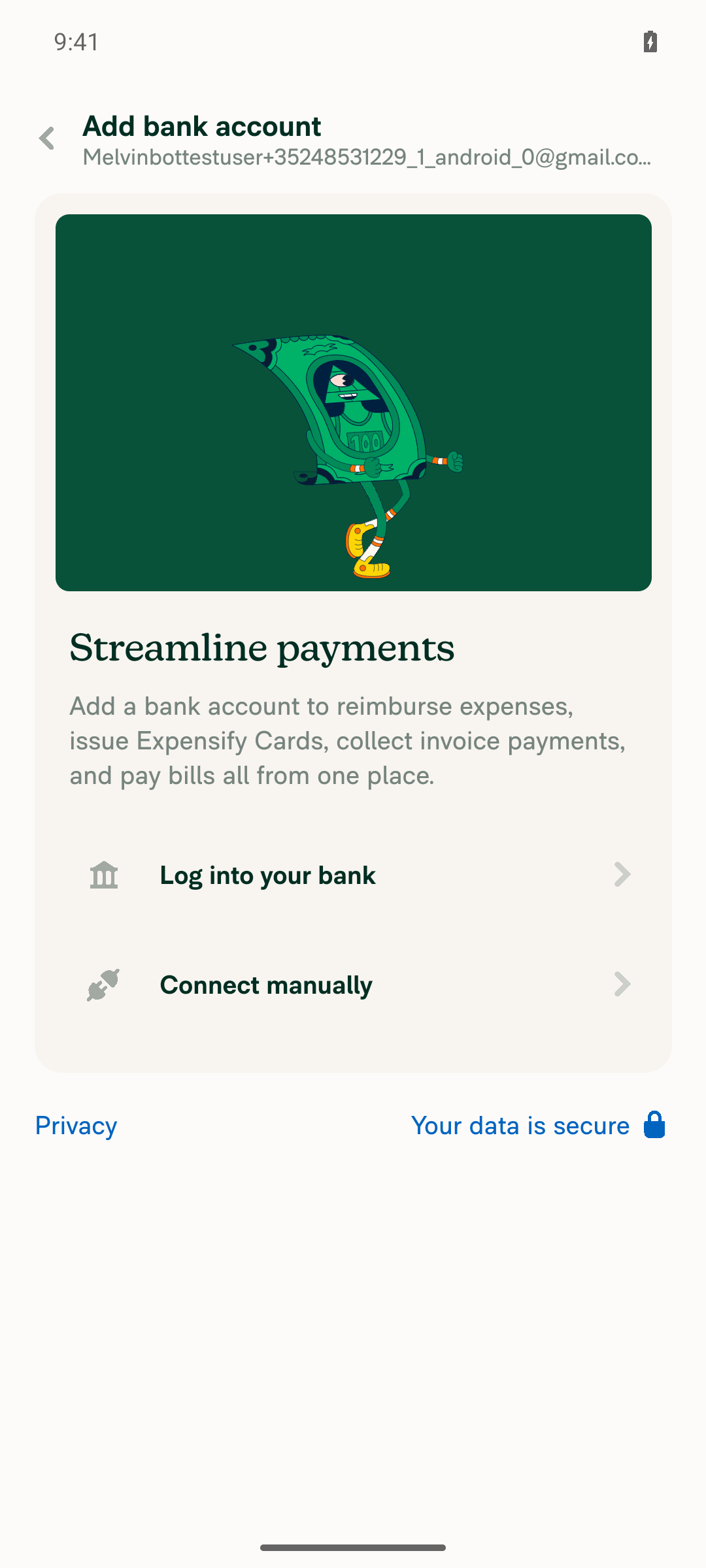
|
Fixed and pushed — Oxfmt check now passes. What was broken: the new test file I added wasn't oxfmt-formatted. Pushed as Verification+import type * as ReportUserActionsModule from '@userActions/Report';
+
import CONST from '@src/CONST';
...
-import type * as ReportUserActionsModule from '@userActions/Report';
-
import type * as MockReanimatedModalModule from '../utils/mockReanimatedModal';Run locally on the branch after the fix:
One remaining failure, which I left alone: The |

|
🤖 Web test steps verification results: Reached Workspace settings → Workflows → Payments on dev NewDot web (branch
No JS console errors were observed. The Force-offline toggle round-tripped cleanly. To actually exercise steps 2–5 on either platform, the run needs a fixture that seeds a workspace with a bank account already in |
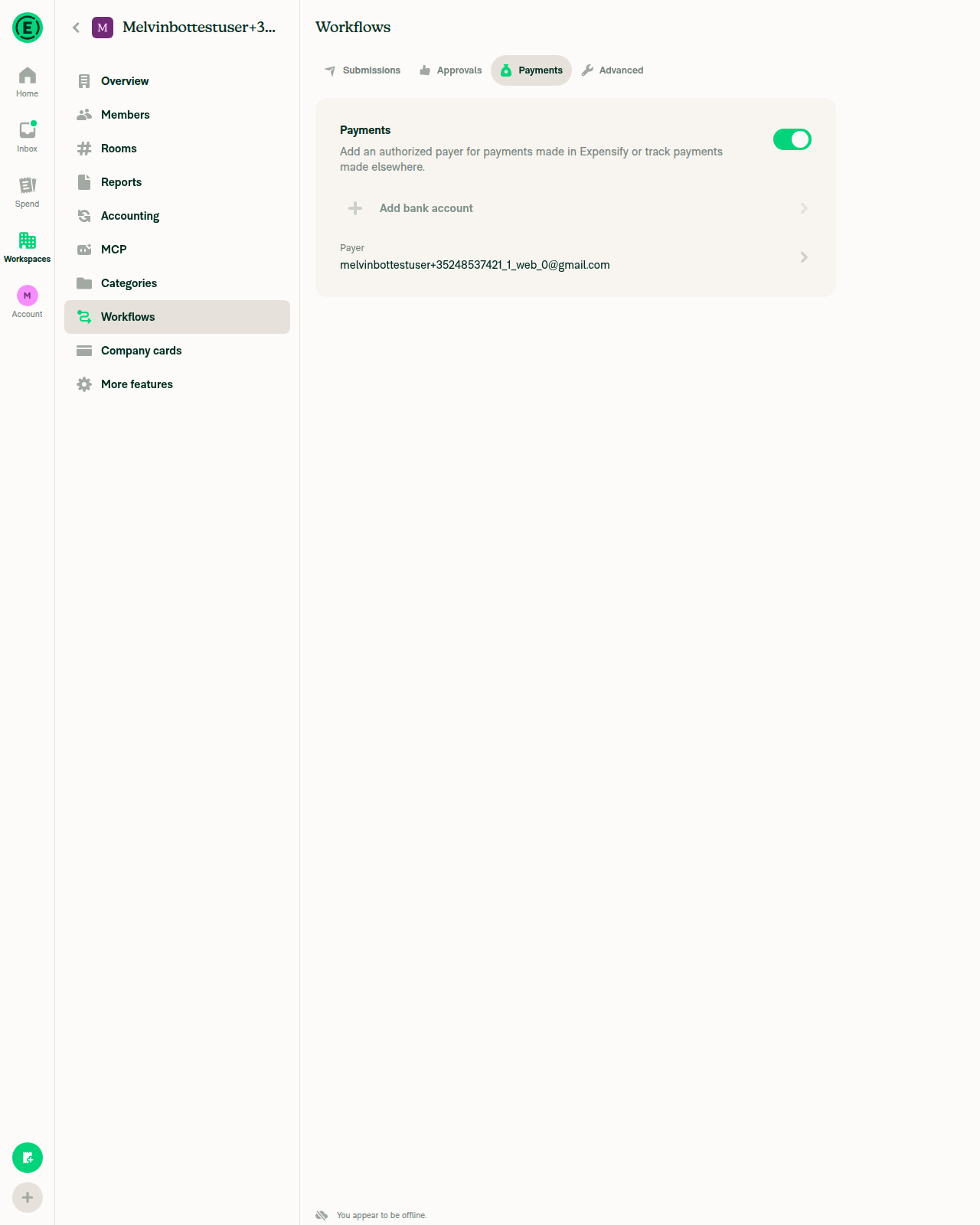


Reviewer Checklist
Screenshots/VideosAndroid: HybridAppAndroid: mWeb ChromeiOS: HybridAppiOS: mWeb SafariMacOS: Chrome / SafariScreen.Recording.2026-09-18.at.17.39.20.movScreen.Recording.2026-09-18.at.17.26.00.mov |
|
@MelvinBot write test steps |


|
Written — the Precondition for all of them: an account that is both a workspace admin and the workspace's reimburser, on a workspace whose connected business bank account is in the The core check is: offline, the locked bank account row on Workspace settings → Workflows → Payments is tappable and the Unlock button is enabled — matching how the same locked account already behaves on Settings → Wallet. What the steps cover and why
I did not re-run the interactive verification — both the earlier web and Android runs reached Workflows → Payments fine but the test workspace has no connected bank account, so |


|
🚧 Julesssss has triggered a test Expensify/App build. You can view the workflow run here. |

|
✋ This PR was not deployed to staging yet because QA is ongoing. It will be automatically deployed to staging after the next production release. |
|
🧪🧪 Use the links below to test this adhoc build on Android, iOS, and Web. Happy testing! 🧪🧪
|


|
🚀 Deployed to staging by https://github.com/Julesssss in version: 9.4.92-0 🚀
|
|
🤖 No help site changes are required for this PR — so I did not create a docs PR. This PR only removes an offline gate: it drops The article that covers this flow is Unlock a Business Bank Account. It already documents the correct steps — click the account with the Locked badge from Settings > Wallet or Workspaces > [Workspace Name] > Workflows > Payments, then send the message to Concierge. It never documented an offline restriction, so nothing on the help site became stale. The change makes the real behavior match what the article already says. What I checked
One unrelated nit, no PR filed: the article's step 2 says "Click Fix or Unlock account." On the bank account row the button is labeled Unlock; "Unlock account" is the label on the separate locked-Expensify-account flow. That is pre-existing and out of scope here, but worth a one-word fix if someone touches that article. Verification caveat: browser control was unavailable in this run, so I confirmed labels from the source strings rather than the live UI. @Pujan92, please review the linked help site PR and confirm it reflects the current behavior. Then mark the linked help site PR |

|
🚀 Deployed to production by https://github.com/lakchote in version: 9.4.92-8 🚀
Bundle Size Analysis (Sentry): |


Explanation of Change
On Workspace settings → Workflows → Payments, the connected bank account row was gated behind
!isOffline, so while offline the row was greyed out and the Unlock button on aLOCKEDaccount was disabled. The same locked account on Settings → Wallet is tappable offline, becausepressLockedBankAccountonly writes optimistic Onyx data — the realInitiateBankAccountUnlockrequest fires later fromuseBankAccountUnlockEffectas a persistedAPI.writethat queues and sends on reconnect. The gate was blocking a flow that works offline everywhere else.This removes
isOfflinefrom the two places that gate the row:canInteractWithBankAccountRow— feeds the row'sonPressand the Unlock button'sisActionDisabled.disabledprop on the row'sMenuItem— an independent gate that greys the row out.Both had to go:
MenuItemchecksdisabledseparately fromonPress, so changing only one leaves the row either un-greyed but inert, or pressable but still visually disabled with a disabled Unlock button.Every other offline restriction on the tab is untouched, including the "Add bank account" button's own
isOfflinegate, which was explicitly left out of scope.isOfflineis still used elsewhere in the component.AI Tests
Run locally on this branch:
npm run lint-changed— passnpm run typecheck— passnpm run spell-changed— passnpm run react-compiler-compliance-check check src/pages/workspace/workflows/tabs/WorkflowsPaymentsTab.tsx— passnpm test -- --testPathPattern "WorkspaceWorkflows|BankAccount|PaymentMethod|Workflow"— 26 suites / 478 tests pass, including the newtests/ui/WorkspaceWorkflowsLockedBankAccountTest.tsxThe new test renders the Payments tab with a
LOCKEDworkspace bank account while offline and asserts that the reimburser's Unlock press writesINITIATING_BANK_ACCOUNT_UNLOCKand navigates to Concierge, and that a non-reimburser gets no Unlock action. It was confirmed to fail againstmain's version of the component and pass with this change.Not run: interactive browser verification. The automated web session in this run never rendered (blank page, unrelated infra failure), and reproducing this by hand needs a workspace whose connected business bank account is in the
LOCKEDstate, which a standard test account can't reach.Fixed Issues
$ #99082
PROPOSAL: #99082 (comment)
Tests
Precondition: an account that is a workspace admin and the workspace's reimburser, on a workspace whose connected business bank account is in the
LOCKEDstate (the linked issue used applausetester+lockedba@applause.expensifail.com). The locked row is what this PR changes, so it can't be exercised without one.InitiateBankAccountUnlockrequest was sent on reconnect.Regression checks
OPEN(Active),PENDING(Confirm) orSETUP(Finish) state, verify the badge, the action, and their online/offline behavior are unchanged.Offline tests
This PR is entirely about offline behavior, so the offline path is steps 3-9 and 12-13 above. In addition:
QA Steps
Same as the Tests section above, run on staging.
QA needs an account whose workspace has a connected business bank account in the
LOCKEDstate and where the tester is the workspace's reimburser — applausetester+lockedba@applause.expensifail.com from the linked issue has this setup. Without aLOCKEDaccount the row under test never renders.The core check is steps 3-5: offline, the locked bank account row on Workspace settings → Workflows → Payments must be tappable and the Unlock button must be enabled, matching how the same locked account already behaves on Settings → Wallet.
PR Author Checklist
### Fixed Issuessection aboveTestssectionOffline stepssectionQA stepssectionAvatar, I verified the components usingAvatarare working as expected)StyleUtils.getBackgroundAndBorderStyle(theme.componentBG))npm run compress-svg)Avataris modified, I verified thatAvataris working as expected in all cases)Designlabel and/or tagged@Expensify/designso the design team can review the changes.mainbranch was merged into this PR after a review, I tested again and verified the outcome was still expected according to theTeststeps.Screenshots/Videos
Android: Native
Android: mWeb Chrome
iOS: Native
iOS: mWeb Safari
MacOS: Chrome / Safari